Vavus AI
Vavus AI translation tools — glossary, memory, phrasebook, batch translation
Keep translation assets, glossary, memory, phrasebook, and batch work in one place.
Duration: 30 seconds. Download MP4.
What this demo shows
This 30-second feature reel shows the newer Vavus AI translation workspace. The Language Assets dashboard leads into glossary management, translation memory, saved phrasebook entries, and batch translation. It is designed for repeated multilingual work where names, phrases, preferred translations, and reusable terminology need to stay consistent across documents, messages, and everyday translation flows.
More Vavus demos
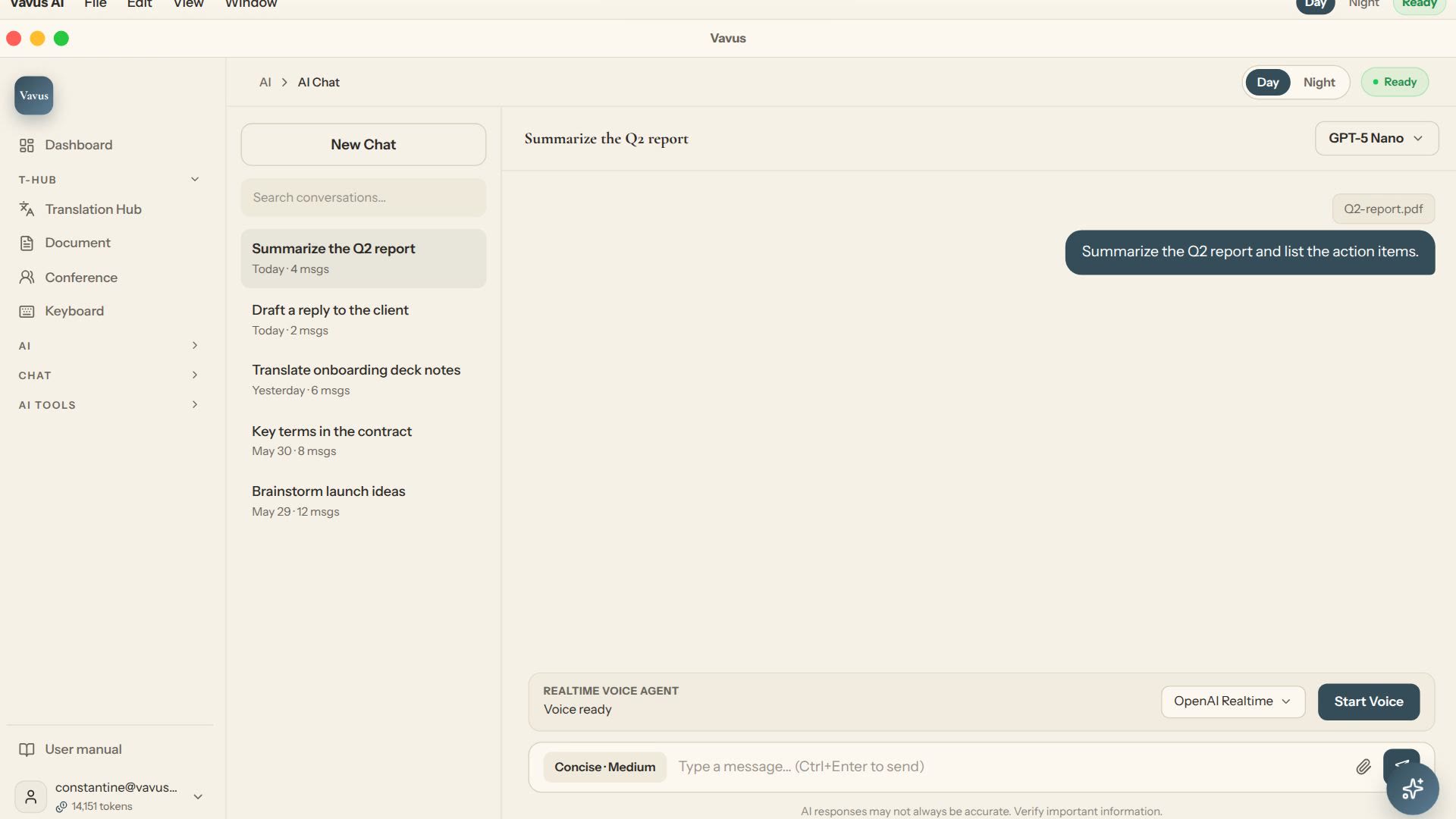
Vavus AI chat — multilingual writing and reasoning
Ask, draft, translate, and refine without leaving the Vavus AI workspace.
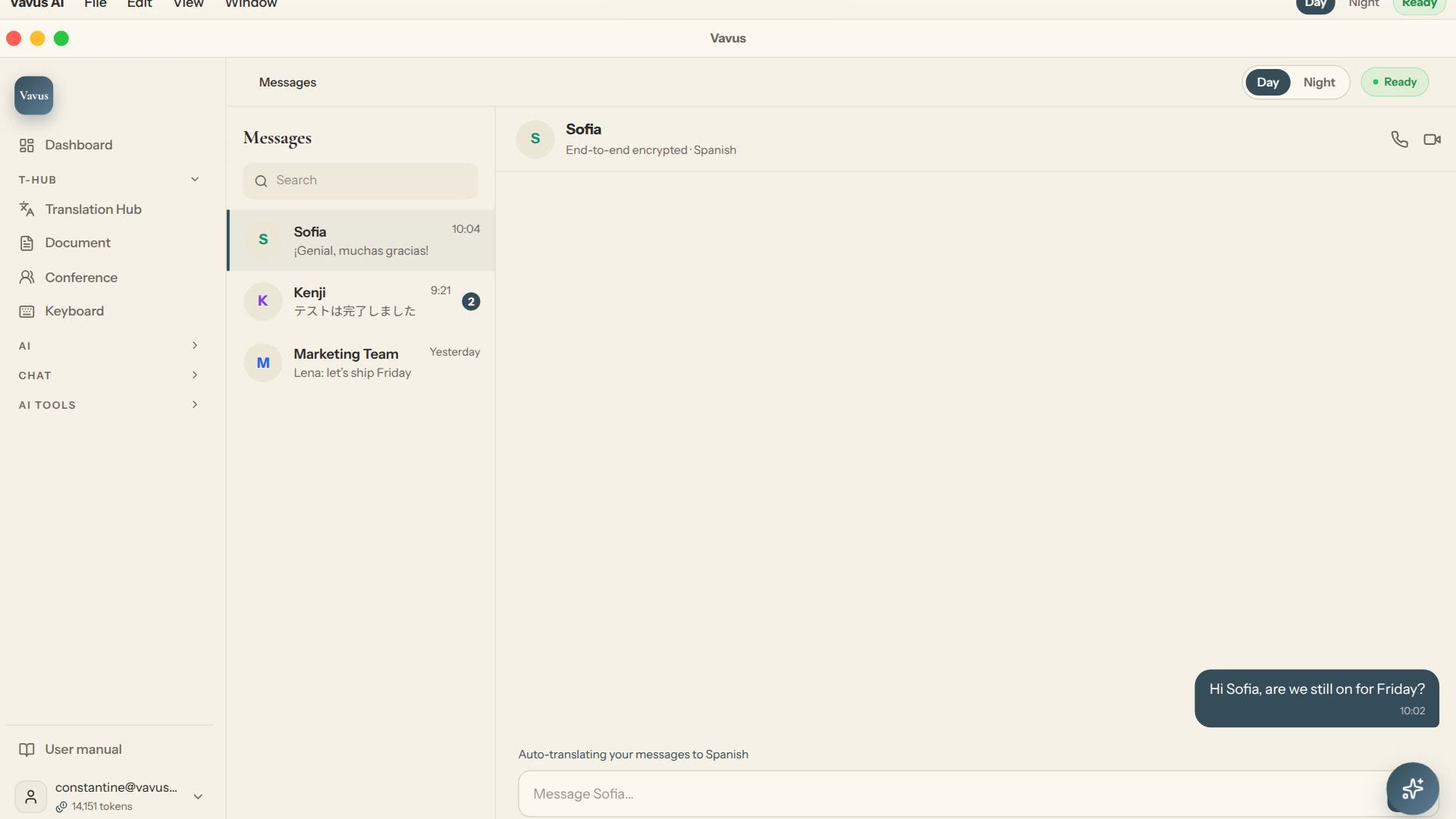
Vavus AI multilingual messaging — translated conversations
Message across languages while the conversation stays readable on both sides.
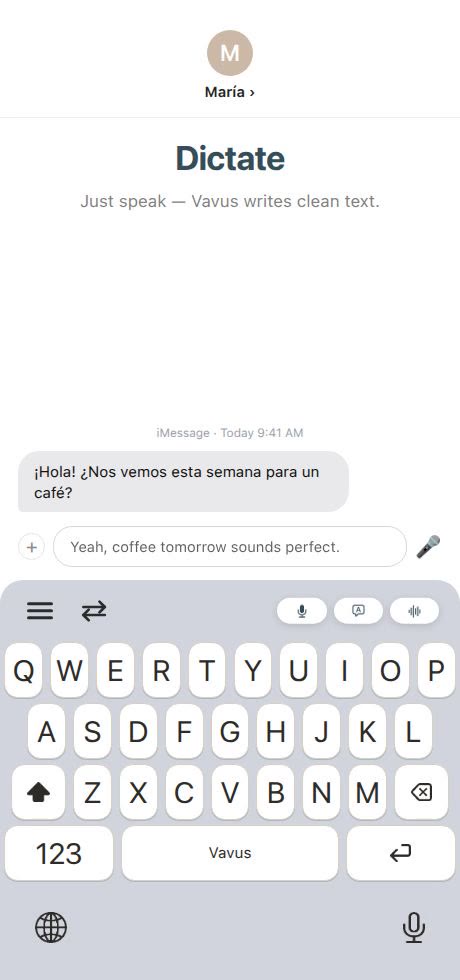
Vavus Keyboard — dictation, translation, and AI in any app
Dictate, translate, reverse-translate, and ask AI without leaving the app where you type.