Create or sign in
Use the same Vavus account in the web app, mobile apps, desktop apps, and keyboard clients.
Documentation
Start here for setup, translation modes, speech models, keyboard access, the Concierge agent, billing, security posture, and support paths across Vavus AI, Vavus Keyboard, Vavus Concierge, and VClaw.
User manual
Current setup, billing, security, and workflow references for the public Vavus apps.
iPhone and Android setup — Home, Translation Hub, Calls, Messages, Documents, Settings.
Open manual →macOS, Windows, Linux, and the web app — Dashboard, Translation Hub, History, Settings.
Open manual →Standalone keyboard app on iPhone and Android — setup, dictation, in-place translation.
Open manual →Desktop keyboard — global hotkeys (Ctrl+D / Ctrl+T / Ctrl+R), settings, themes.
Open manual →200+
Languages
100+
Speech coverage
100+
Voices
10
Translation modes
Start
Use the same Vavus account in the web app, mobile apps, desktop apps, and keyboard clients.
Use Download for iOS, web, macOS, Windows, Linux, and standalone keyboard installers as listings become public.
Pick source and target languages in the app. Translation supports 200+ languages; speech-to-text and text-to-speech each cover 100+.
Products
Translation Hub, AI chat, messaging, calls, files, history, account, billing, and settings from mobile, web, and desktop.
Open product docsSystem keyboard and desktop hotkeys for dictation, inline translation, reverse translation, and 50+ layouts.
Open product docsThe customer-service agent: one script tag on your site, chat and voice in the browser, answers from your own sources.
Open product docsWaitlist-only assistant workspace for persistent cloud memory and reviewed task workflows.
Open product docsTranslation
Type or paste text and translate between selected source and target languages.
Speak continuously and receive translated output with live transcript updates.
Run multi-participant sessions where each speaker can keep their preferred language.
Use two-lane real-time translation when two languages need to stay visible at once.
Record audio for transcription, translation, and later history review.
Translate uploaded text documents and preserve a usable output structure.
Extract text from images, then translate the extracted content.
Use device-side language packs where supported by the app and platform.
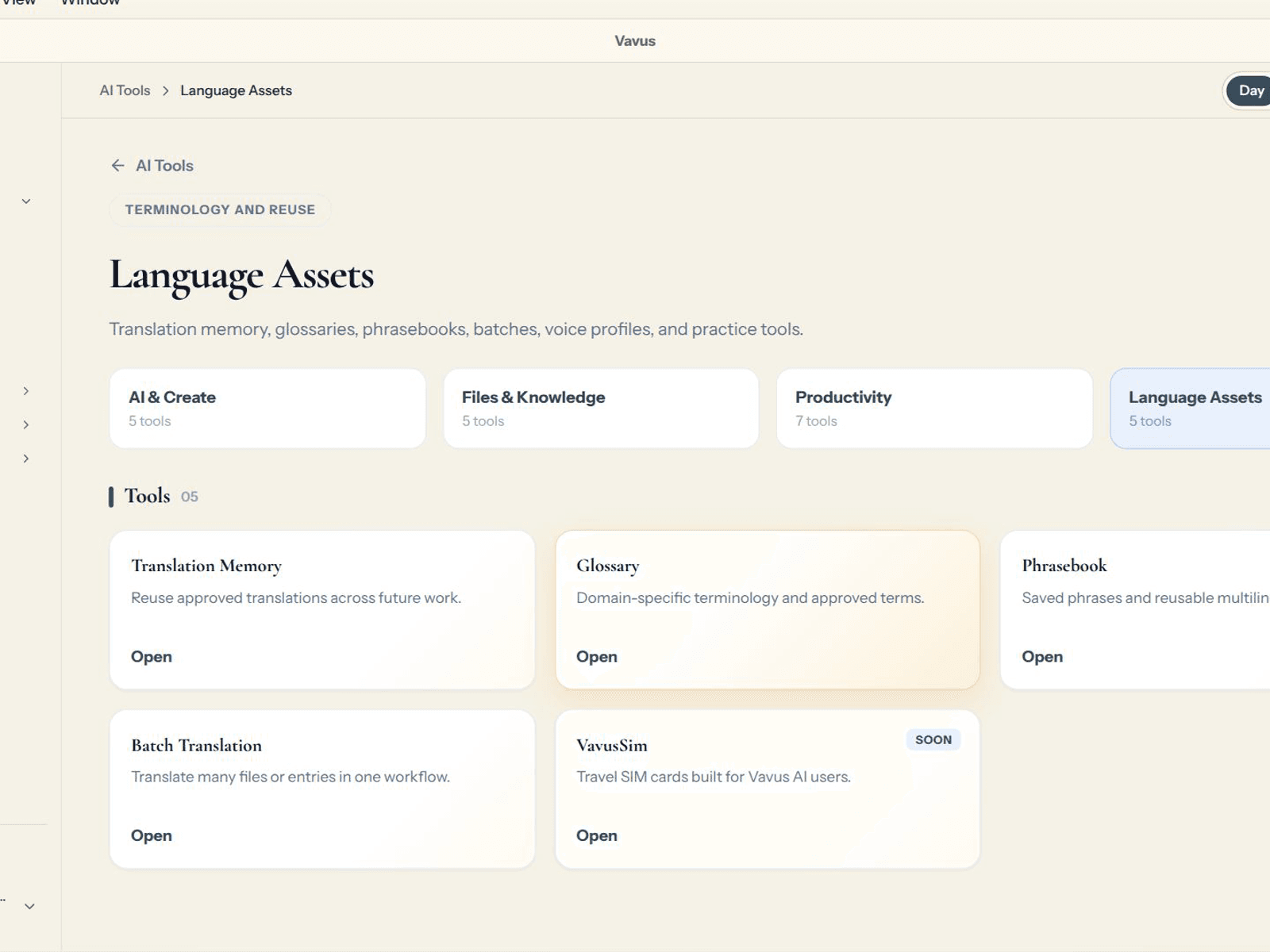
Save recurring phrases, preferred terminology, and translation memory for repeat work.
Speech
The standard speech route is built for broad multilingual streaming.
V-Translate is the fast sentence-by-sentence path; Vavus AI understands the full context.
Some specialized tiers fall back to the standard speech path when the selected language is outside their native set.
Broad multilingual streaming speech with automatic language detection.
Higher-accuracy streaming paths for selected business languages, with standard fallback outside native coverage.
Higher-accuracy speech recognition for selected workflows.
Clinical vocabulary support for reviewed healthcare workflows.
A review step for clinical, legal, safety, financial, or other sensitive output.
Keyboard
Open Settings, go to General, Keyboard, Keyboards, Add New Keyboard, choose Vavus Keyboard, then enable Allow Full Access.
The Android listings are not public yet. Use iOS, web, macOS, Windows, or Linux while they are prepared.
Install the desktop client, sign in, grant microphone and accessibility permissions, then use Ctrl+D, Ctrl+T, and Ctrl+R where supported.
Concierge
Paste one script tag before the closing body tag: <script src="https://vavusai.com/api/LT/concierge-widget.js" data-widget-key="cwk_…"></script> — visitors type or start a voice call in the browser.
Asking for a person stops the agent. Asking twice, an uncovered question, a failed tool, or closing time escalates by your rules — live takeover, warm transfer, or a message taken.
Connect tools once and the agent can look up an order, book a slot, or send a payment link mid-conversation — limited to the tools you connected.
Website widget, a hosted page with a printable QR, your own Twilio number or any phone system through the SIP door, WhatsApp on your own Meta app, SMS, Telegram, and email.
Documents, your website on a refresh schedule, price lists, transcribed calls, and past support threads. Matching emails, phone numbers, card patterns and identifiers are masked before indexing.
The agent greets, prompts, and speaks in 80 languages; eight are written by hand and the rest are translated. Callers can switch language mid-conversation.
Live conversations you can listen to, transcripts with the source behind each answer, opt-in recordings, caller ratings, insights, and a Monday-morning digest.
Invite the people who work the desk; roles decide what each one sees.
Every conversation draws tokens on the same ledger as the rest of your account. The plan includes 50,000 tokens the first month and 15,000 each month after.
Account and billing
10,000 monthly tokens, all translation modes, and app access.
35,000 monthly tokens, priority support, and higher usage room.
120,000 monthly tokens, organization controls, SSO, audit logs, and procurement review.
Standalone unlimited keyboard usage with no monthly token cap.
One-time token packs can be purchased in the app or desktop client and do not expire.
Vavus AI app plans include a 3-day trial with starter tokens. The Keyboard plan includes a 3-day trial for unlimited keyboard usage. Purchases happen inside the apps or desktop clients.
Security
Data paths use TLS in transit and AES-256 at rest where platform storage is used.
Approved clinical workflows use BAA-backed review, shorter sessions, idle timeout, and PHI handling controls.
Healthcare and enterprise workflows can use audit retention for security review.
Enterprise review can cover managed cloud, regional requirements, or on-premises deployment.
Privacy and data deletion are handled from the app-hosted policy and account areas.
Organization roles, SSO, usage visibility, and security documentation are available through enterprise review.
Healthcare use starts with workflow review before PHI-enabled usage is approved.
Support
Use the app support page for account, billing, installation, and product help.
Use the billing page for plan status, token packs, invoices, and subscription changes.
Use this page to jump into product-specific guides, setup references, and release notes.