Vavus AI
Vavus AI chat — multilingual writing and reasoning
Ask, draft, translate, and refine without leaving the Vavus AI workspace.
Duration: 24 seconds. Download MP4.
What this demo shows
This 24-second feature reel shows the Vavus AI chat workspace. A user works inside a multilingual prompt thread, sends a request, and receives a generated response in the same product surface used for translation, messaging, and account history. The clip is intentionally short enough for inline product pages while still showing the real app interface and response flow.
More Vavus demos
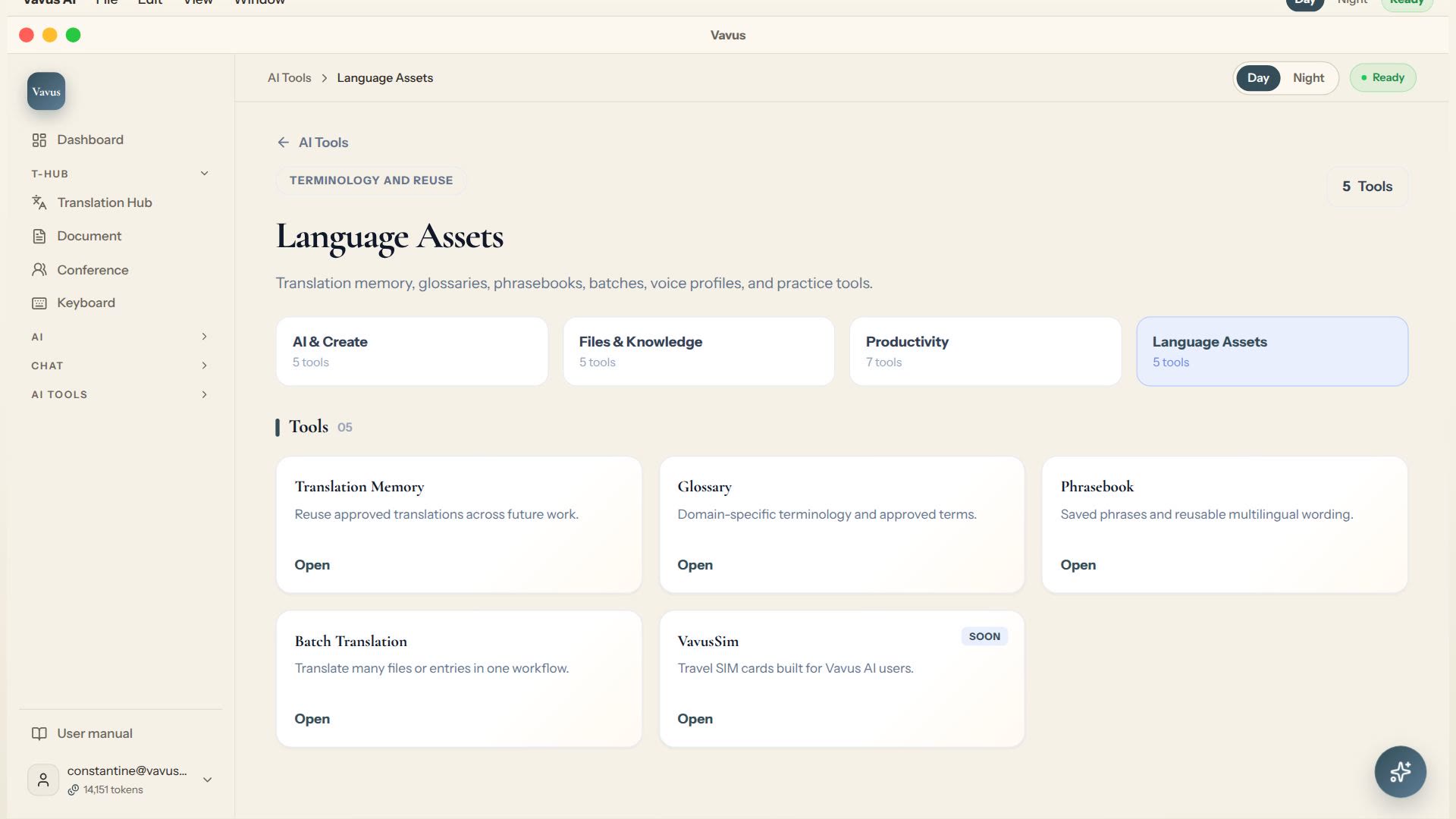
Vavus AI translation tools — glossary, memory, phrasebook, batch translation
Keep translation assets, glossary, memory, phrasebook, and batch work in one place.
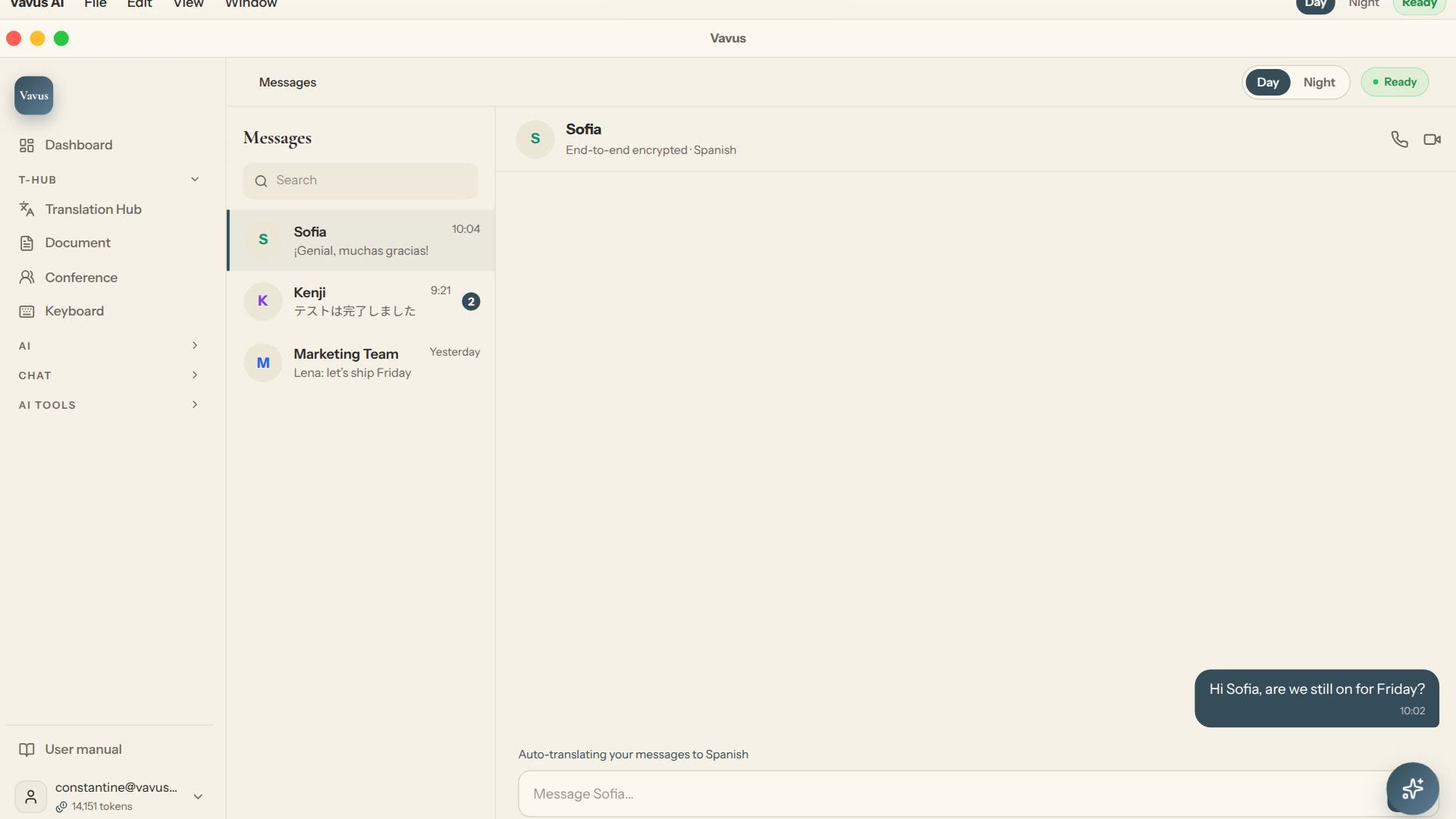
Vavus AI multilingual messaging — translated conversations
Message across languages while the conversation stays readable on both sides.
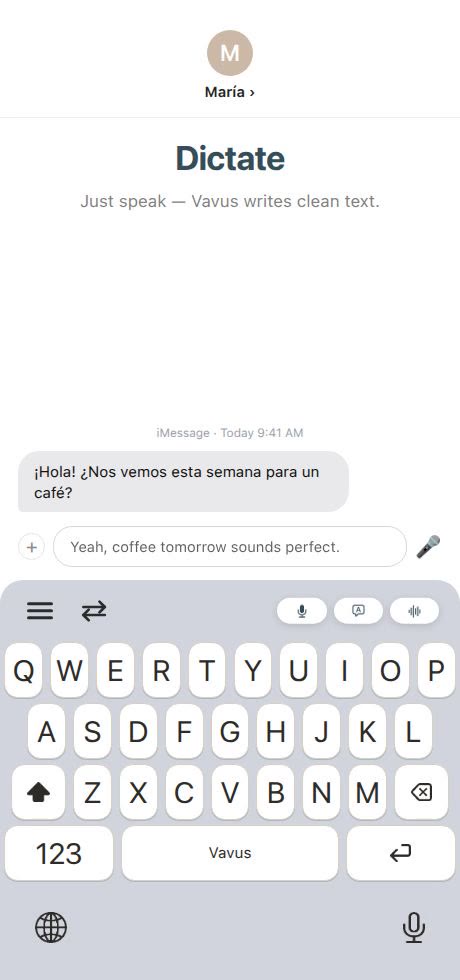
Vavus Keyboard — dictation, translation, and AI in any app
Dictate, translate, reverse-translate, and ask AI without leaving the app where you type.