Be understood anywhere.
Talk with the person in front of you, even when you don't share a language. You speak, and they hear you in theirs.
- Excuse me, how do I get to the train station?
- Mi scusi, come arrivo alla stazione dei treni?
- ok so um i finished the report finally and uh its actually really good i think the client is gonna love it lets ship it tomorrow
- Okay, so I finished the report finally, and it's actually really good. I think the client is gonna love it. Let's ship it tomorrow.
- Hi, are you open on Sunday?
- Yes, we are open on Sunday from 10 a.m. to 4 p.m.




3 platforms for everyone, 30+ for enterprises
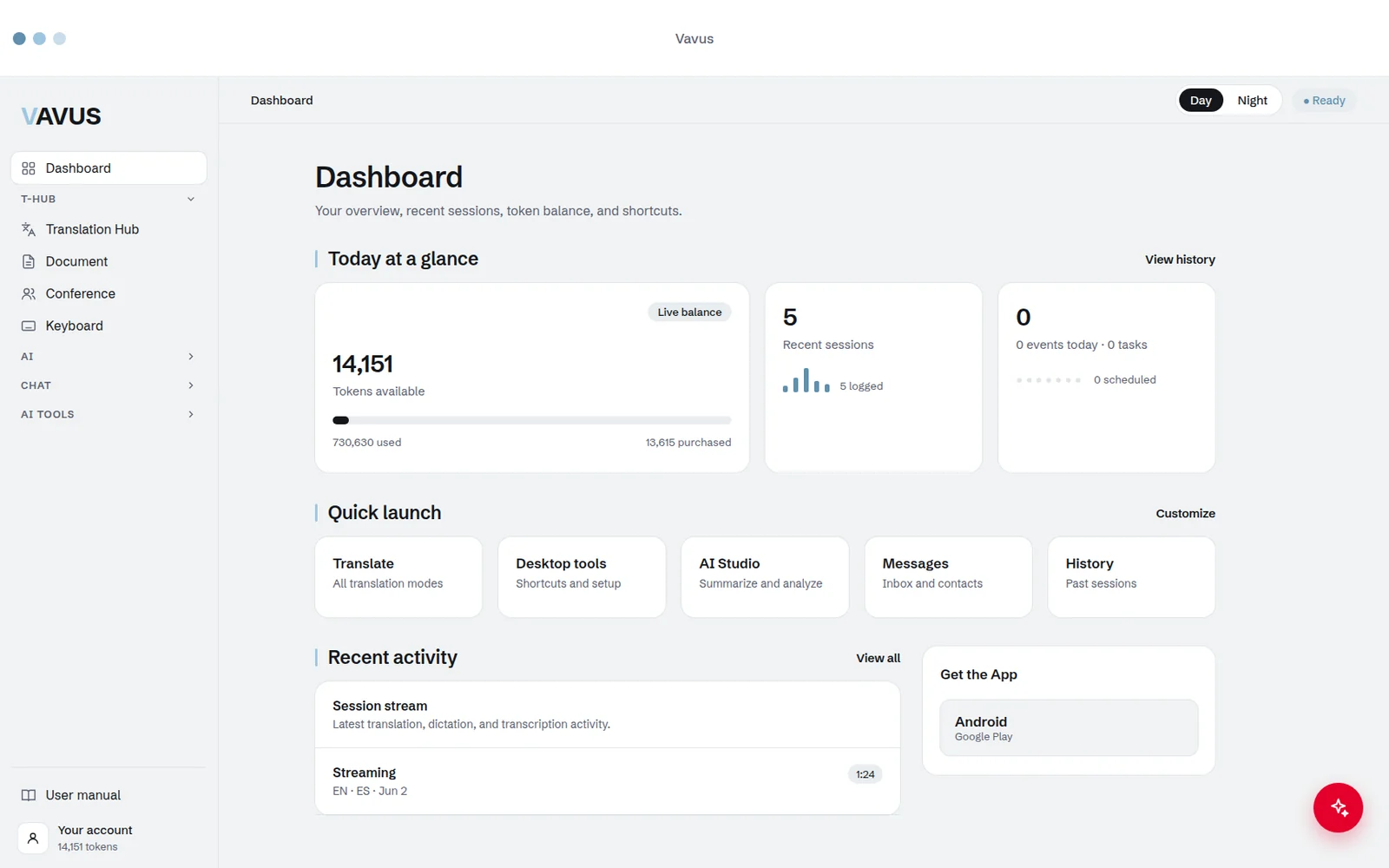
Vavus AI
Call your landlord, read a letter from the bank, or chat with family abroad, all in your own language.
Vavus Keyboard
Talk instead of typing in any app on your phone or computer. It cleans up what you said, translates it, or lets AI rewrite it before you send.
Vavus Concierge
Your customers get answers by phone, chat or on your website, any time of day. When they need a person, Concierge passes them to your team.
Talk once, then choose how it comes out. The same words can go to a client as a polite email or to a friend as a quick text.
Okay, so I finished the report finally, and it's actually really good. I think the client is going to love it. Let's ship it tomorrow.
Okay, so I finished the report finally, and it's actually really good. I think the client is gonna love it. Let's ship it tomorrow.
ok so i finished the report finally and its actually really good i think the client is gonna love it lets ship it tomorrow
Okay, so I finished the report finally, and it's actually really good! I think the client is gonna love it. Let's ship it tomorrow!
 AI-generated illustrative scene.
Where you can use Vavus.
Travel
Order, book, navigate, and message without losing meaning in the moment.Work
Dictate notes, translate documents, and move conversations across web, phone, and desktop.Healthcare
Doctors and nurses can talk with patients in any language. Before patient data goes through Vavus, we review your setup and sign a HIPAA agreement with you.Enterprise
Your staff sign in with their work accounts, and every action is logged. We can run Vavus on your own servers and build what your team needs.Not sure which one fits you?
Work in your existing apps, bring your tools together, or help your customers.
This is our own Concierge agent. Ask a product question, compare the apps, or find what fits your needs.
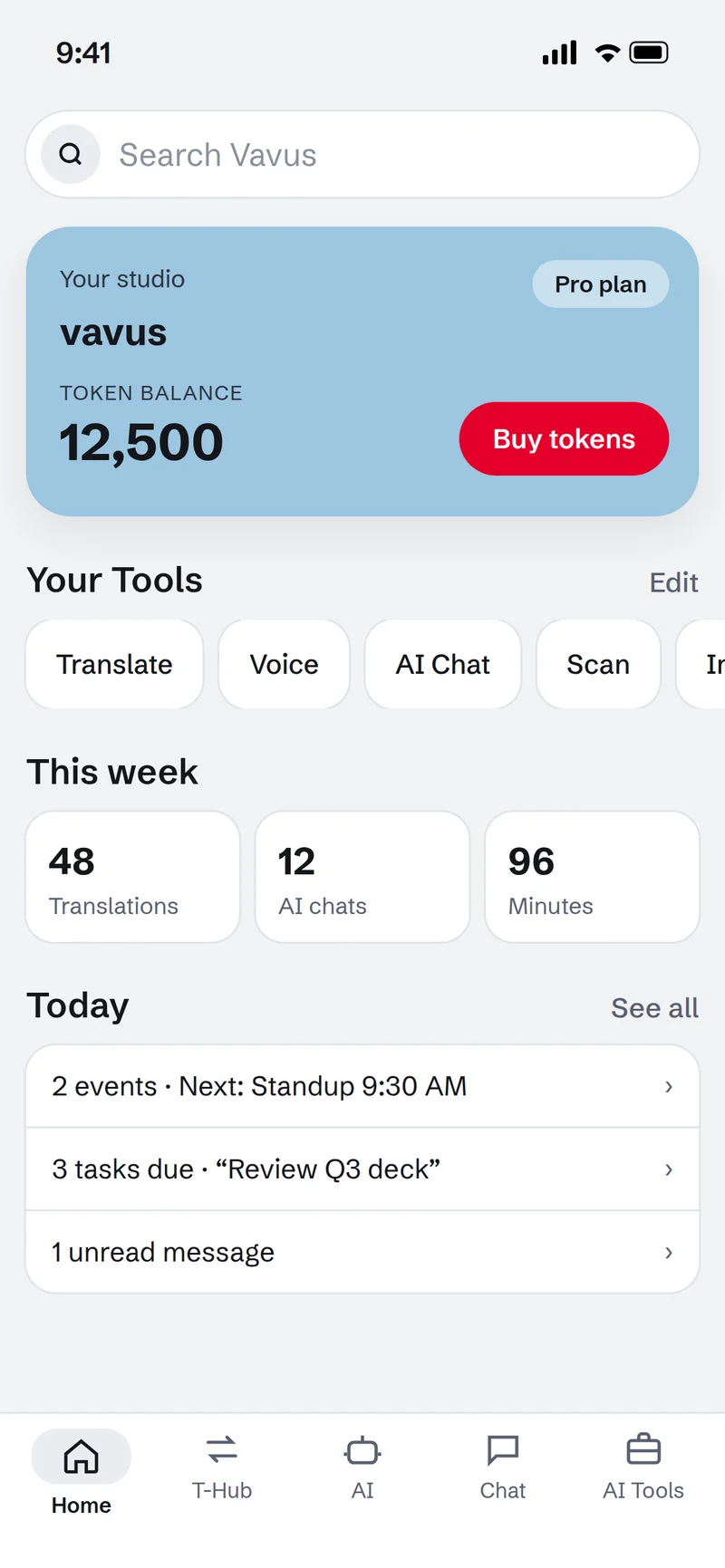
For your business
EVERY USE CASE THERE IS
If it's not here yet, we'll build it for you.
Describe what you need below, or browse the workflows Vavus actually ships.
or browse
Translation modes
Language tools
AI tools
Vavus Keyboard
Messaging & calls
Workspaces & connected tools
Sounds like you need .
Got it. We'll let you know when this is built.
That request did not go through. Please try again.
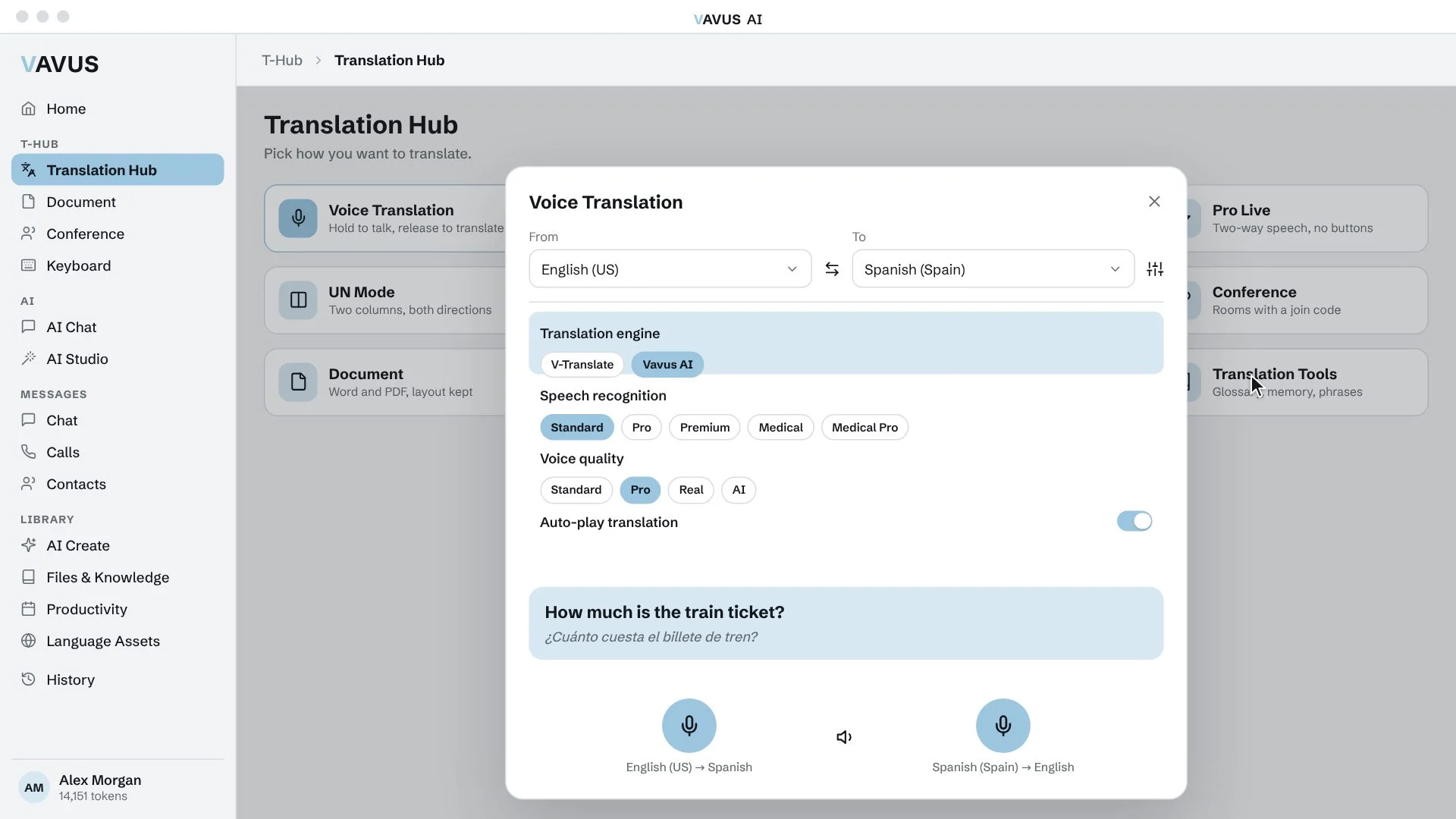
Voice Translation
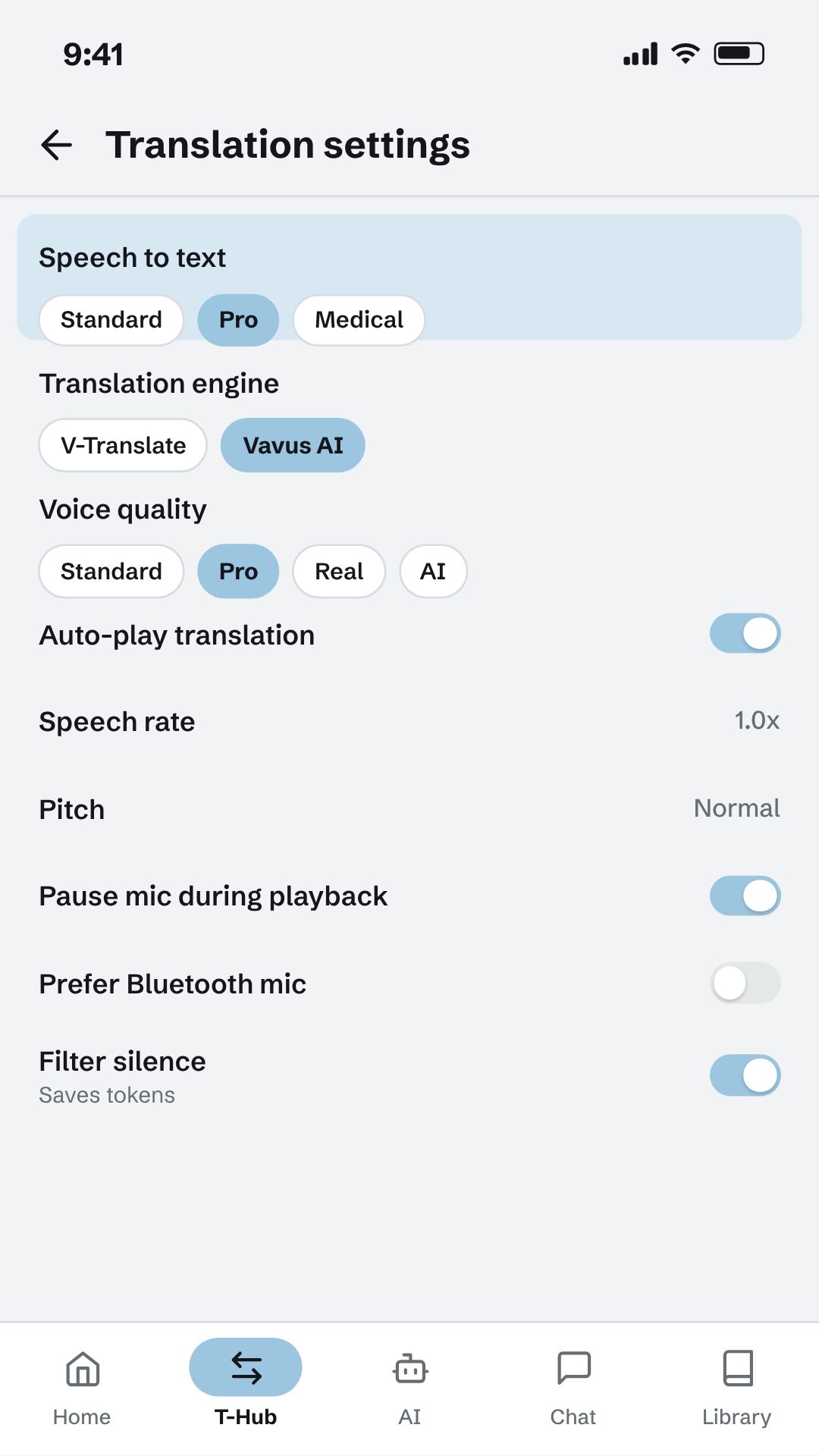
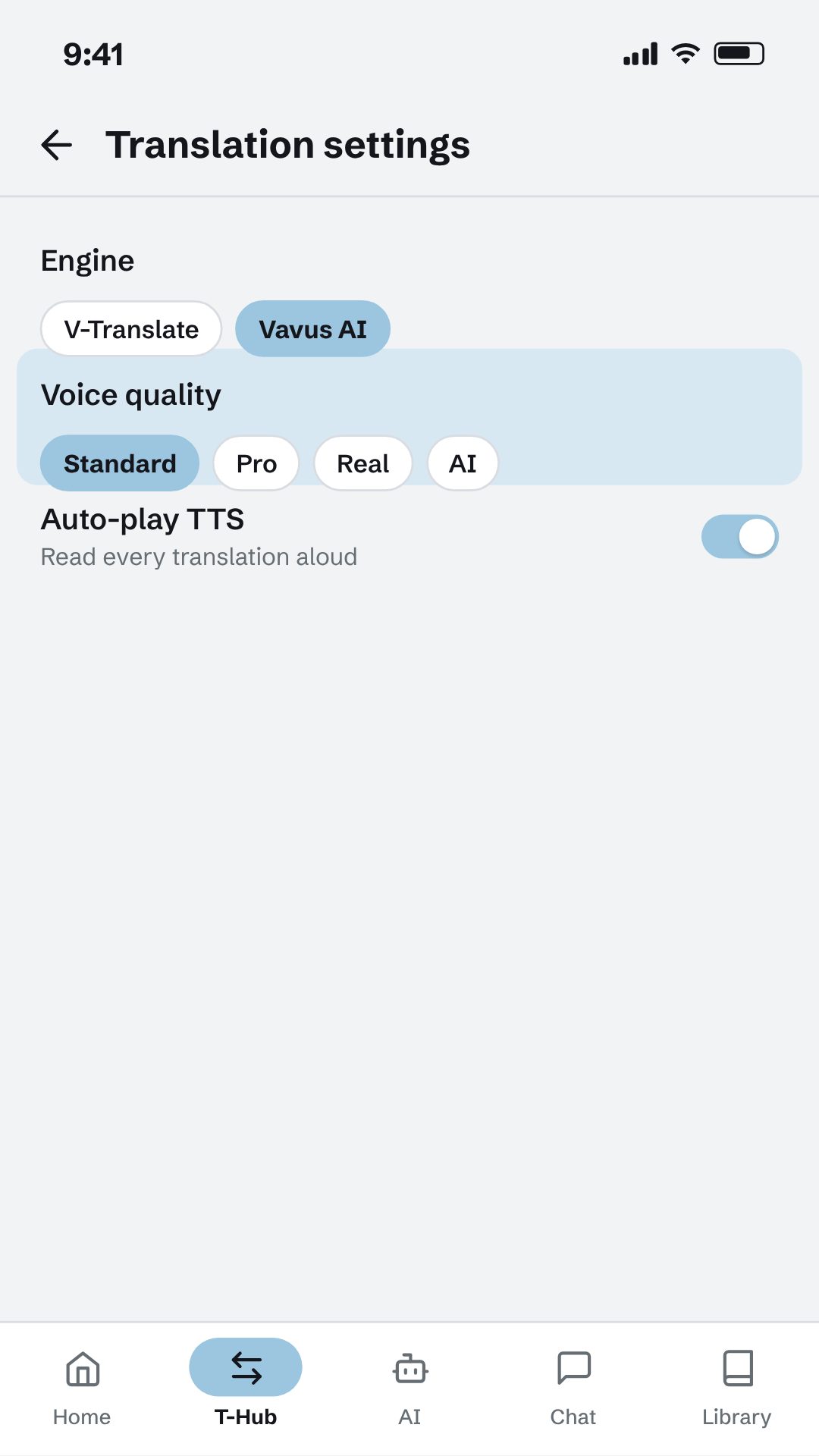
Hold the mic, say a sentence, let go — and Voice Translation speaks it back in the other person’s language a second or two later. It is the quick back-and-forth mode for a taxi, a front desk, a market stall, or a bedside chat, where you just need one turn translated and then the next. Every turn can be saved to history so you can replay or re-translate it.
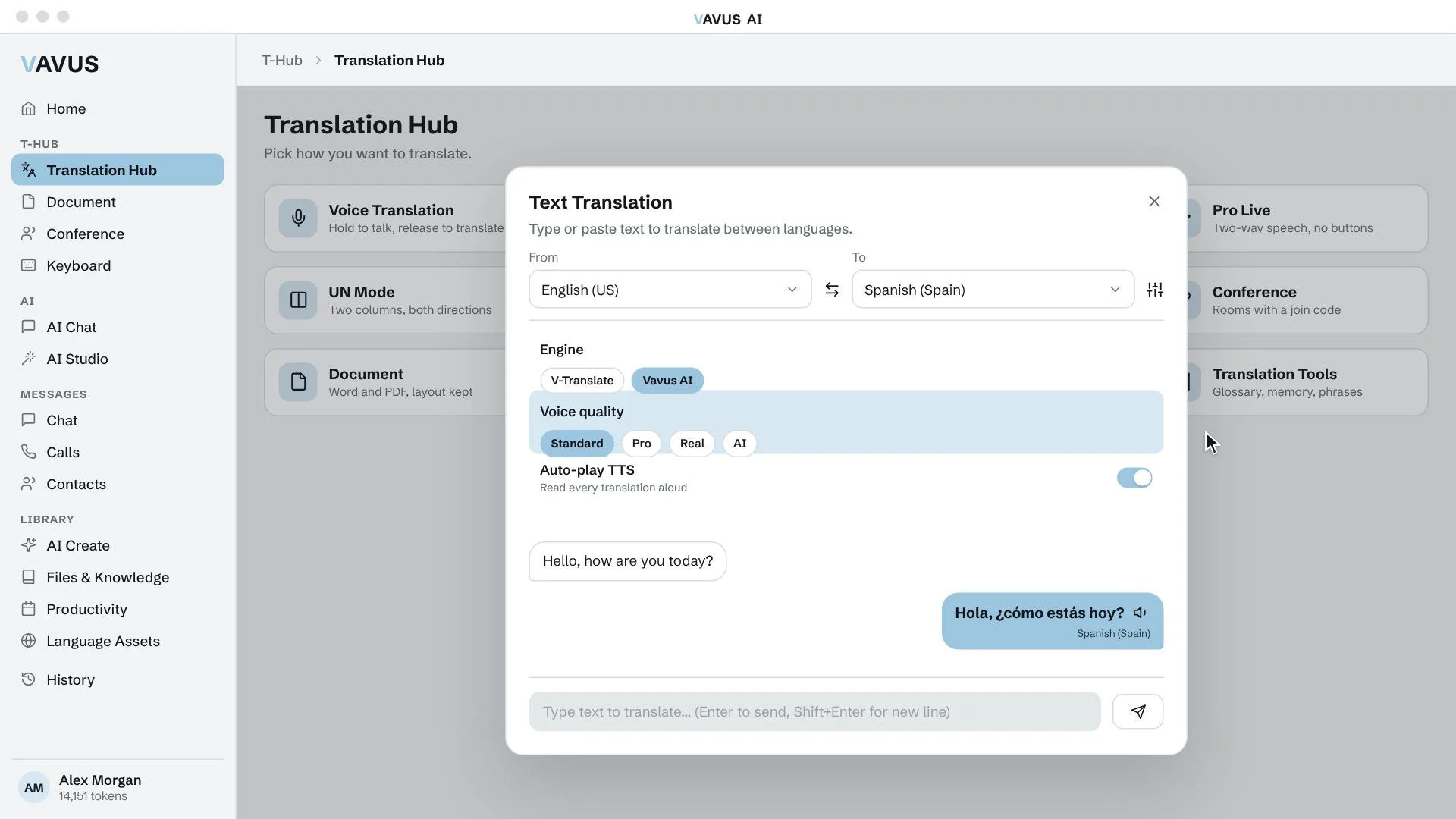
Text Translation
Type or paste any text — an email, a support reply, a paragraph from a website — pick the language, and Text Translation gives you the translated version to copy, save, or send. No microphone and no file upload; it is the fastest way to translate written words, including whatever is on your clipboard from another app.
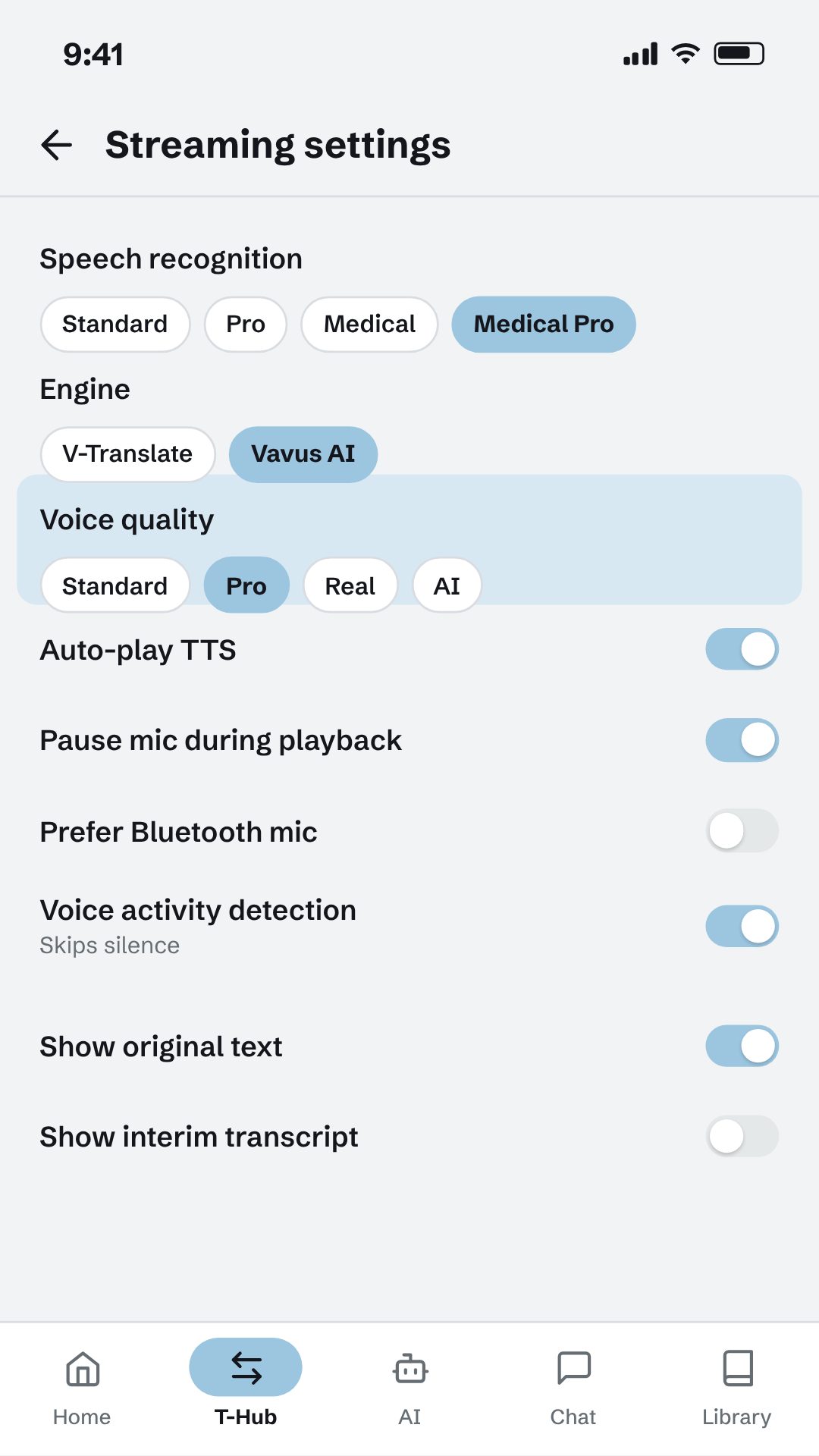
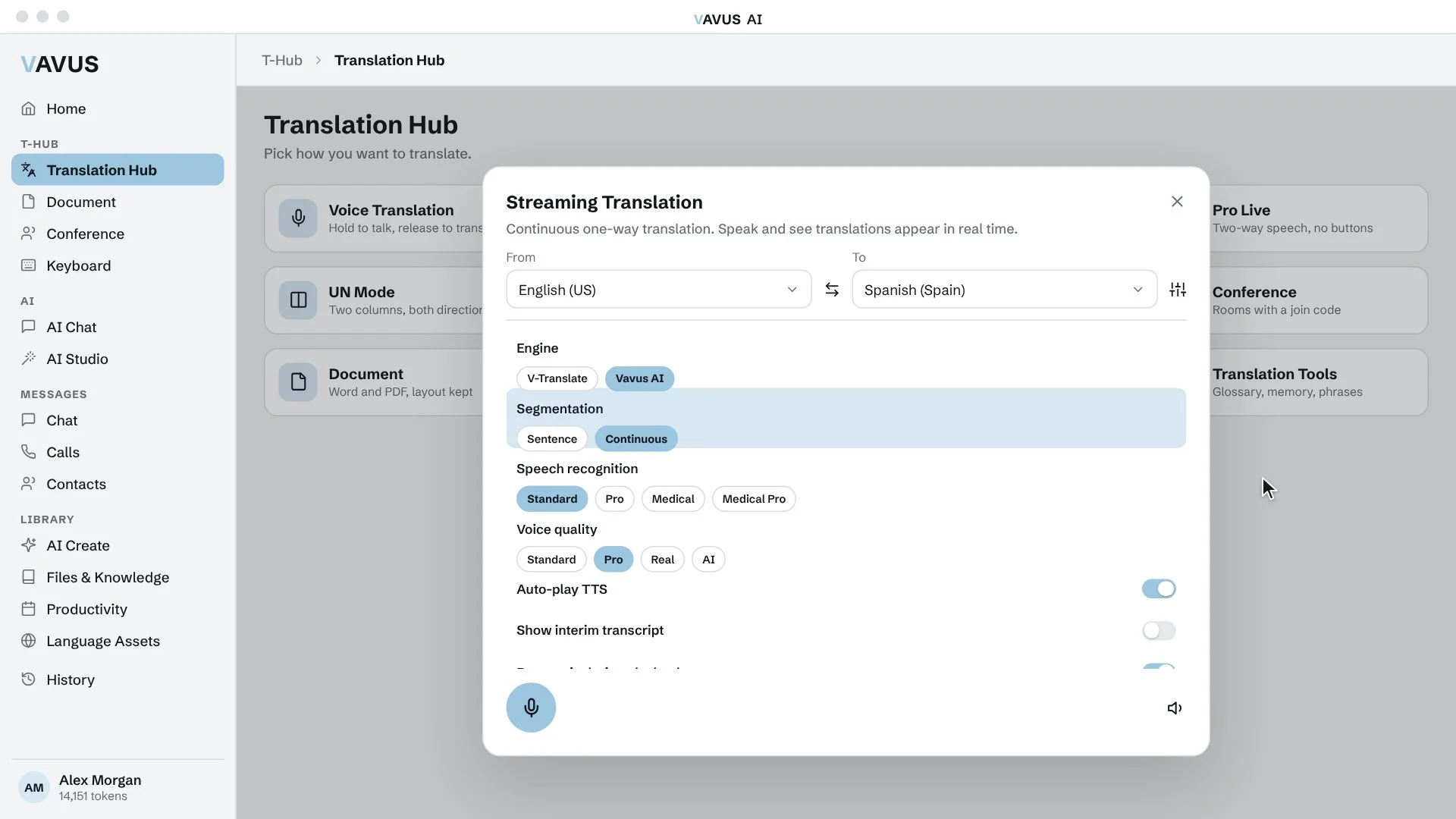
Streaming Translation
Point Streaming Translation at a live speaker and read along in your language as they talk — a church sermon, a lecture, a conference talk, a webinar, a tour guide. Audio streams continuously and the translated captions update in real time, so you can follow a one-way talk from start to finish without interrupting it. You can pin the window and keep it open beside whatever else you are doing.
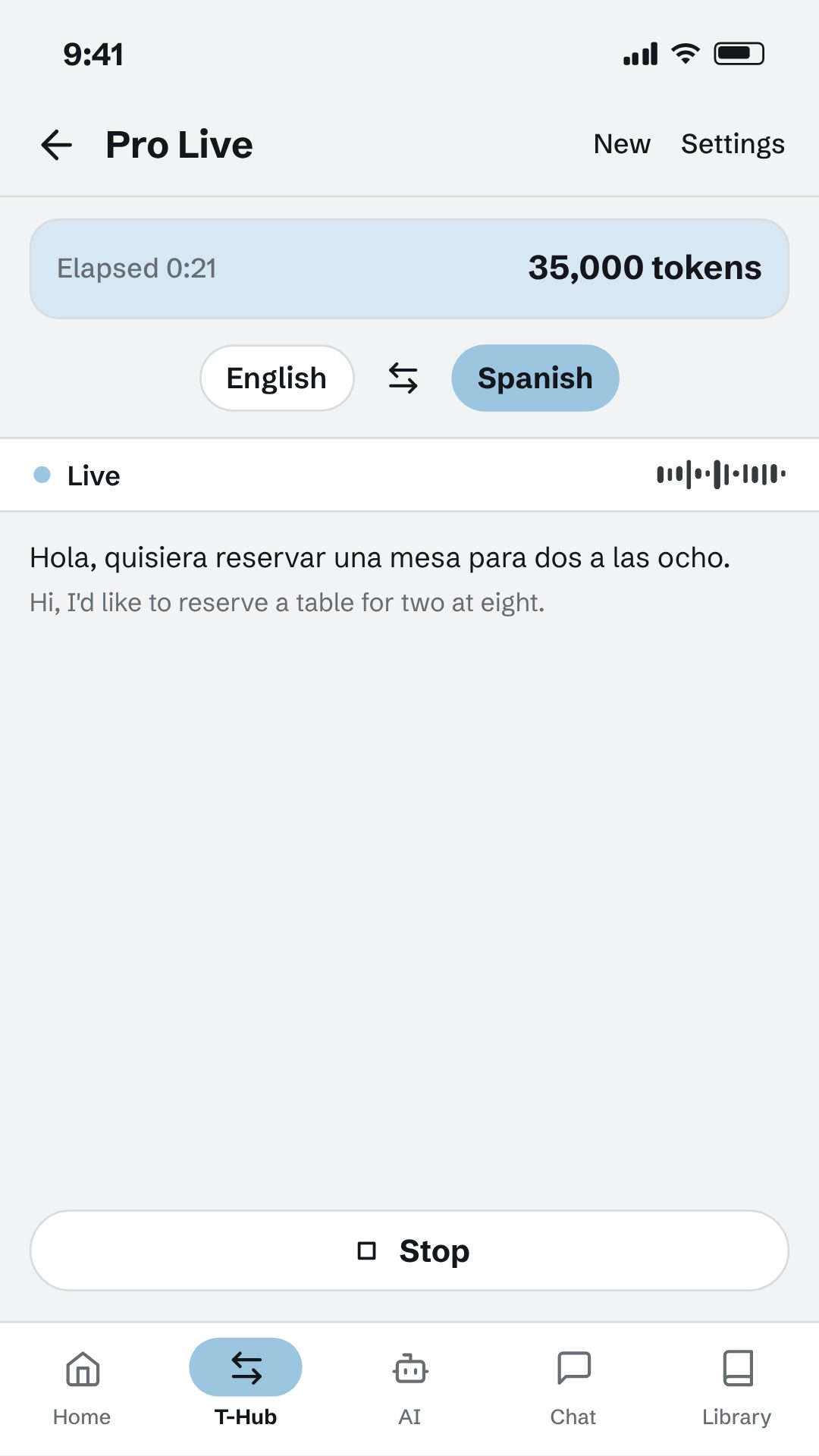
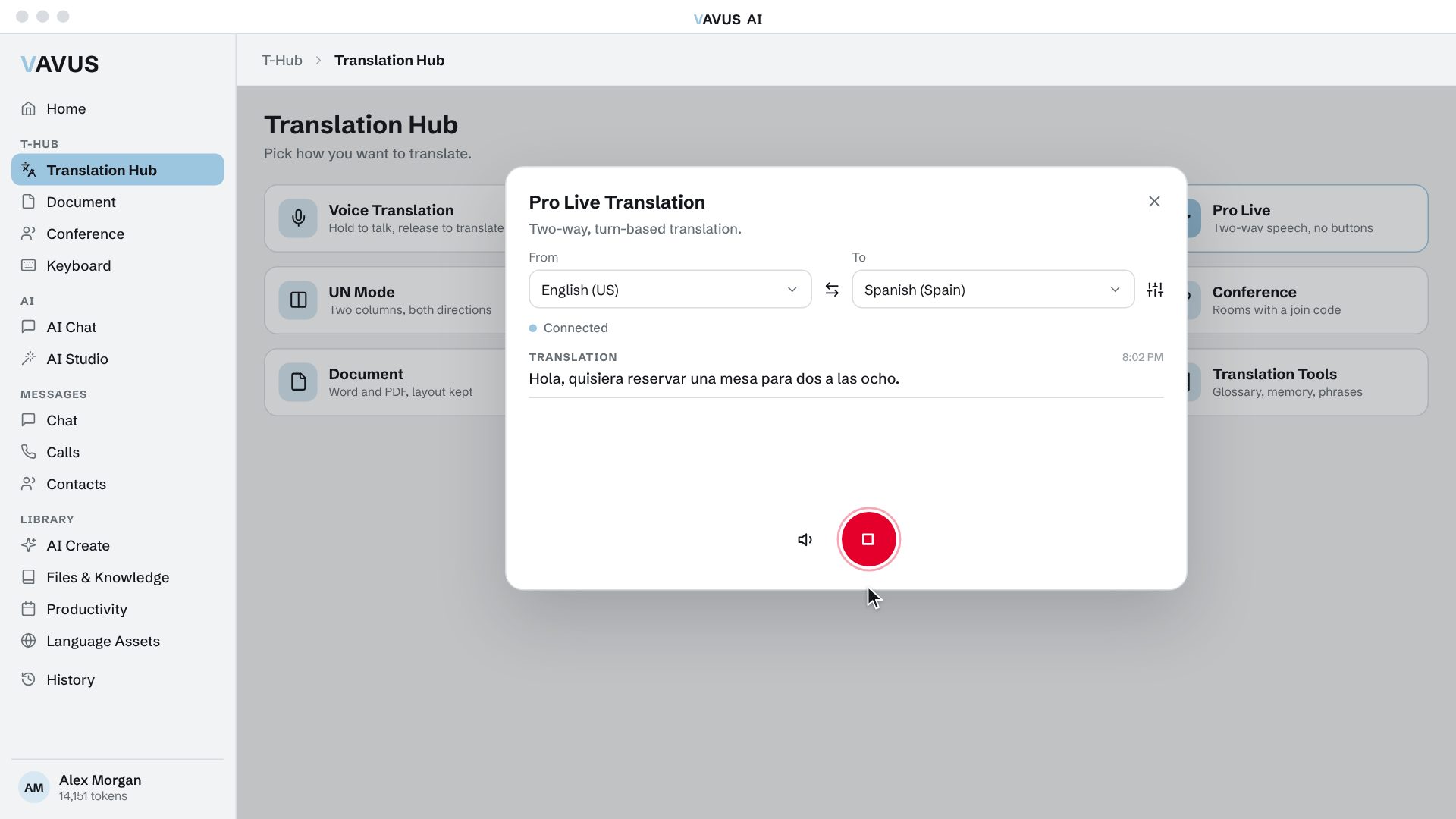
Pro Live
Pro Live is the high-stakes, two-way live mode: both people speak naturally and the AI interprets each direction in real time, with a running transcript you can read as you go. It is built for the conversations you cannot afford to get wrong — an interpreter on a call, an enterprise meeting, a clinical exchange — where low latency and accuracy matter most.
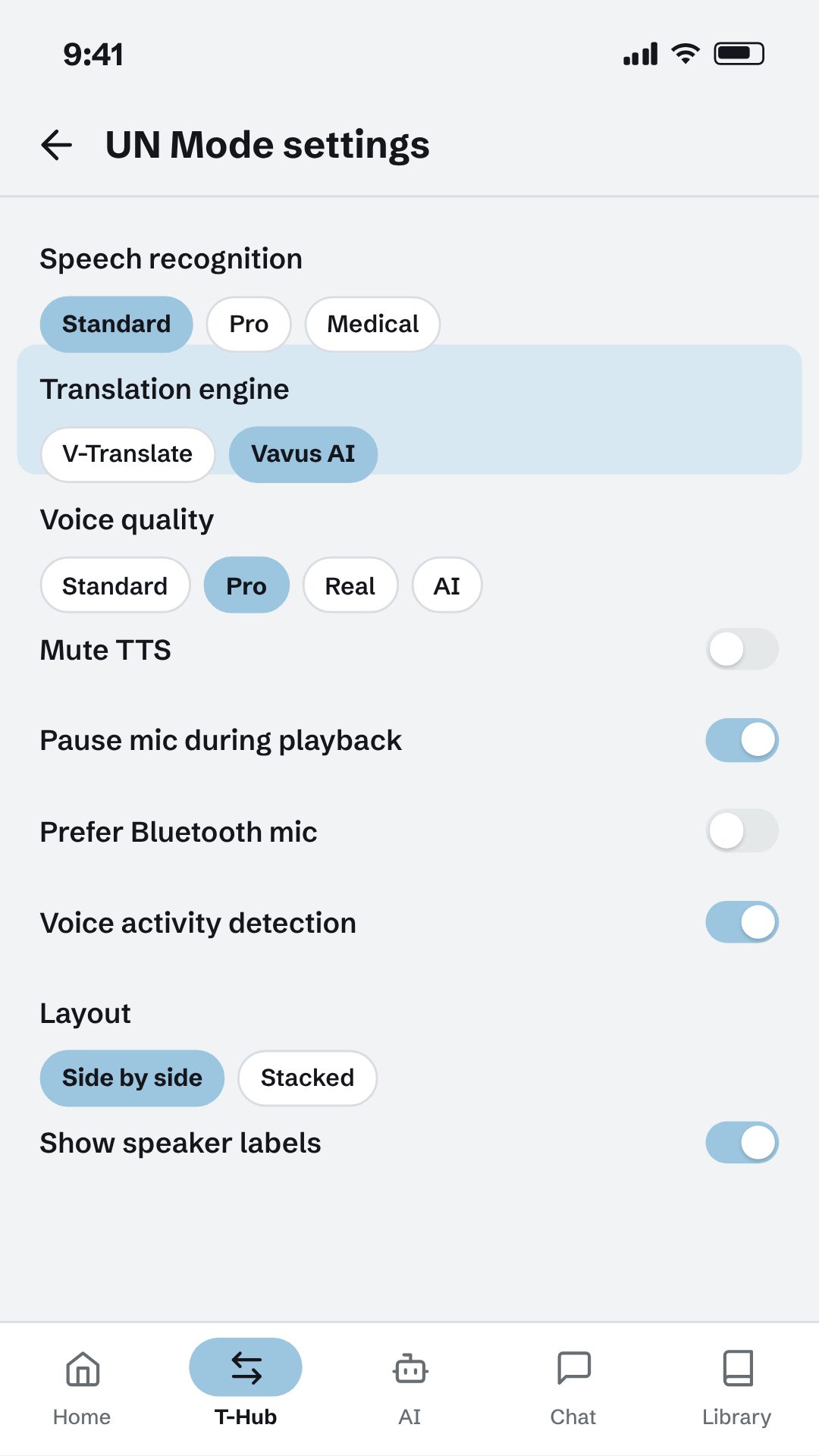
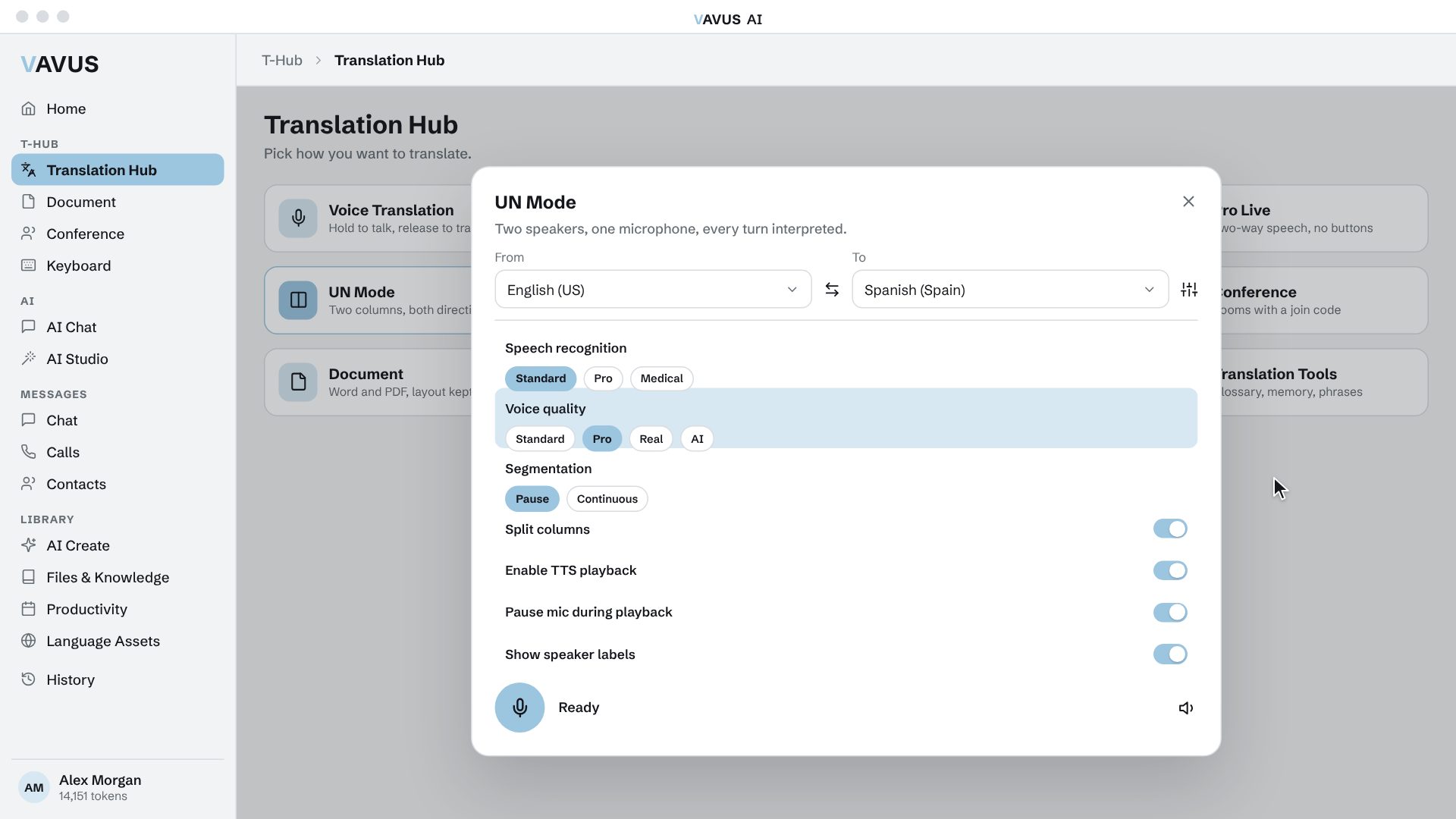
UN Mode
UN Mode runs simultaneous interpretation in both directions at once, keeping each language in its own lane so the original and the interpreted version stay side by side. It is the setup for a formal bilingual session — a panel, a hearing, a board meeting — where two people need to follow each other live and you want a clean record of who said what in which language.
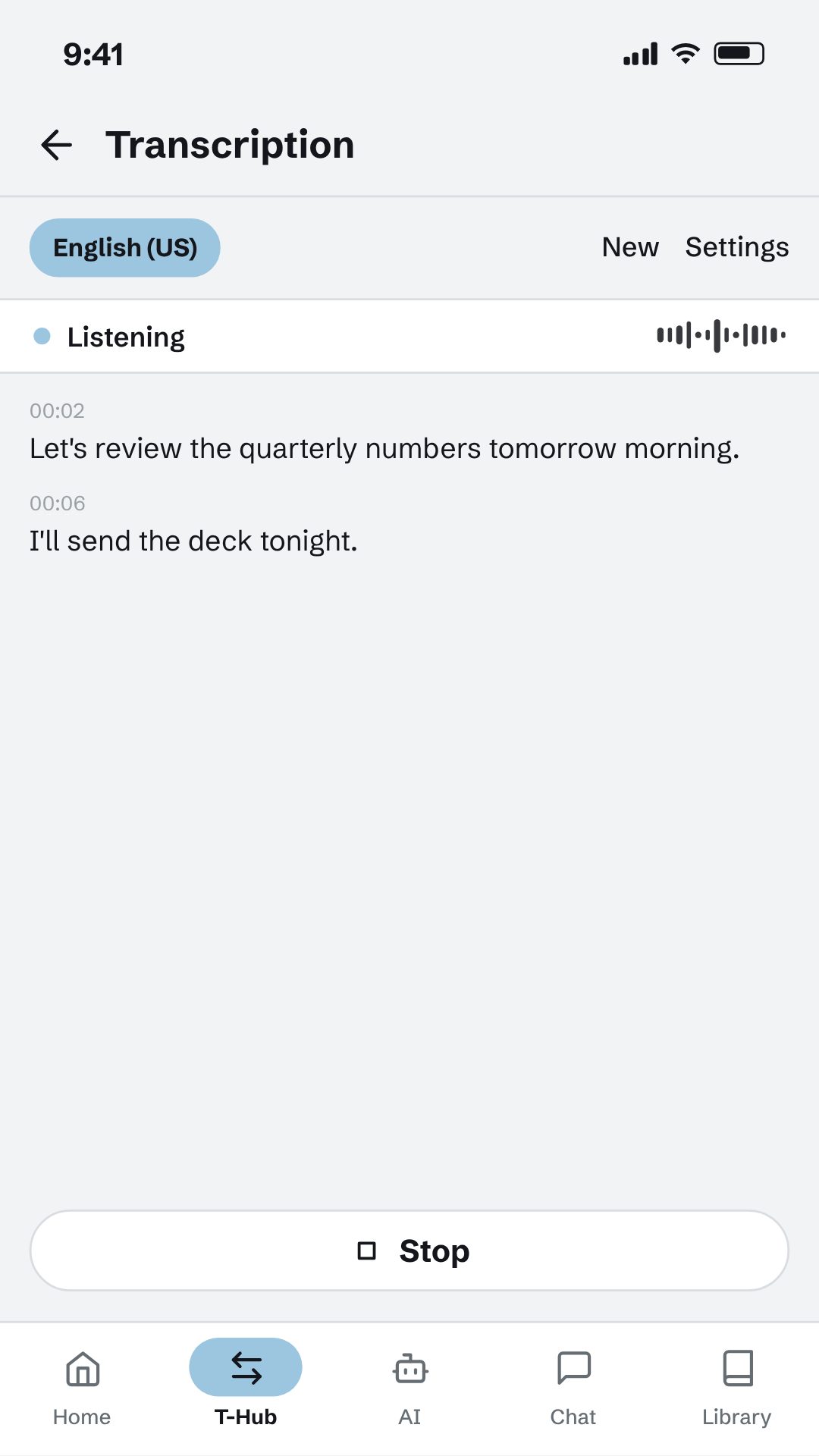
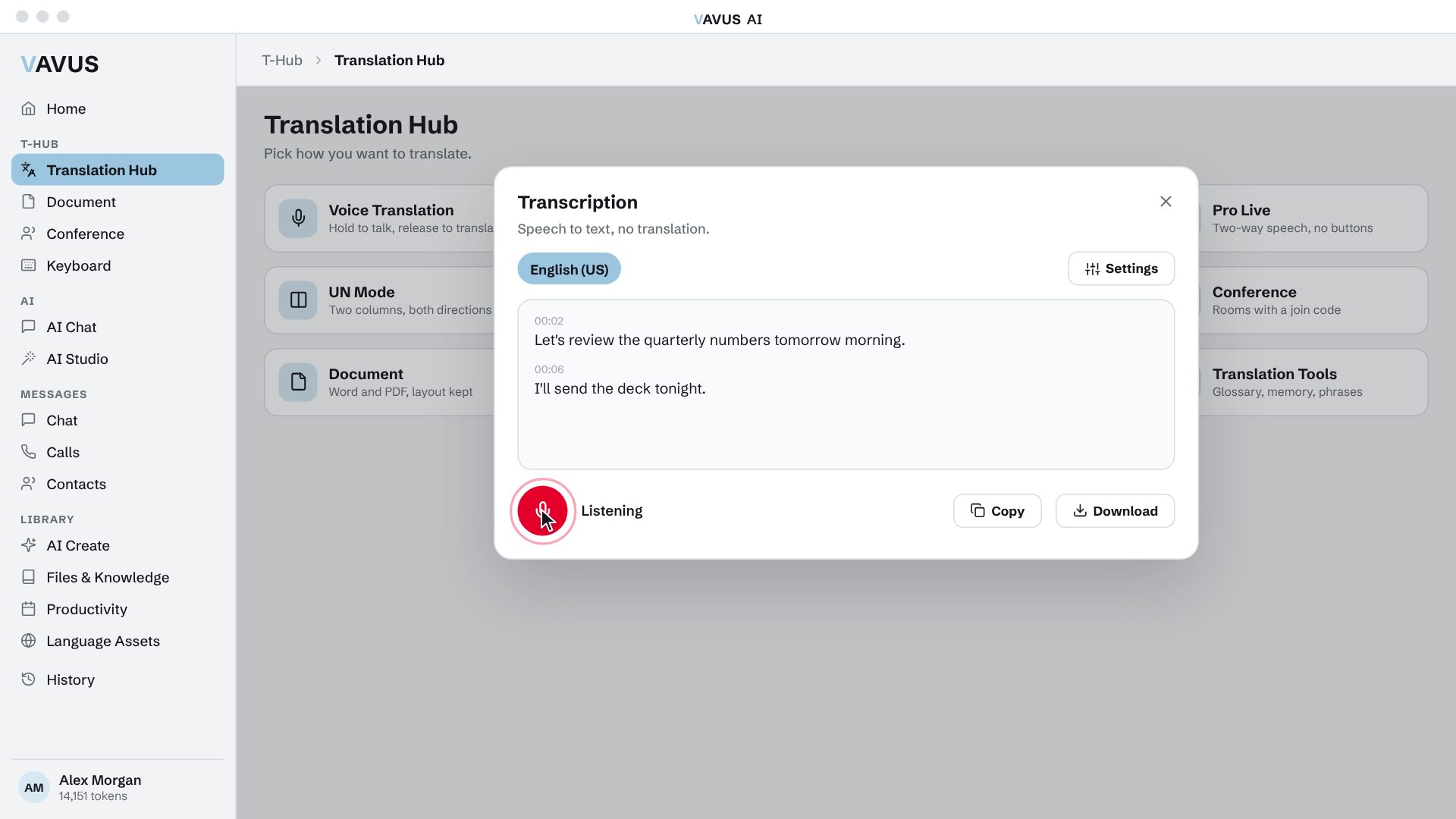
Transcription
Transcription turns speech into text and stops there — no translation. Record or stream someone talking and get a clean transcript you can save, search, or run AI tools on later. It is for interviews, meeting notes, and long dictation where you want the words written down in the same language they were spoken.
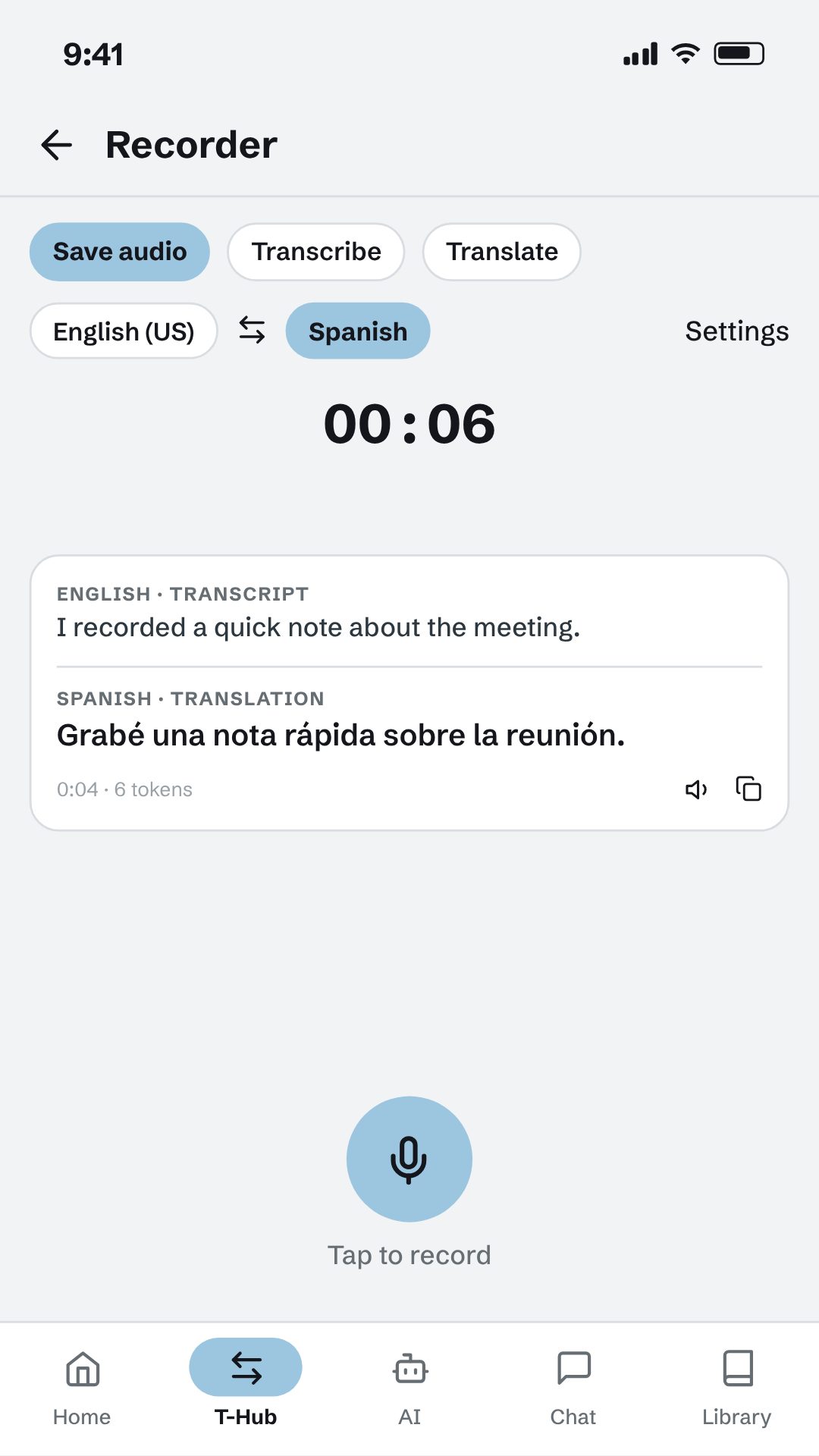
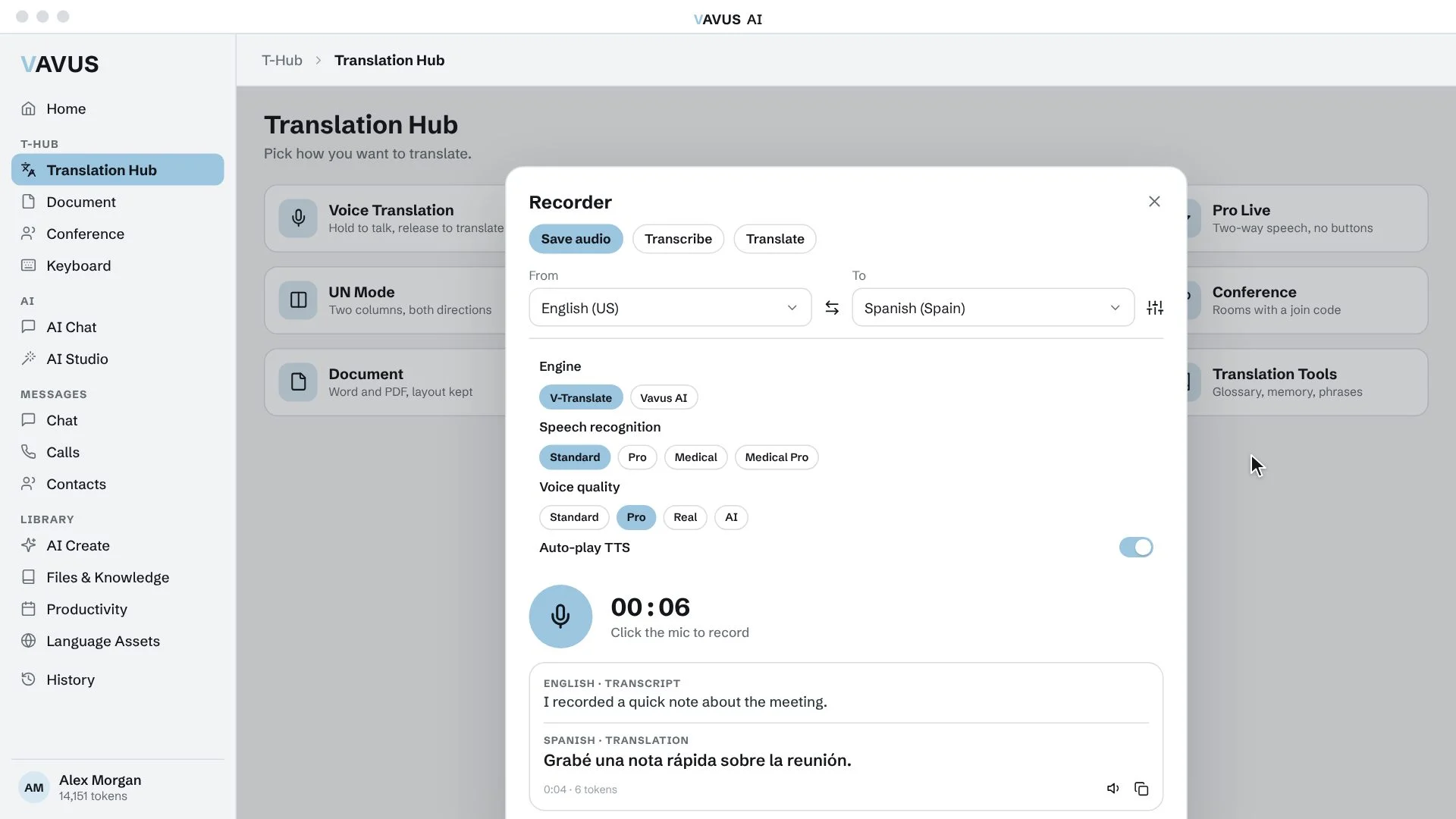
Recorder
Recorder captures audio first and lets you decide what to do with it afterward — transcribe it, translate it, summarize it, or just keep it. It is the safety net for interviews, lectures, and field recordings: hit record, save the session, and come back later to turn that audio into a transcript, a translation, or AI notes.
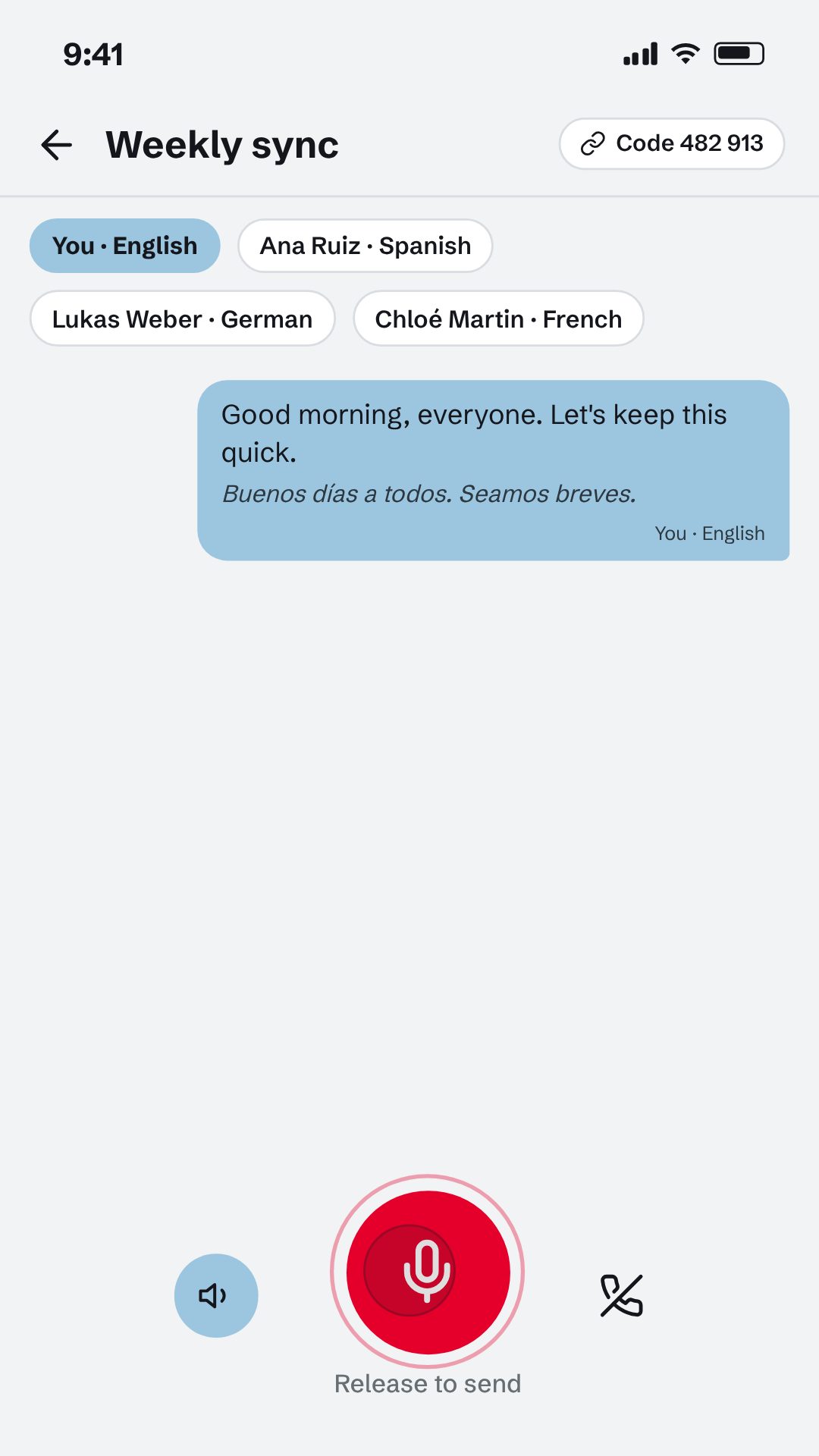
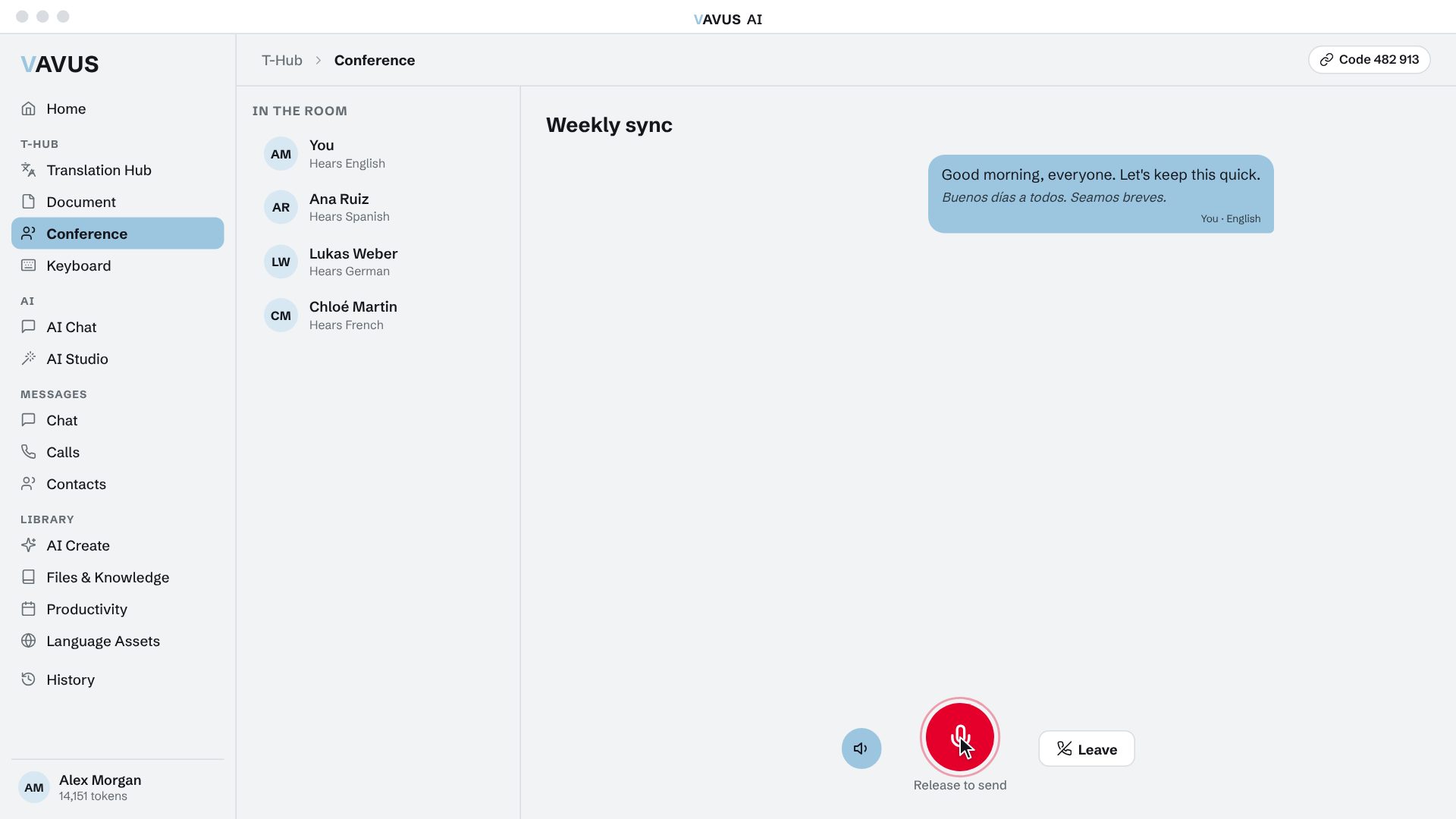
Conference
Conference is a shared room where several people join from their own devices, each in their own language, and follow the call, the live transcript, and the translated output together. It is for a multilingual team meeting, a community session, or a group consult — invite people to a translated room and everyone keeps up no matter what they speak.
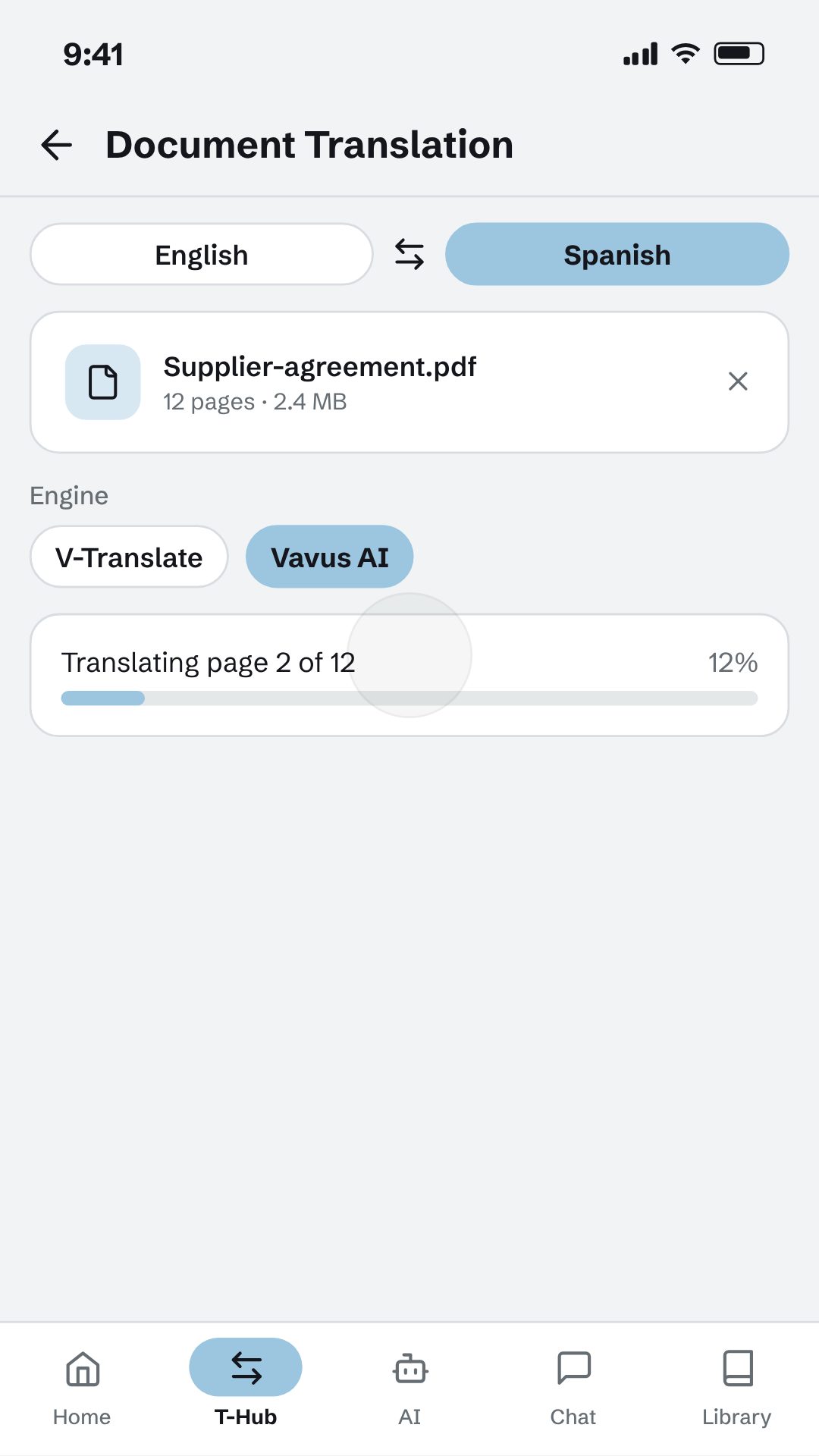
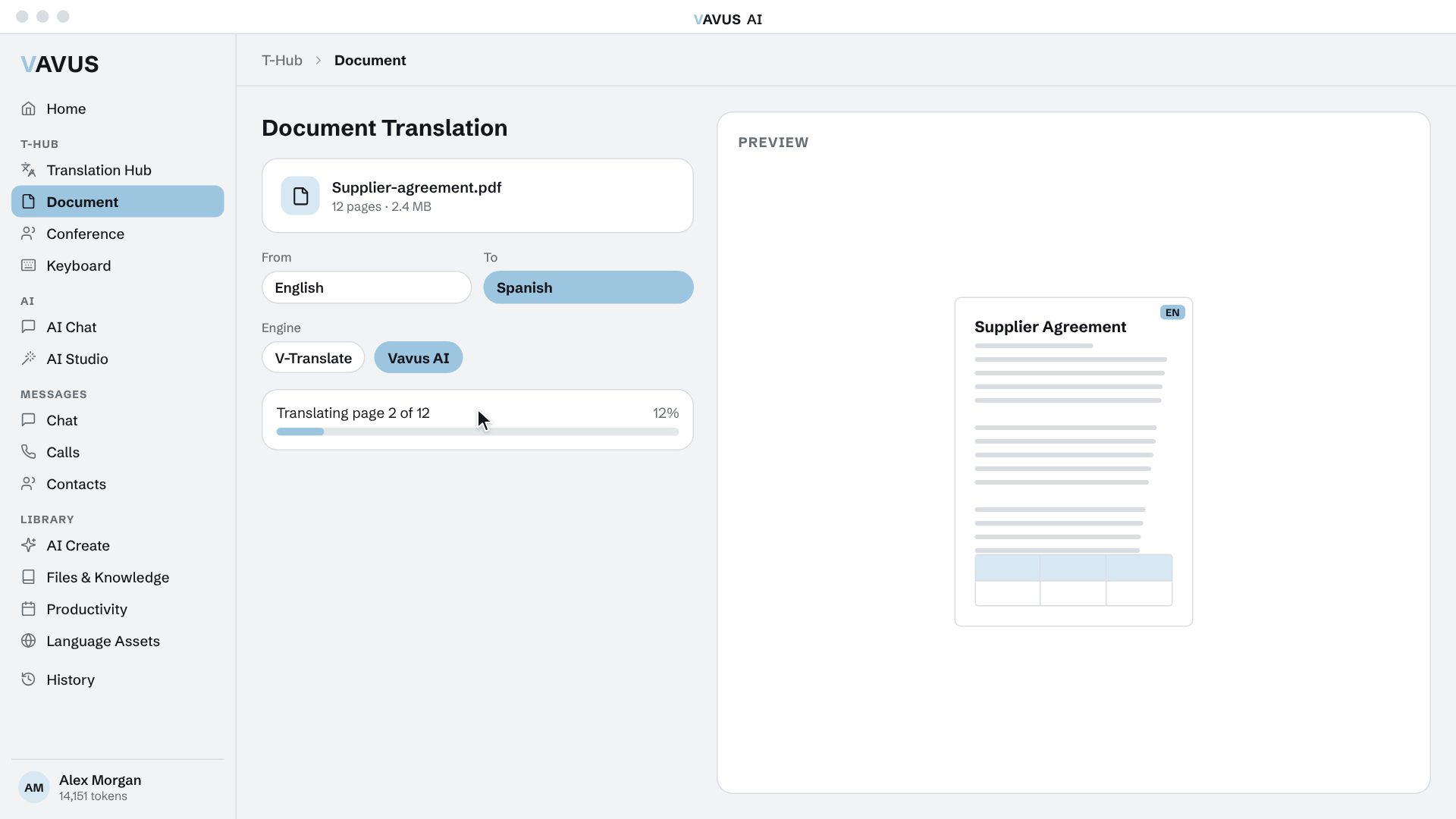
Document Translation
Drop in a finished file — a PDF, a Word document, a scanned contract, or a medical intake form — and Document Translation hands it back fully translated with the original layout intact, so a contract still reads like a contract and a form still lines up. Download it, save it to My Files, or send it straight into the AI tools to summarize or review. Before patient data goes through Vavus, we review your setup and sign a HIPAA agreement with you.
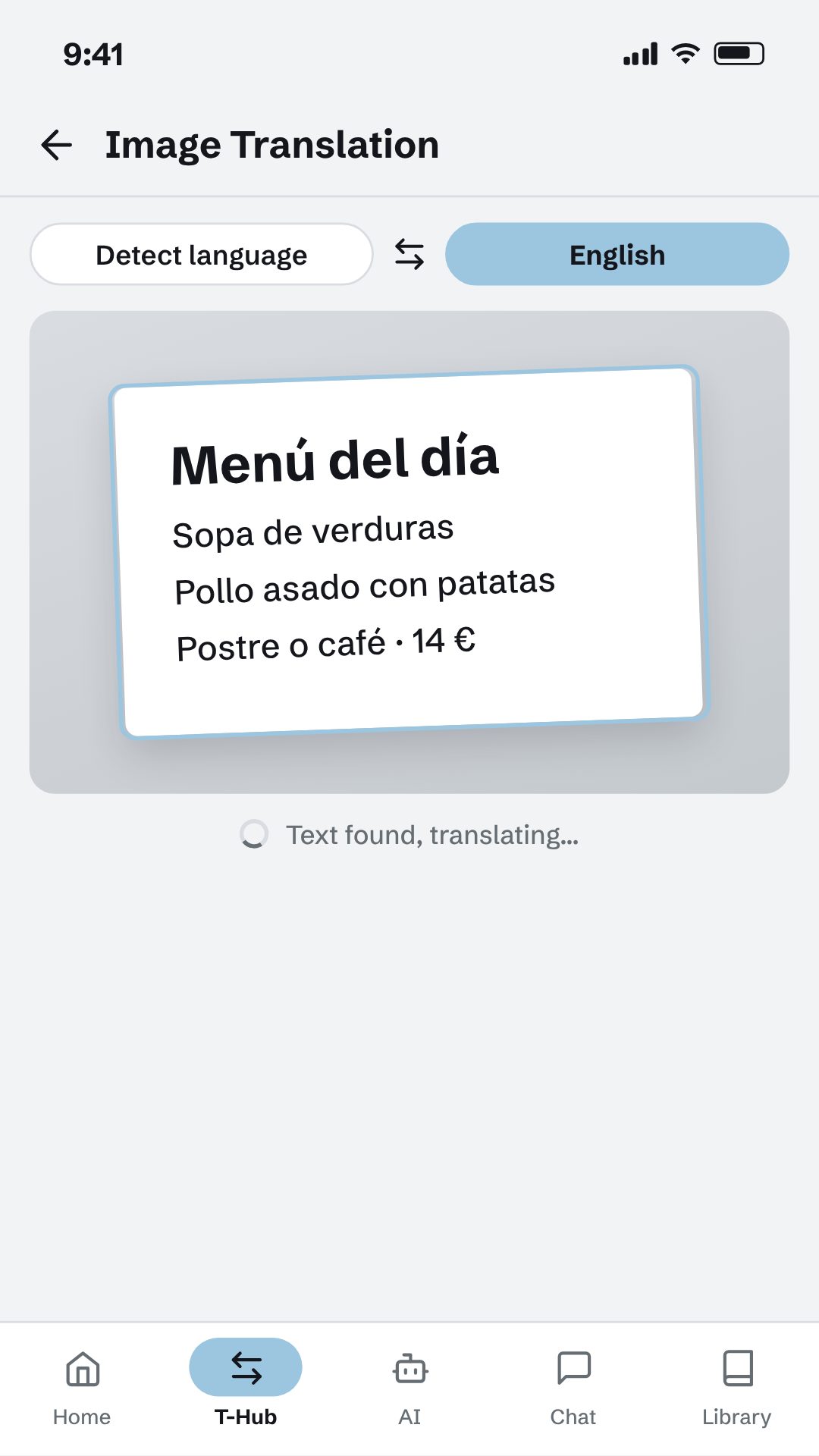
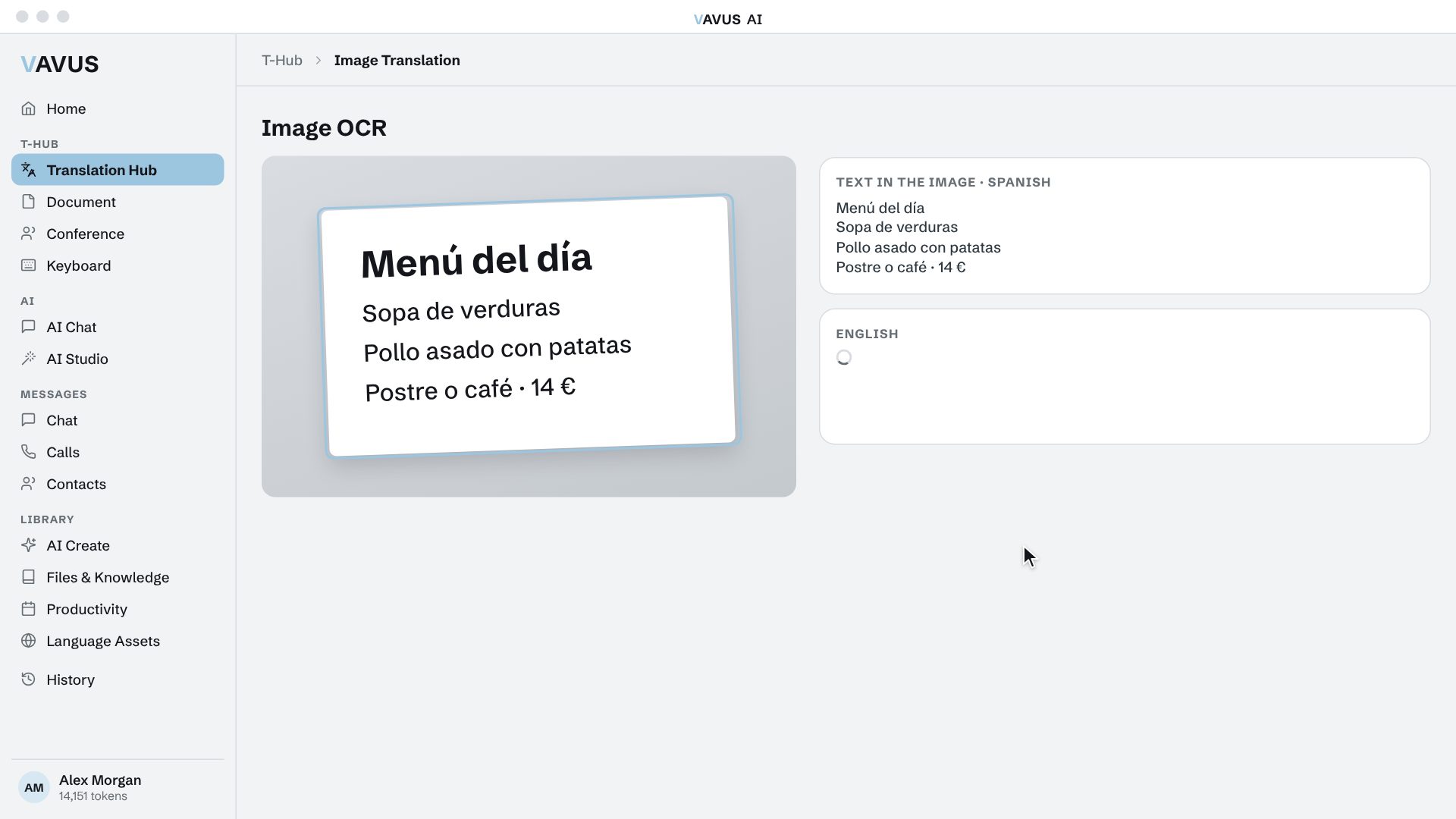
Image OCR Translation
Point your camera at a menu, a street sign, a label, or a printed form and Image OCR Translation reads the text out of the picture and translates it on the spot. Snap a photo or upload a screenshot; it finds the words and gives them back in your language — handy for travel, for support screenshots, and for anything printed you cannot easily retype.
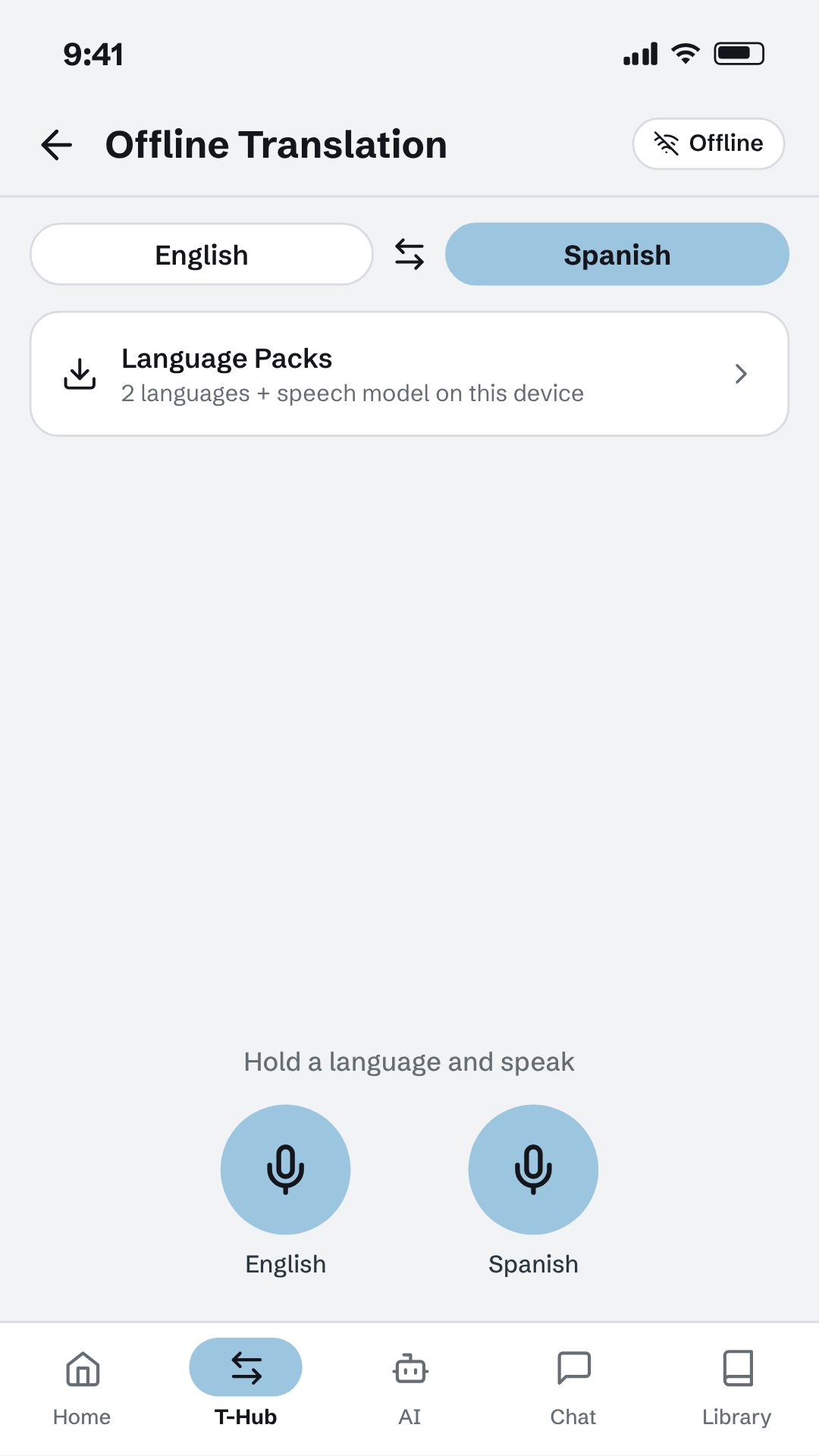
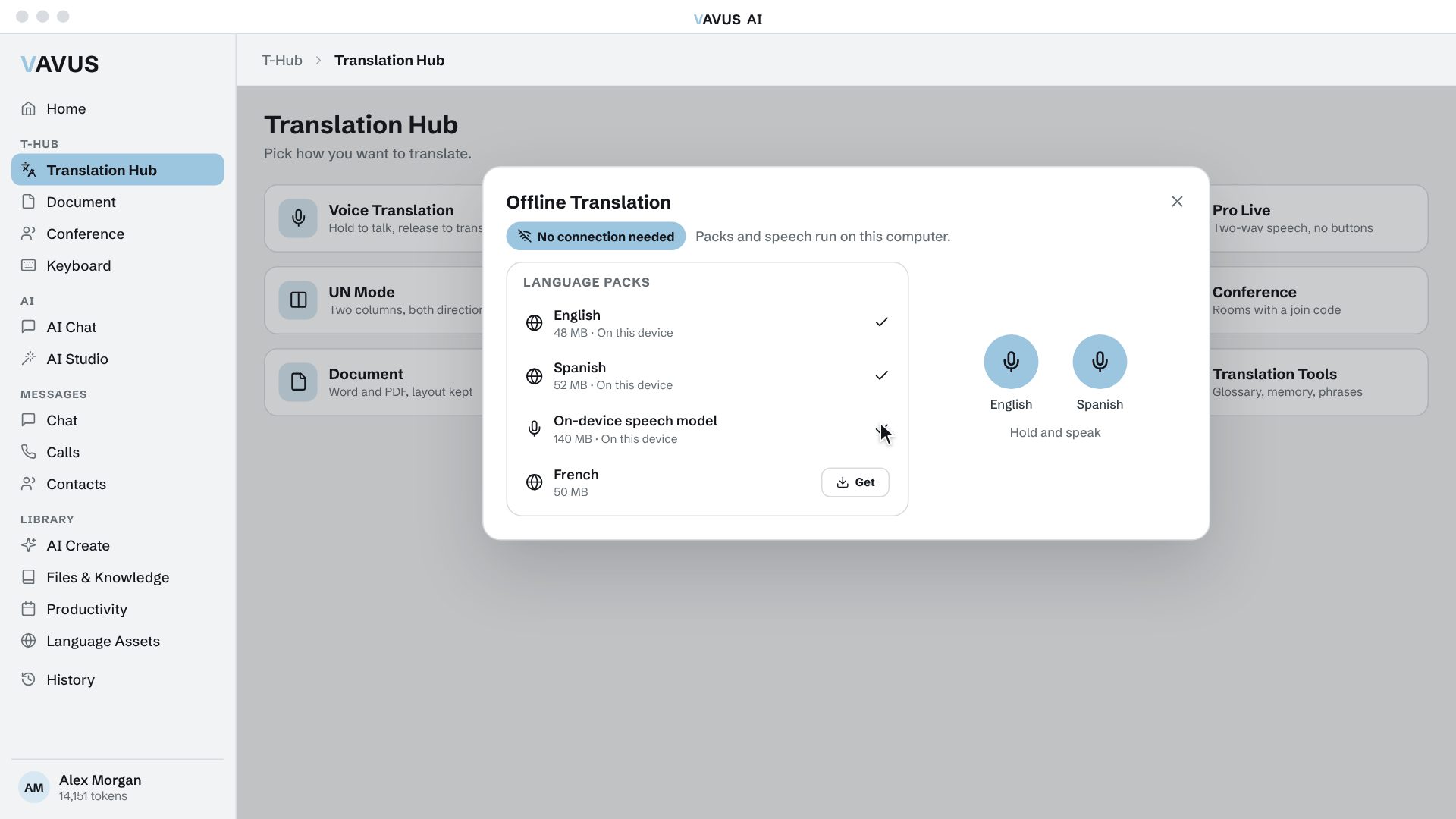
Offline Translation
Offline Translation works with no internet at all — download the language packs you need ahead of time, manage them right inside the same screen (add, update, or remove), and everything translates on your device with nothing sent to a server. It is for travel with no signal, restricted hospital or facility networks, and anyone who wants fast local translation that keeps working when the connection does not.
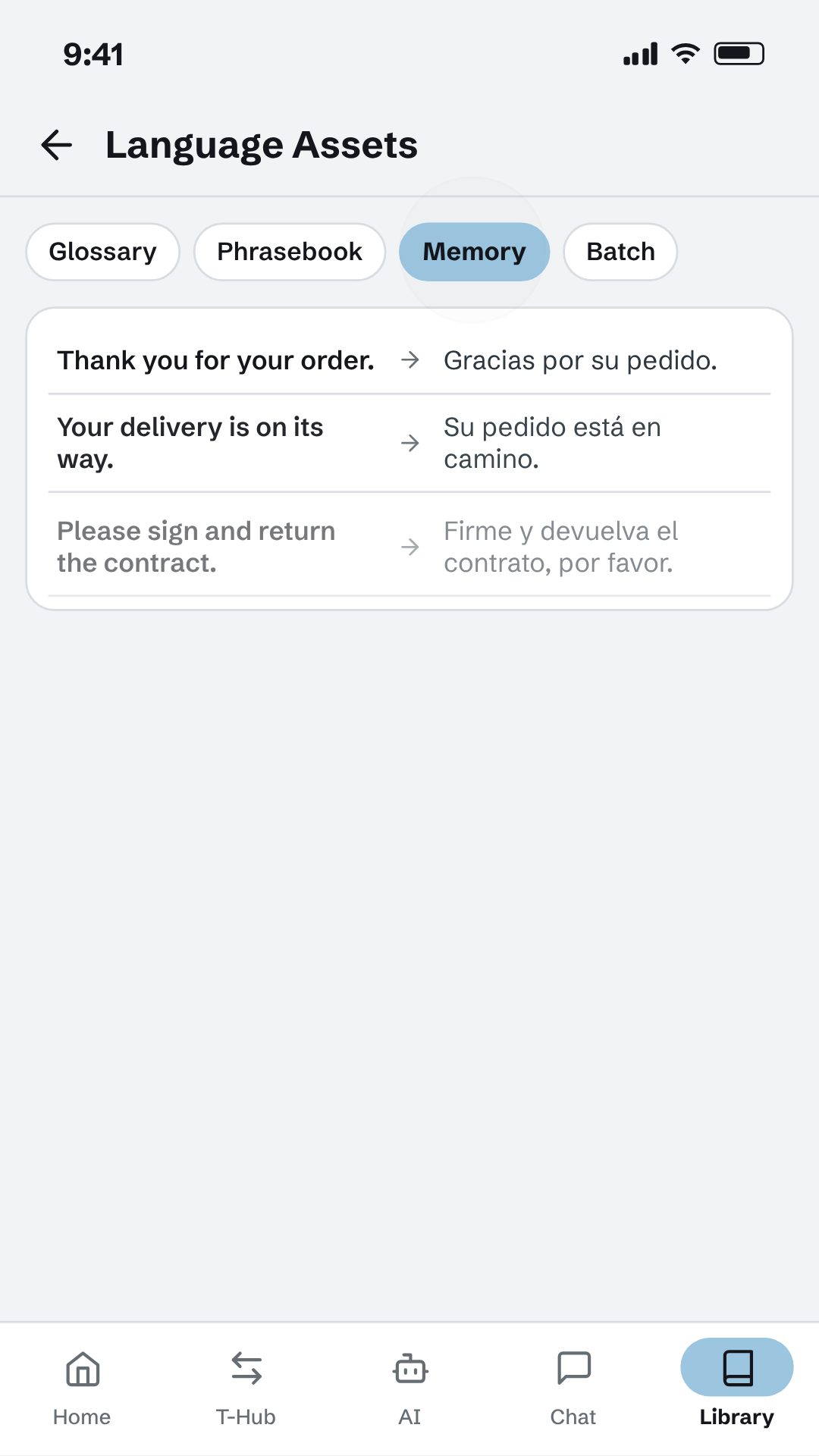
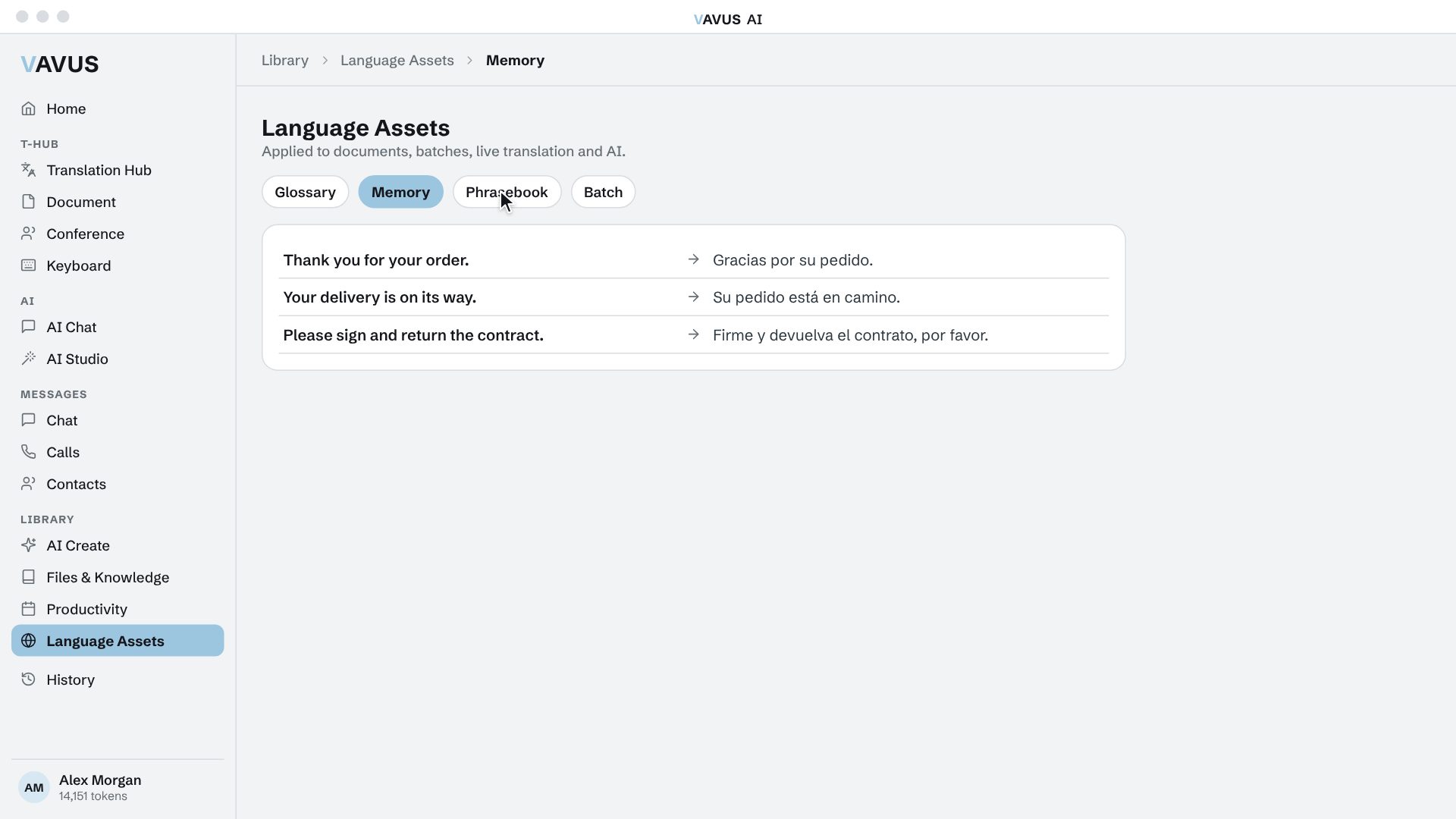
Translation Tools
Translation Tools is the toolkit for consistent, fast, repeatable translation: Batch Translation handles the big jobs — paste hundreds of rows or upload a stack of files and translate them all in one go. Translation Memory remembers how you translated something before and reuses it, so the same phrase comes out the same way every time across documents, batches, and live sessions. Glossary locks in the exact wording for brand names, product names, medical or legal vocabulary — never guessed at. Phrasebook saves the lines you say over and over — travel questions, support replies, care instructions — so you can pull up the right phrase in a tap.
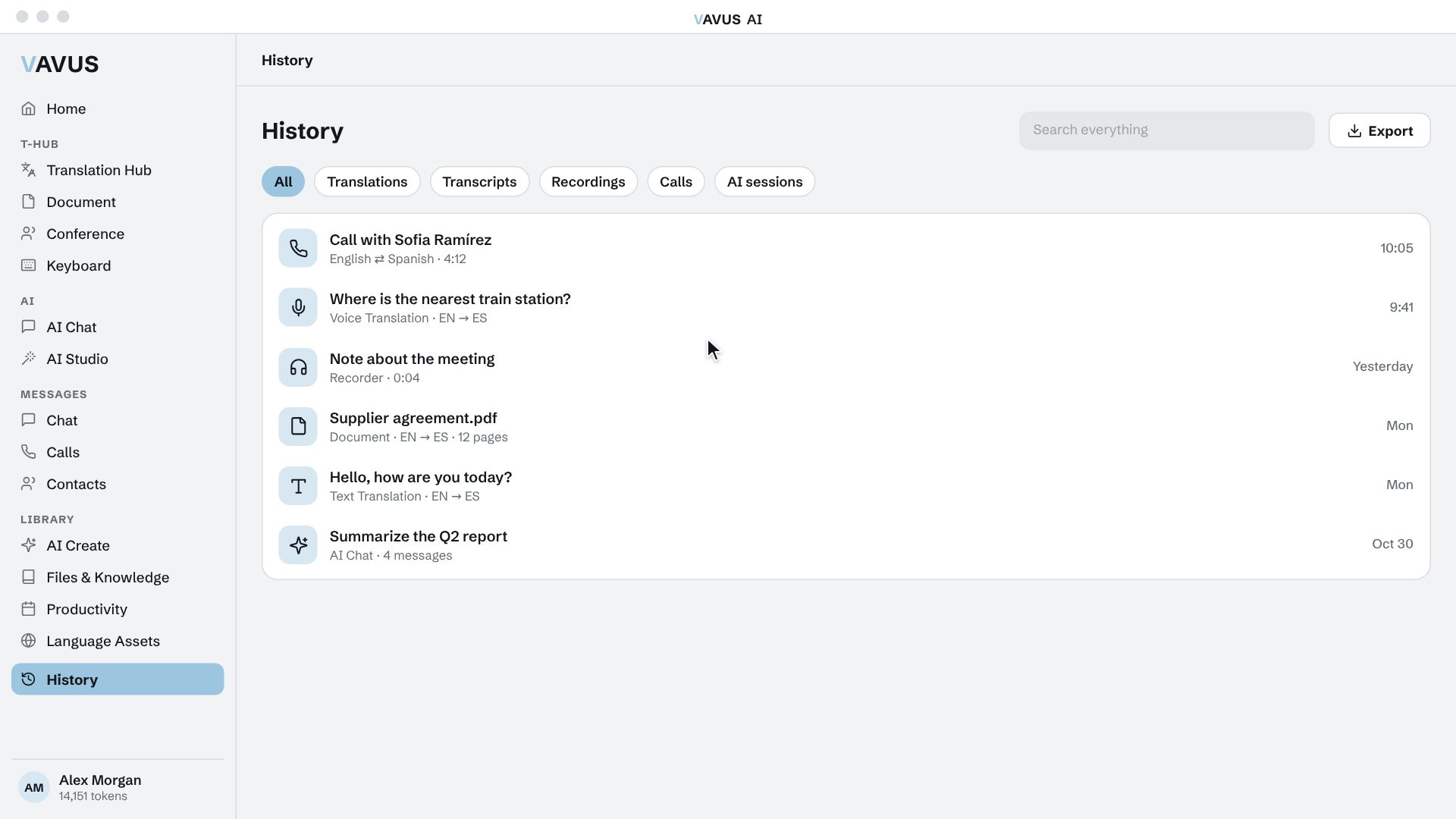
History
History is the searchable record of everything you have done in Vavus — past translations, transcripts, recordings, and AI sessions — so you can find an old result, reopen it in the mode it was captured in, export it, or keep working on it. New content is encrypted before it is stored, and what is kept follows your account’s retention policy.
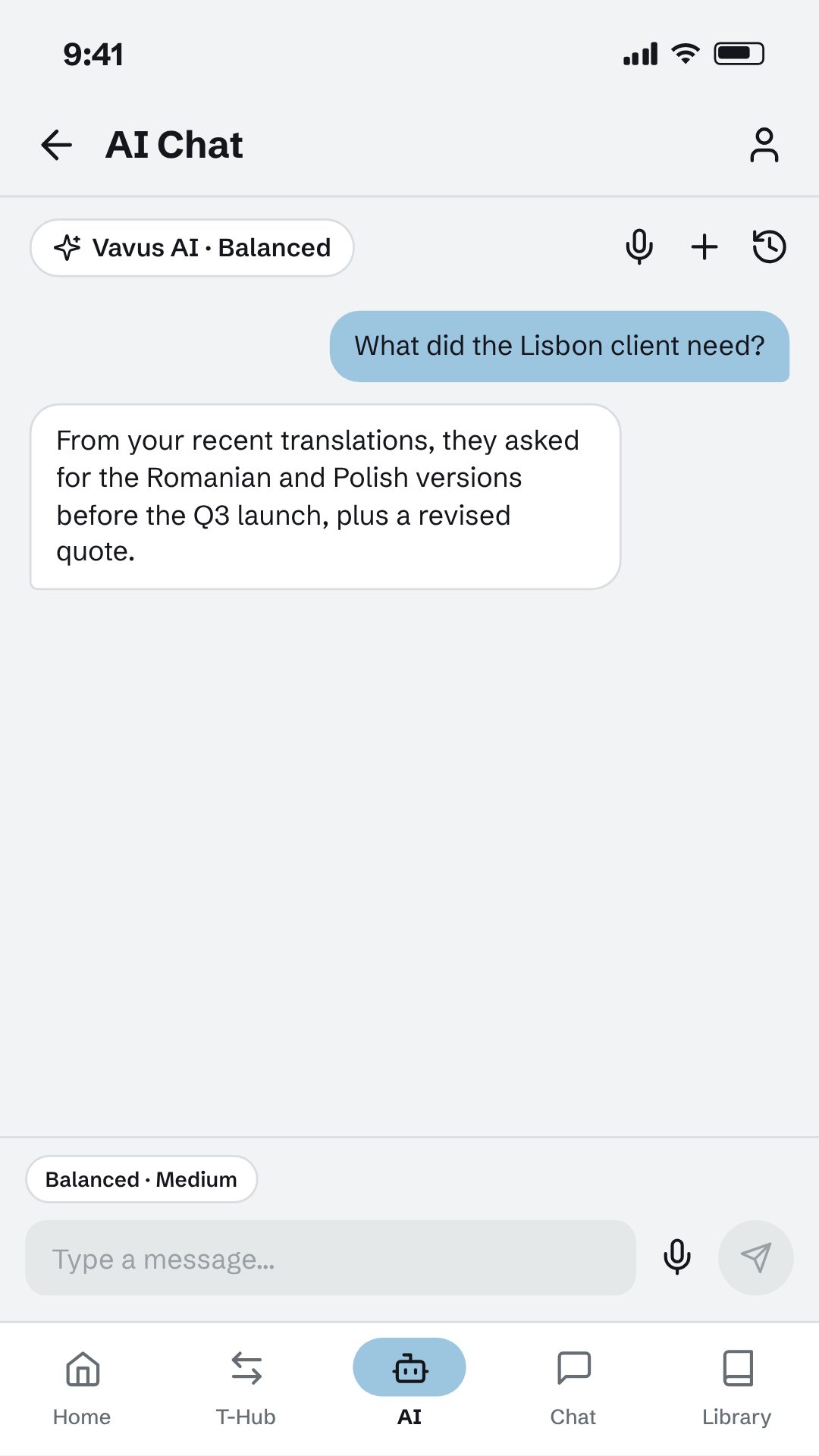
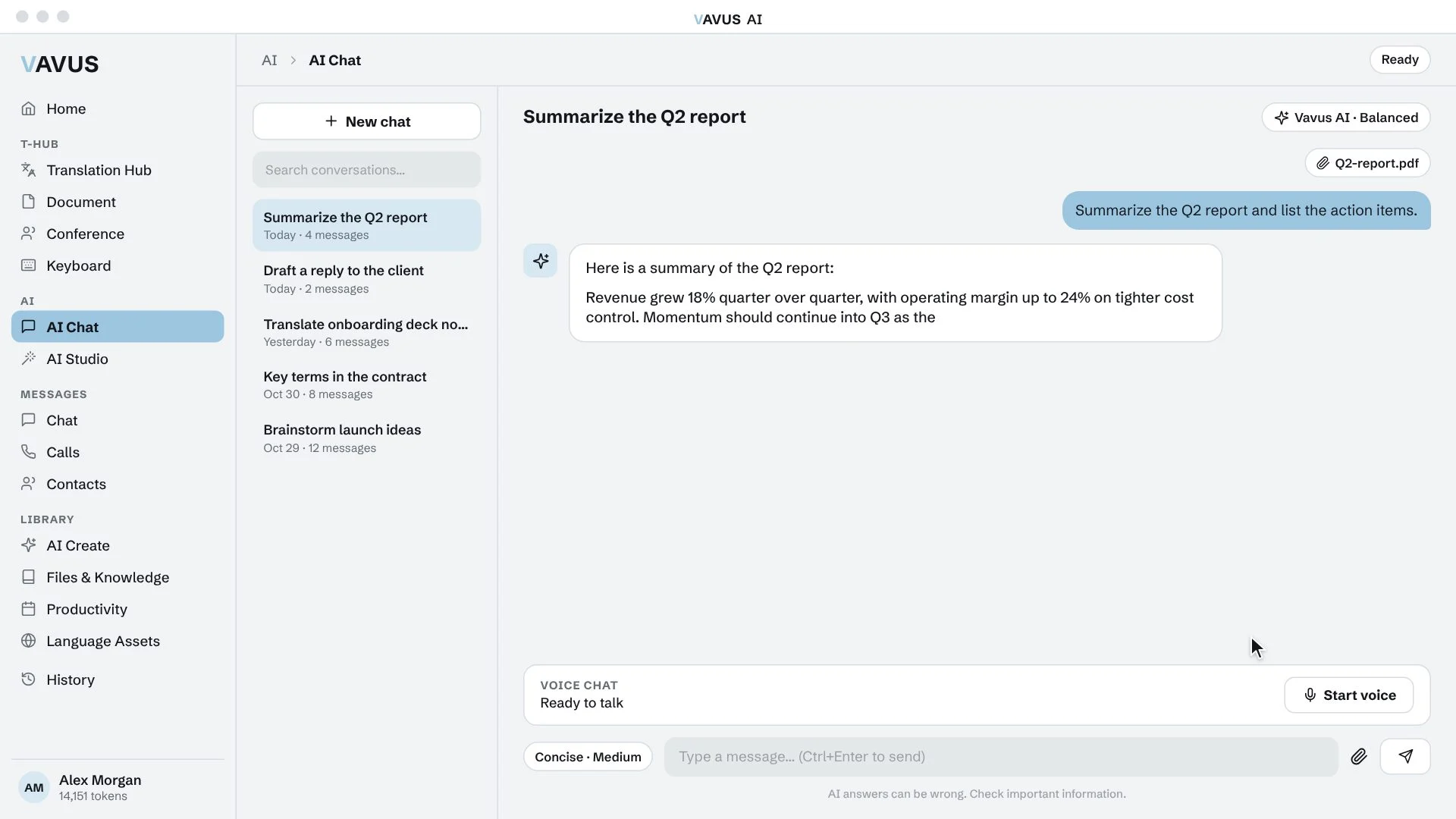
AI Chat
AI Chat is a multilingual assistant that already knows your Vavus context — ask it a question, paste some text, or point it at a past translation or document, and it answers, drafts, or explains across languages. It is where you go to draft a reply in another language, make sense of a document, or get help around the translation work you are already doing.
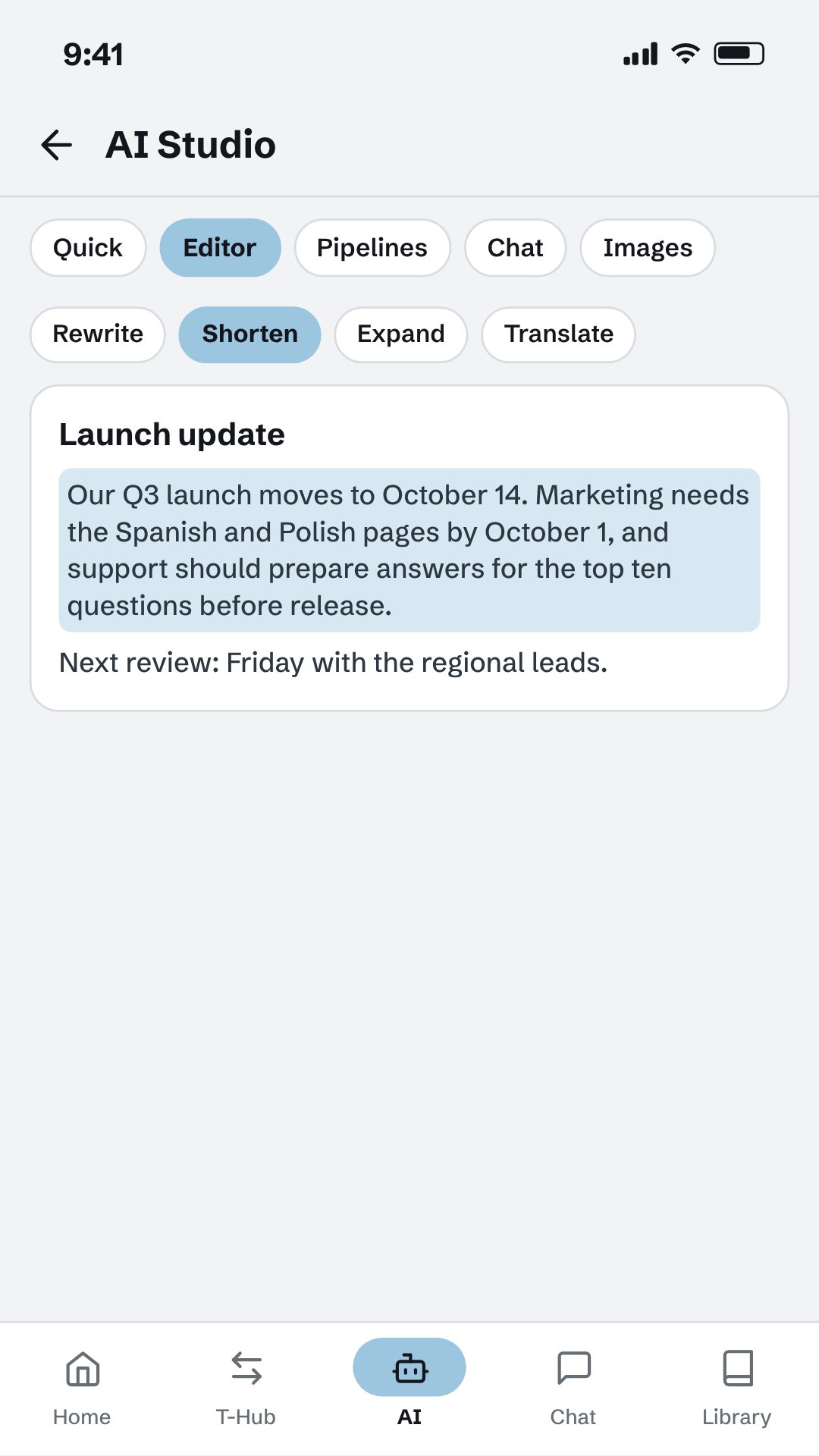
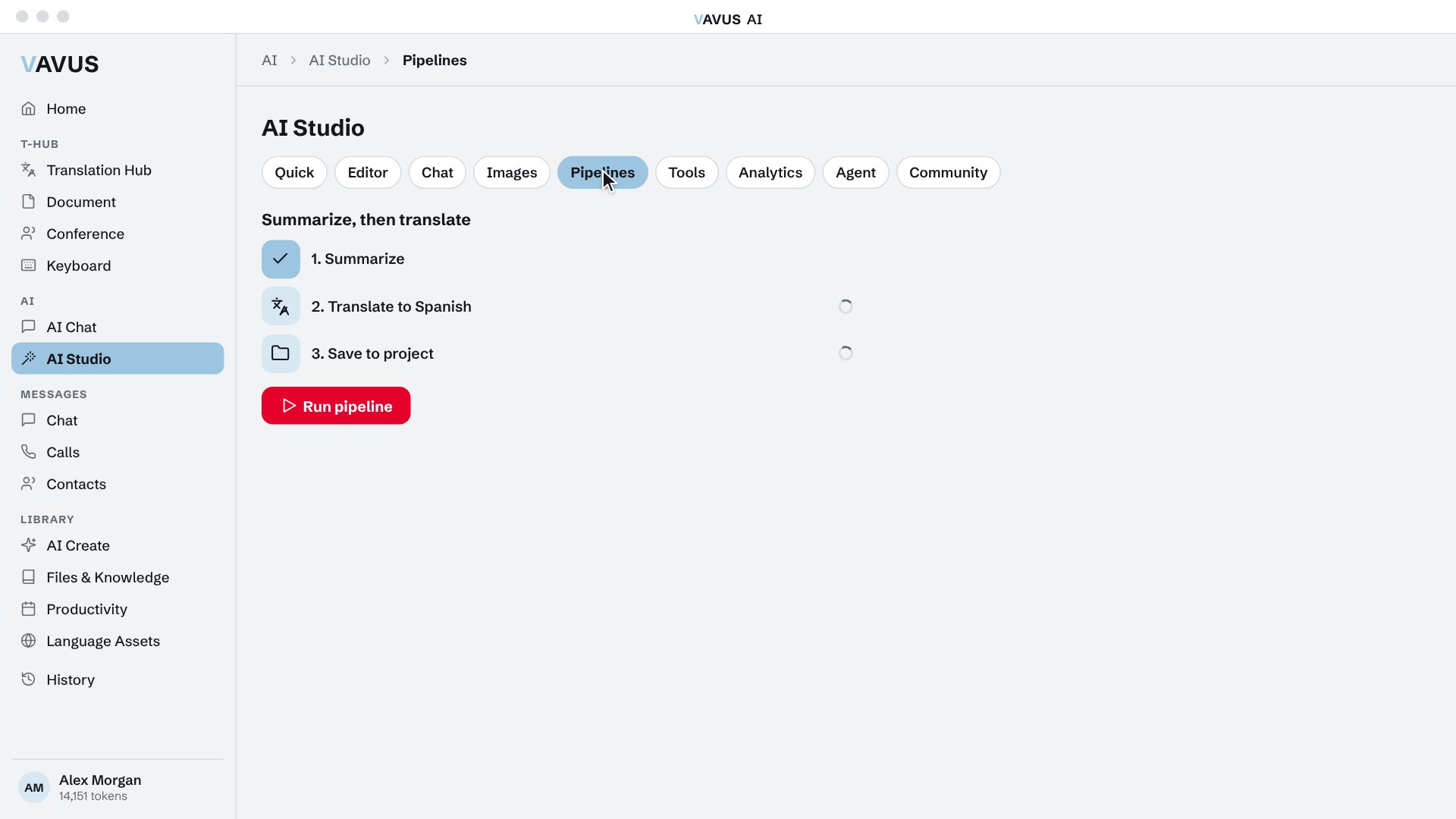
AI Studio
AI Studio is the structured toolkit beyond chat — panels to analyze, create, edit, and build multi-step flows, then save the output into documents, projects, or history. It is for the repeatable AI work: summarize and rewrite in bulk, analyze translated content, or wire up a small pipeline you run again and again.
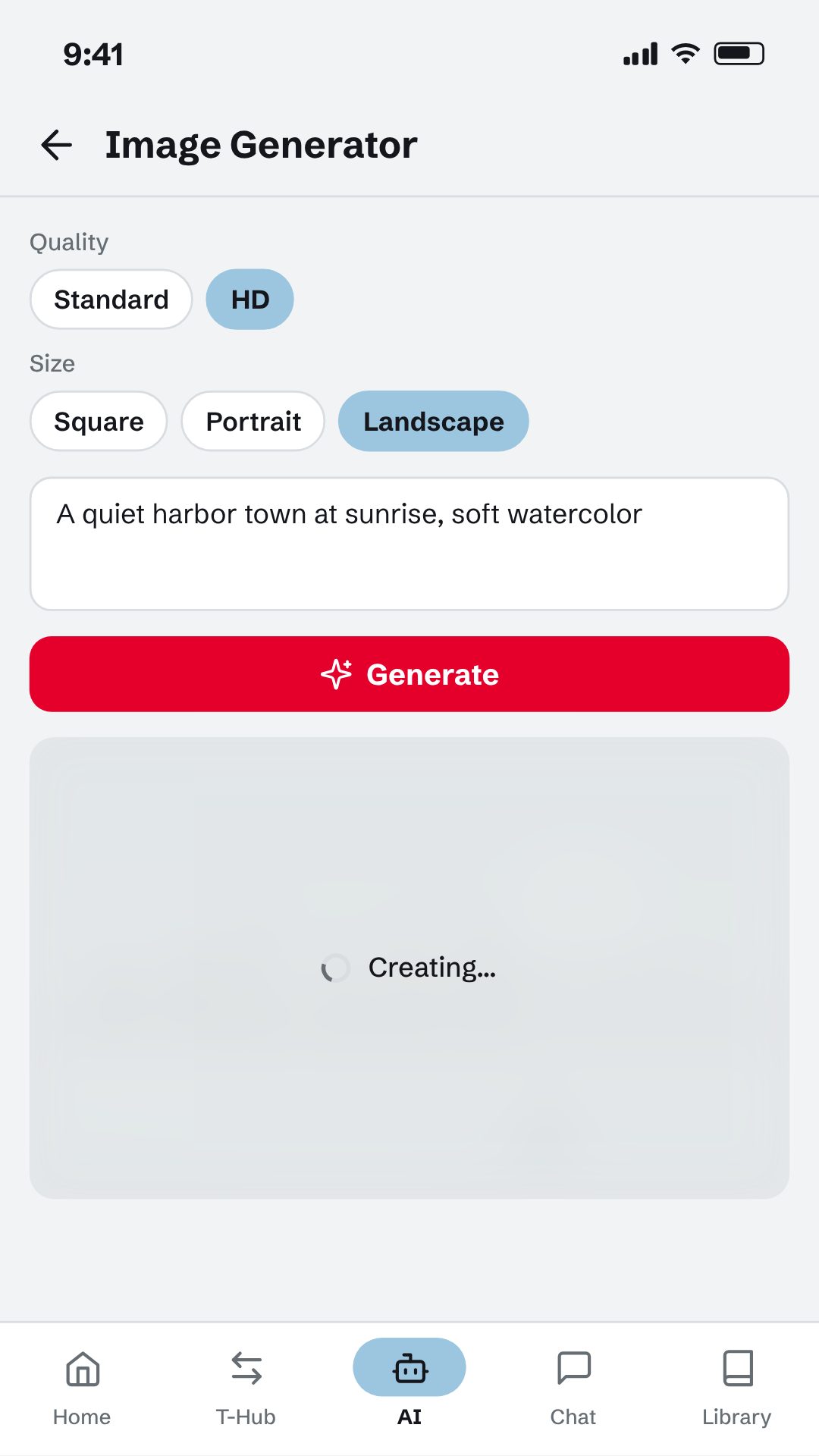
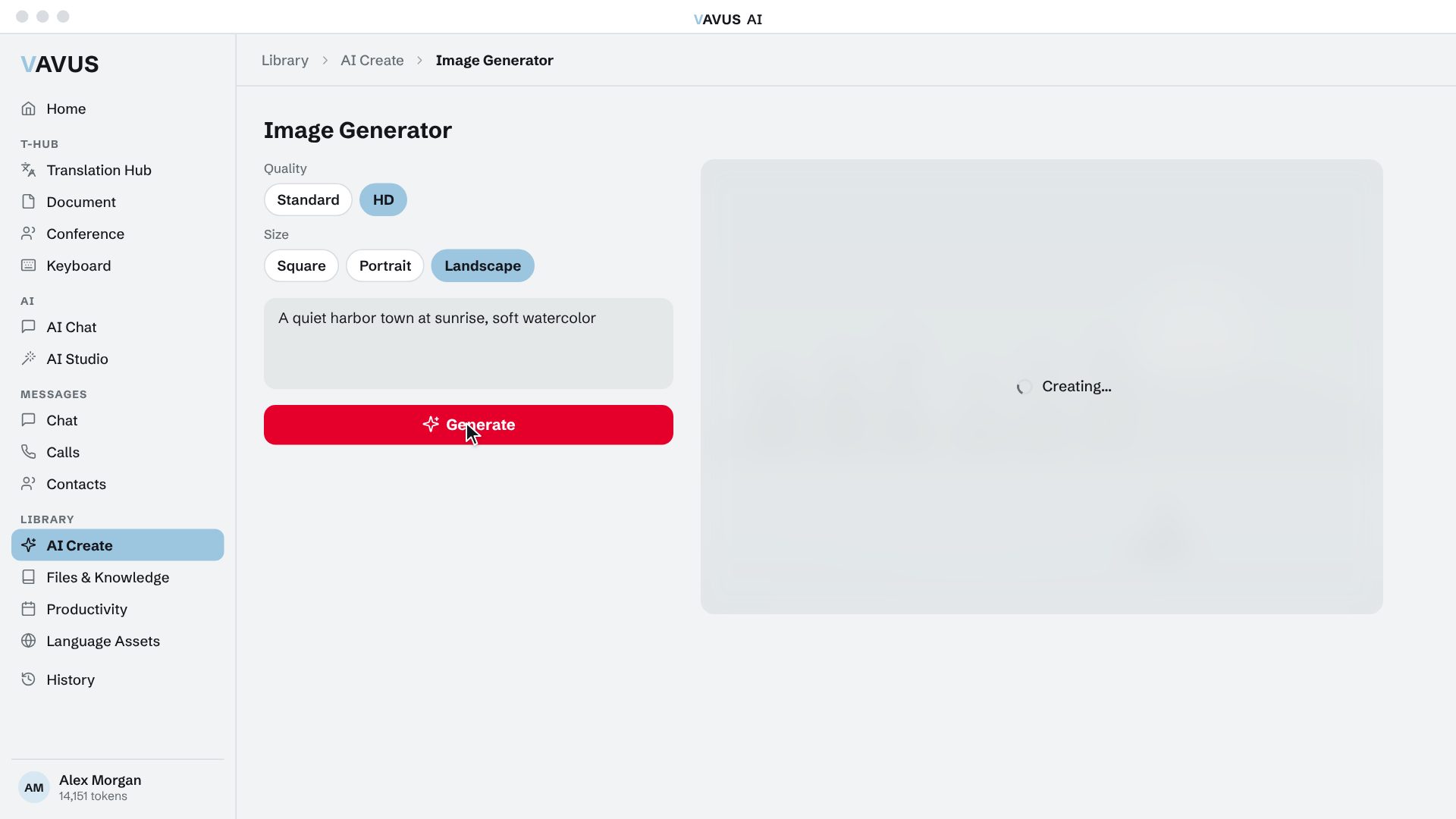
Image Generator
Image Generator makes pictures from a text description, right inside Vavus next to your translation and project work. Describe what you want, tune the settings, and save, revise, or drop the result straight into a project or document — useful for campaign visuals and quick concept art without leaving the workspace.
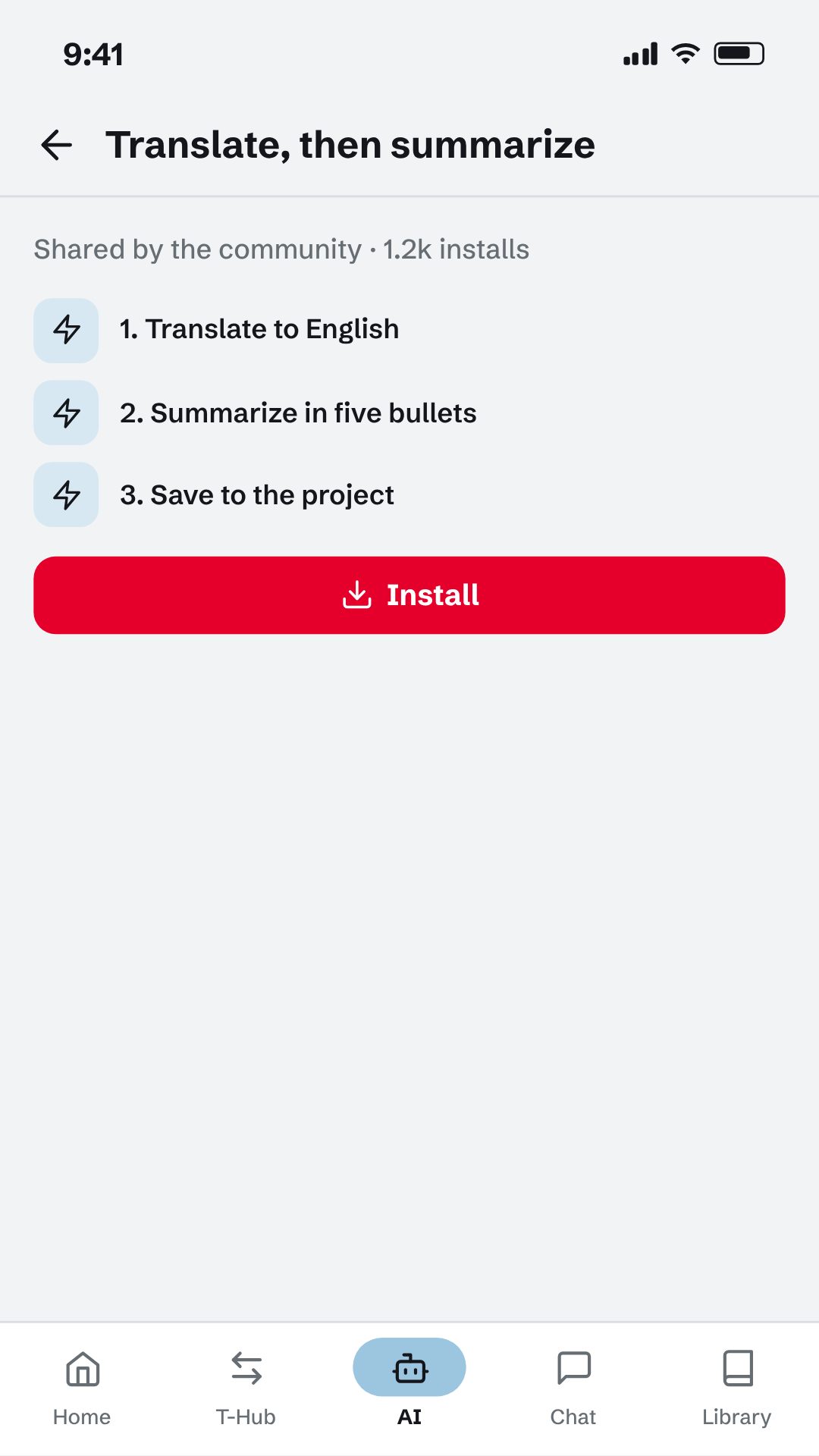
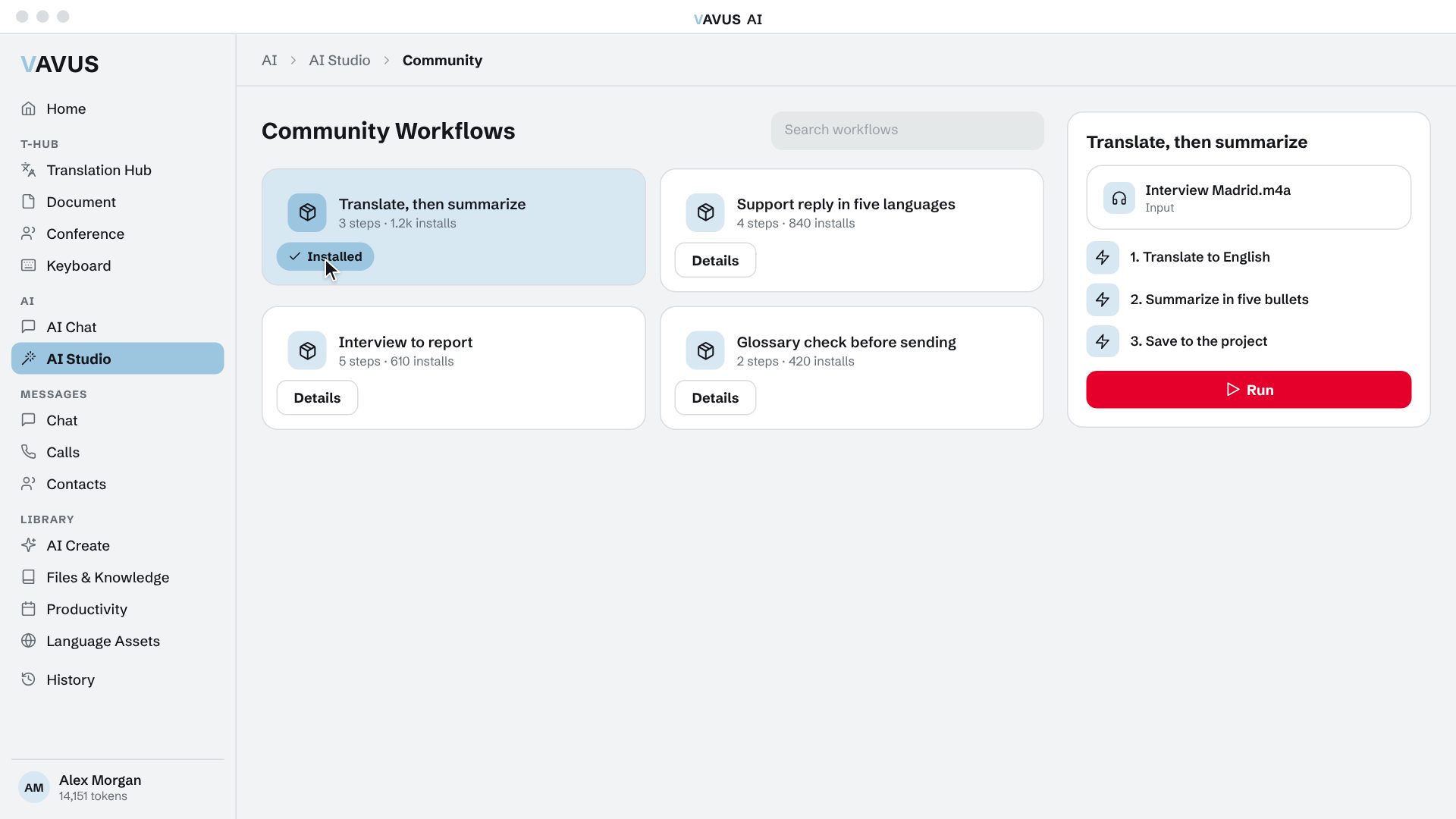
Community Workflows
Community Workflows are ready-made, reusable packages that automate a sequence of steps — translate then summarize, or any common multi-tool task — so you install one instead of re-prompting from scratch. Browse the marketplace, add a workflow, and run it against your own files, messages, translations, and AI tools.
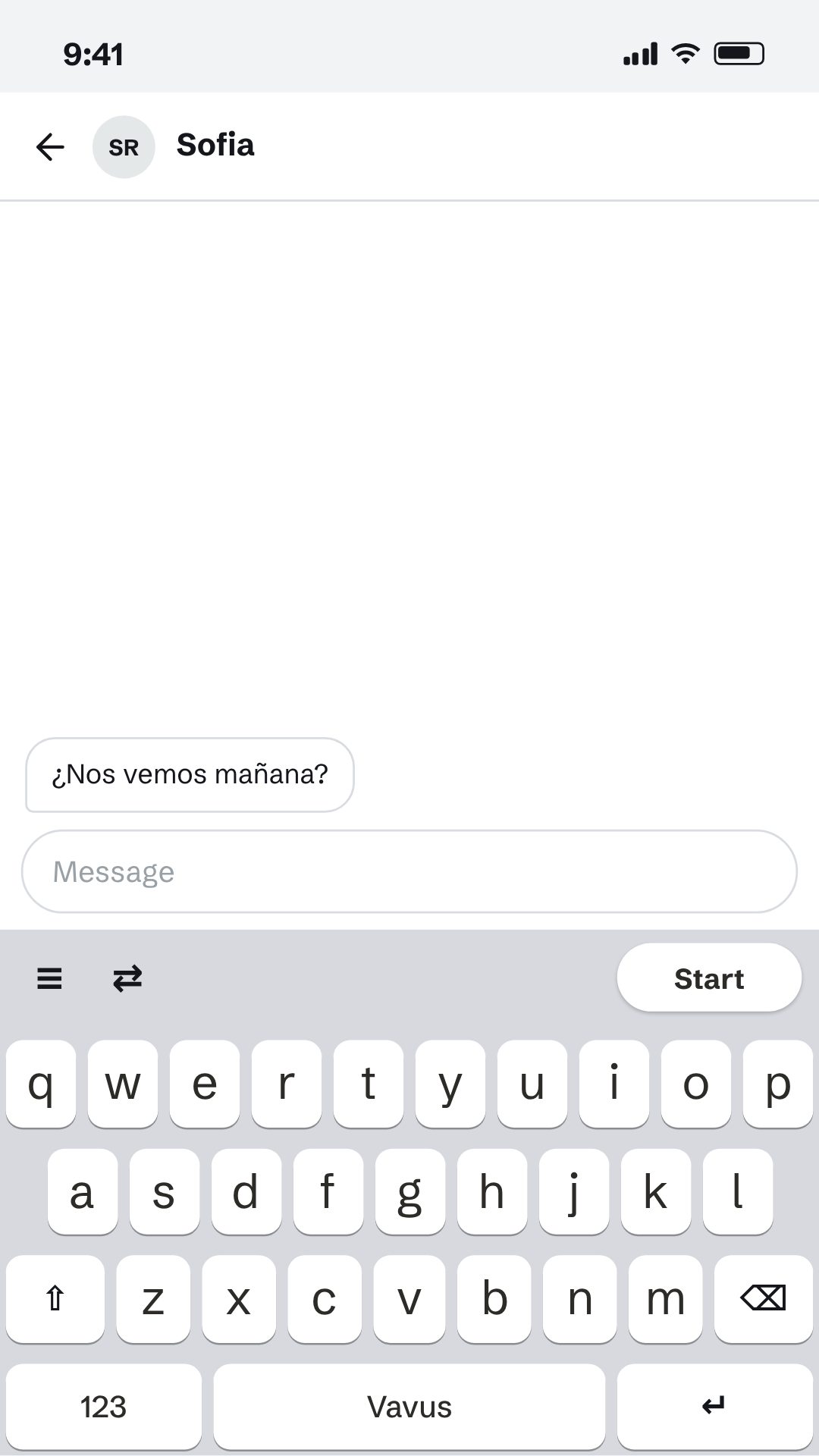
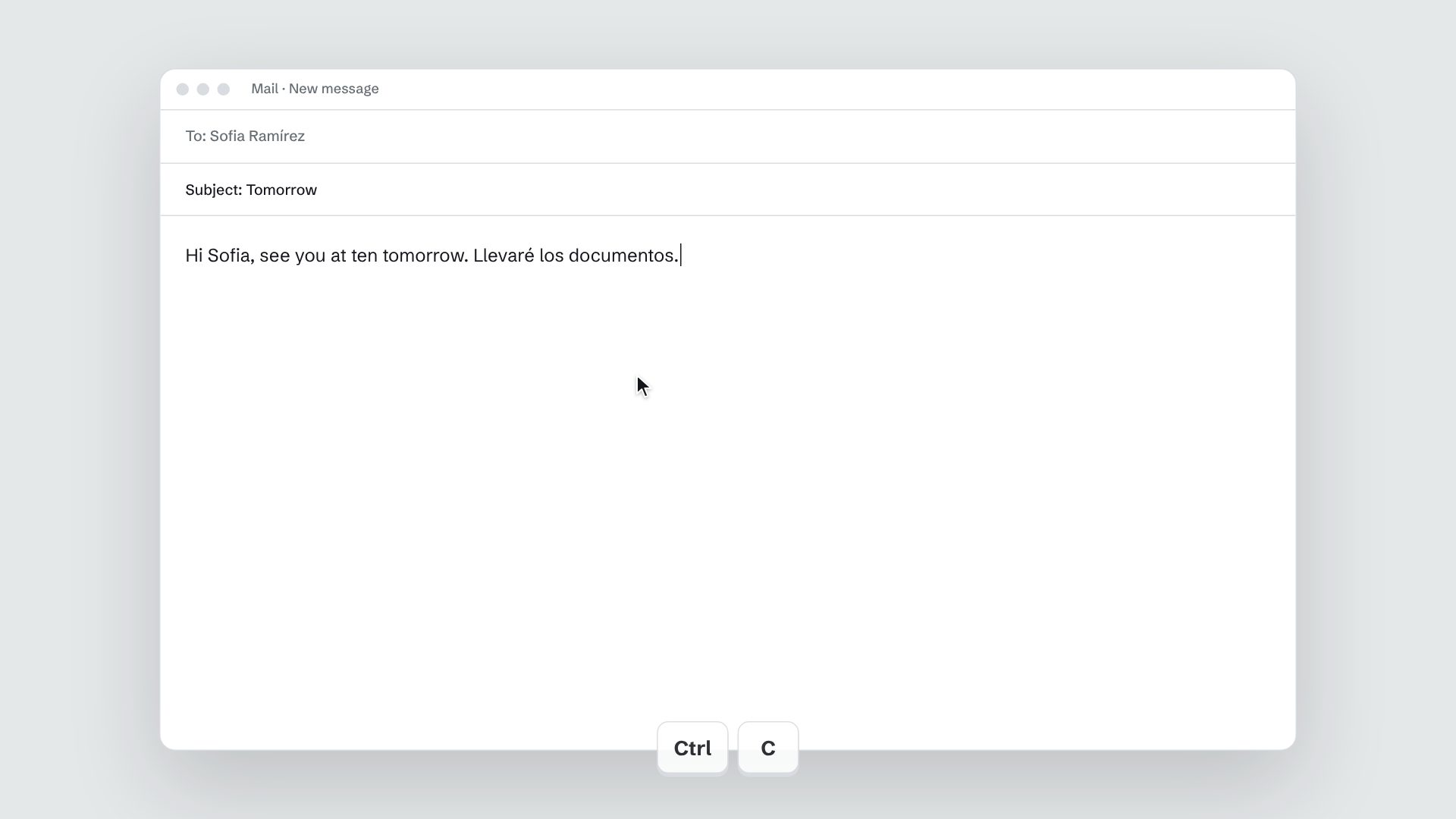
Vavus Keyboard
Vavus Keyboard replaces your phone keyboard and adds language superpowers to every text field on the device — dictate by voice, translate what you type inline, reverse-translate to double-check a message before you send it, and ask a built-in AI to rewrite or reply. On desktop it is Ctrl+D, Ctrl+T, and Ctrl+R from any app; it also carries 50+ native layouts so you can type in any script. Whatever app you are in — WhatsApp, email, notes, a browser — the keyboard goes with you.
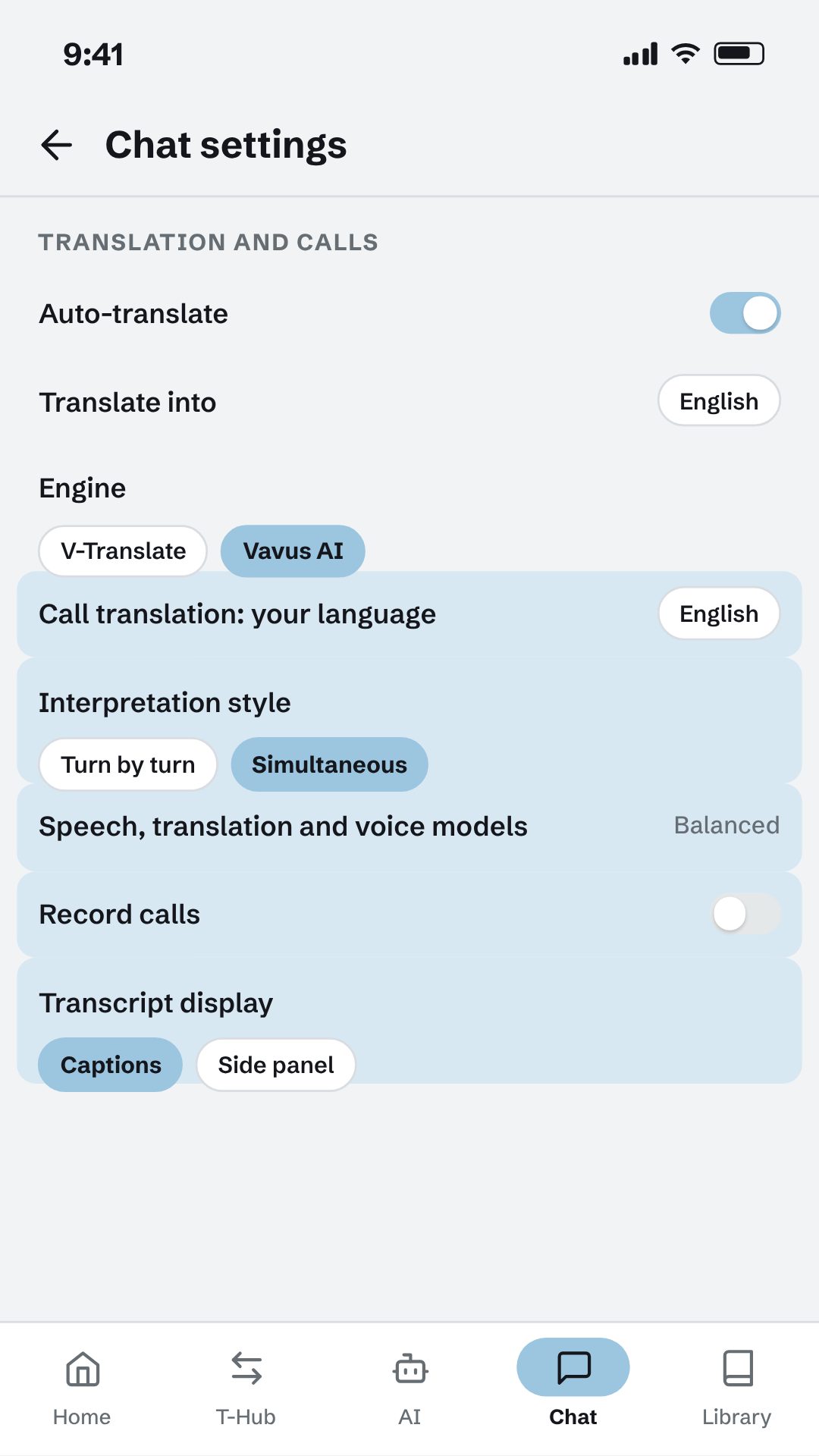
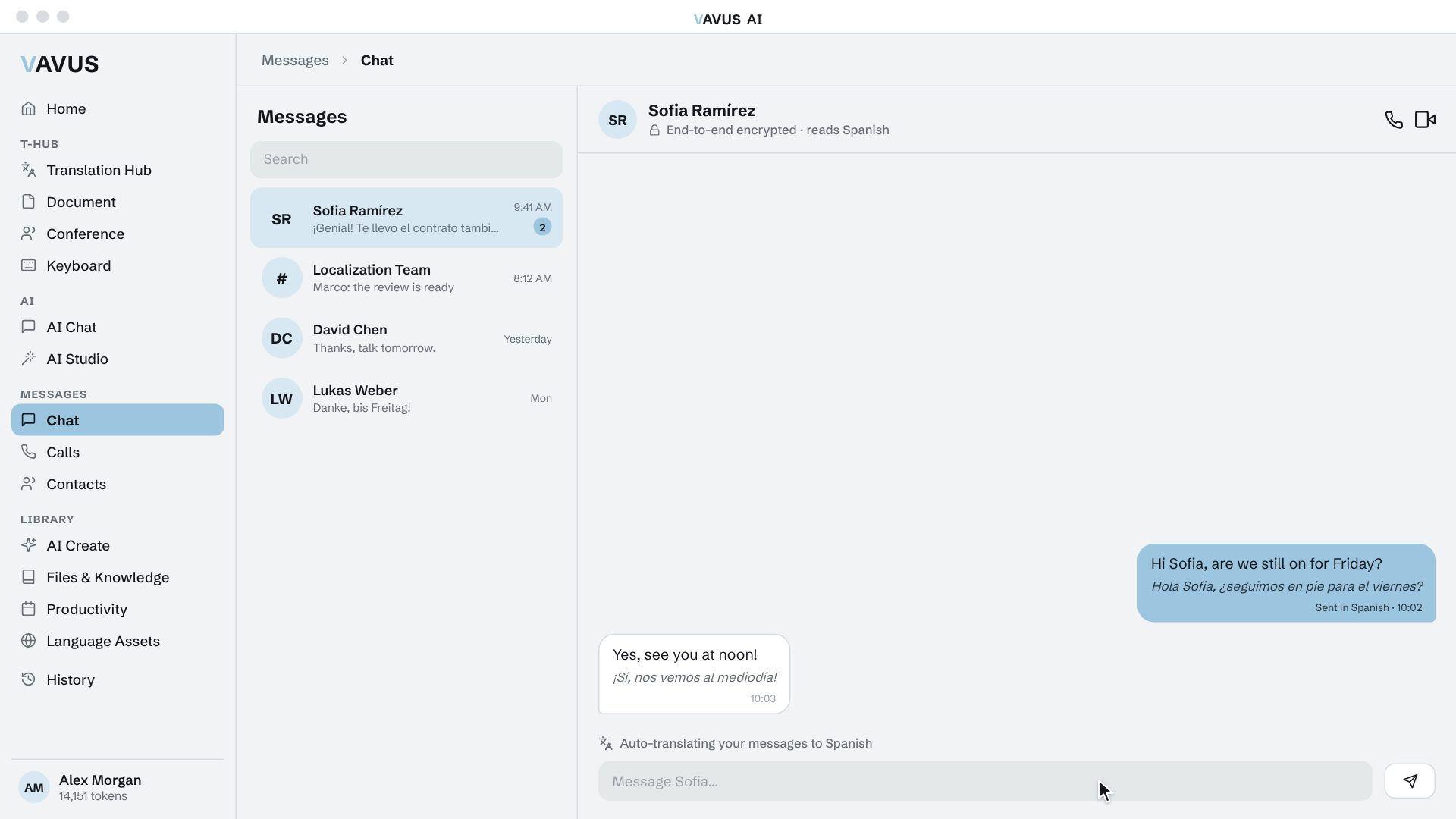
Multilingual Messaging
Multilingual Messaging lets two people text each other in their own languages and read every message in theirs — you write in yours, they read in theirs. Manage who you message in a single address book, set each conversation's language and translation behaviour once so each chat works without re-tweaking, and pick up any thread without thinking about the language gap. End-to-end encrypted so families, support teams, and care coordinators can chat privately across languages.
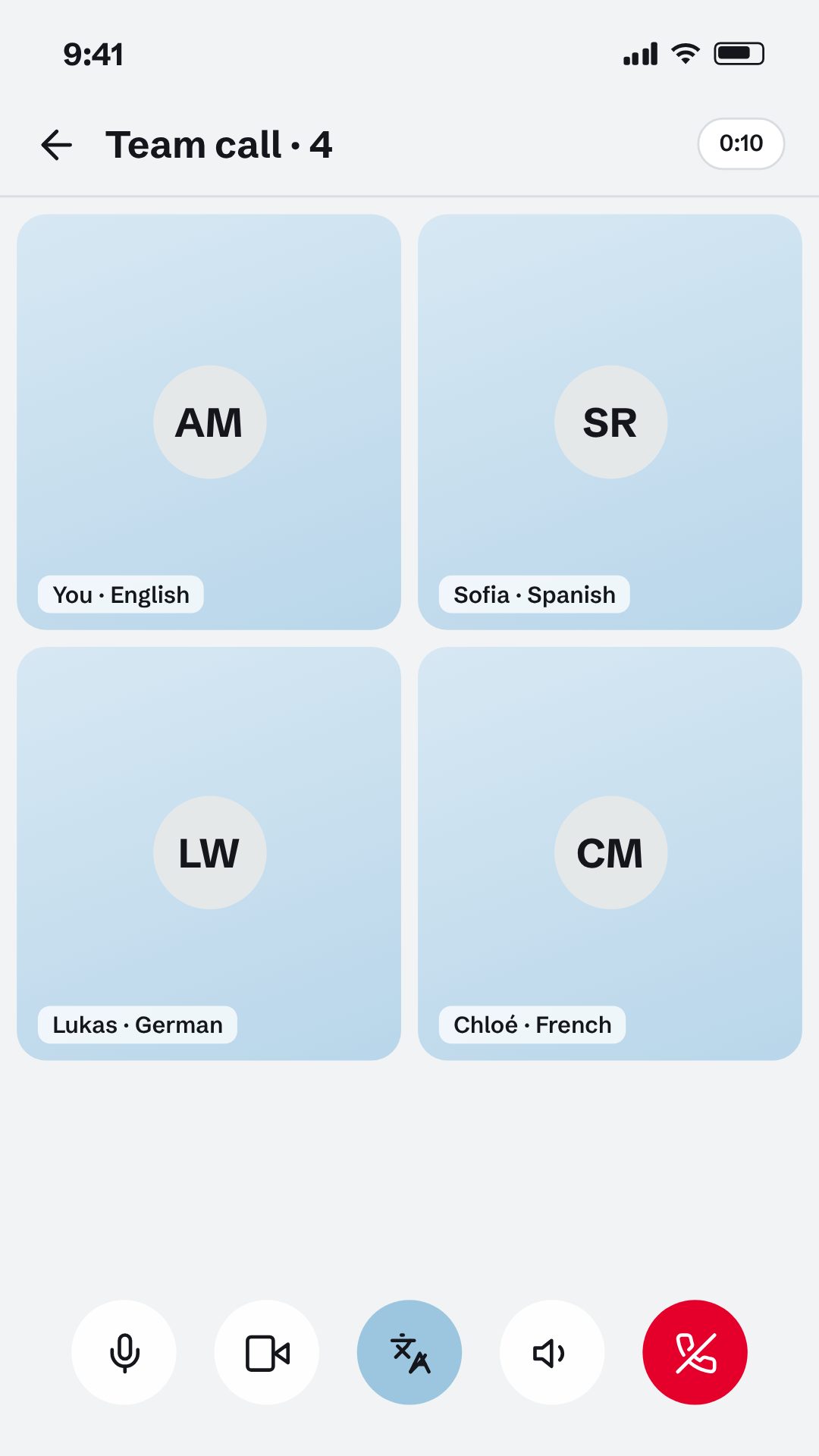
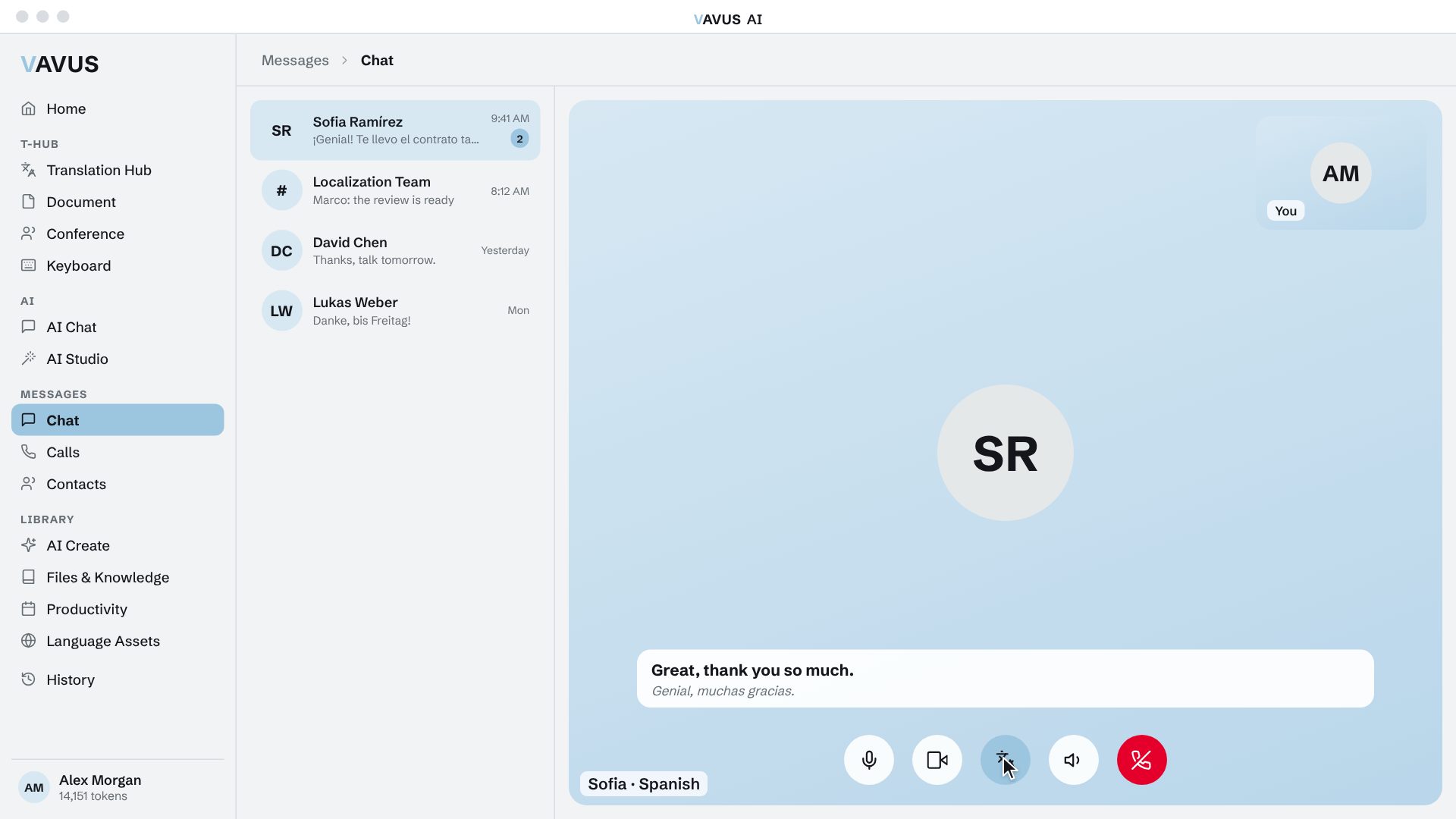
Audio & Video Calls
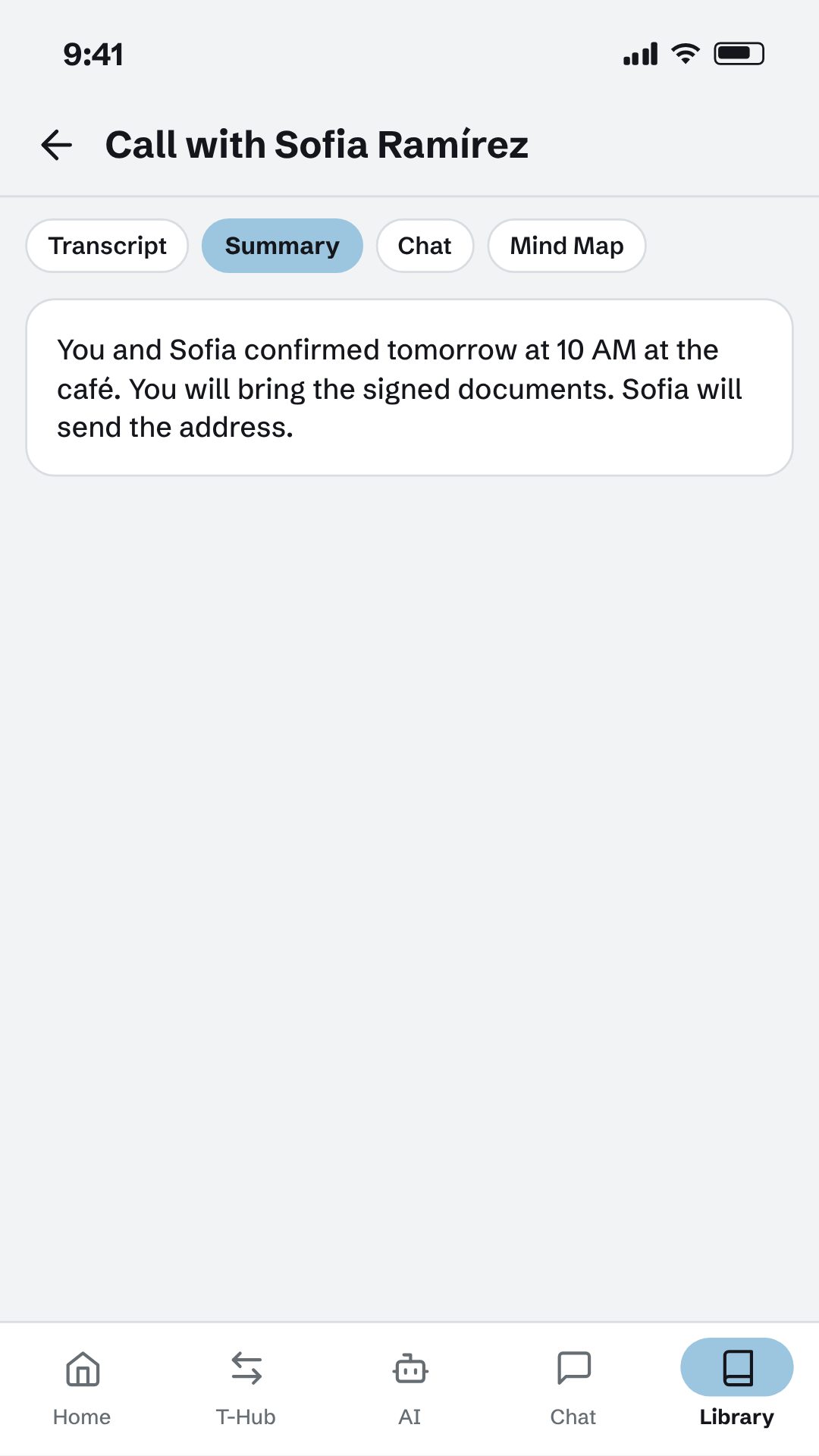
Audio and video calls inside Vavus — start one from a chat, turn the camera on or off, and the other side hears you in their language while you hear them in yours. Translation runs live during the call, and every call is logged with metadata, retained transcript, and recording (where allowed), so you can look something up later.
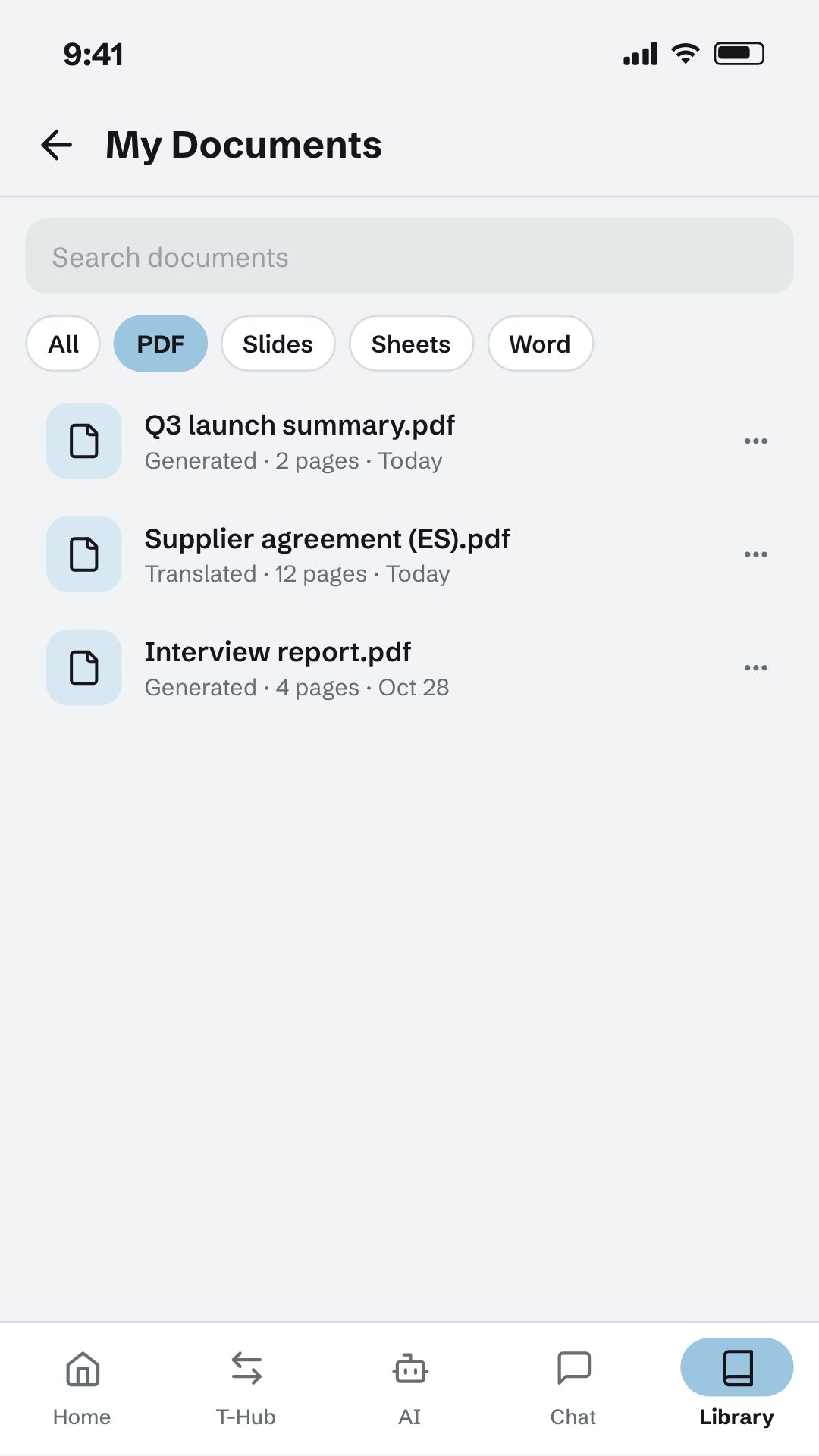
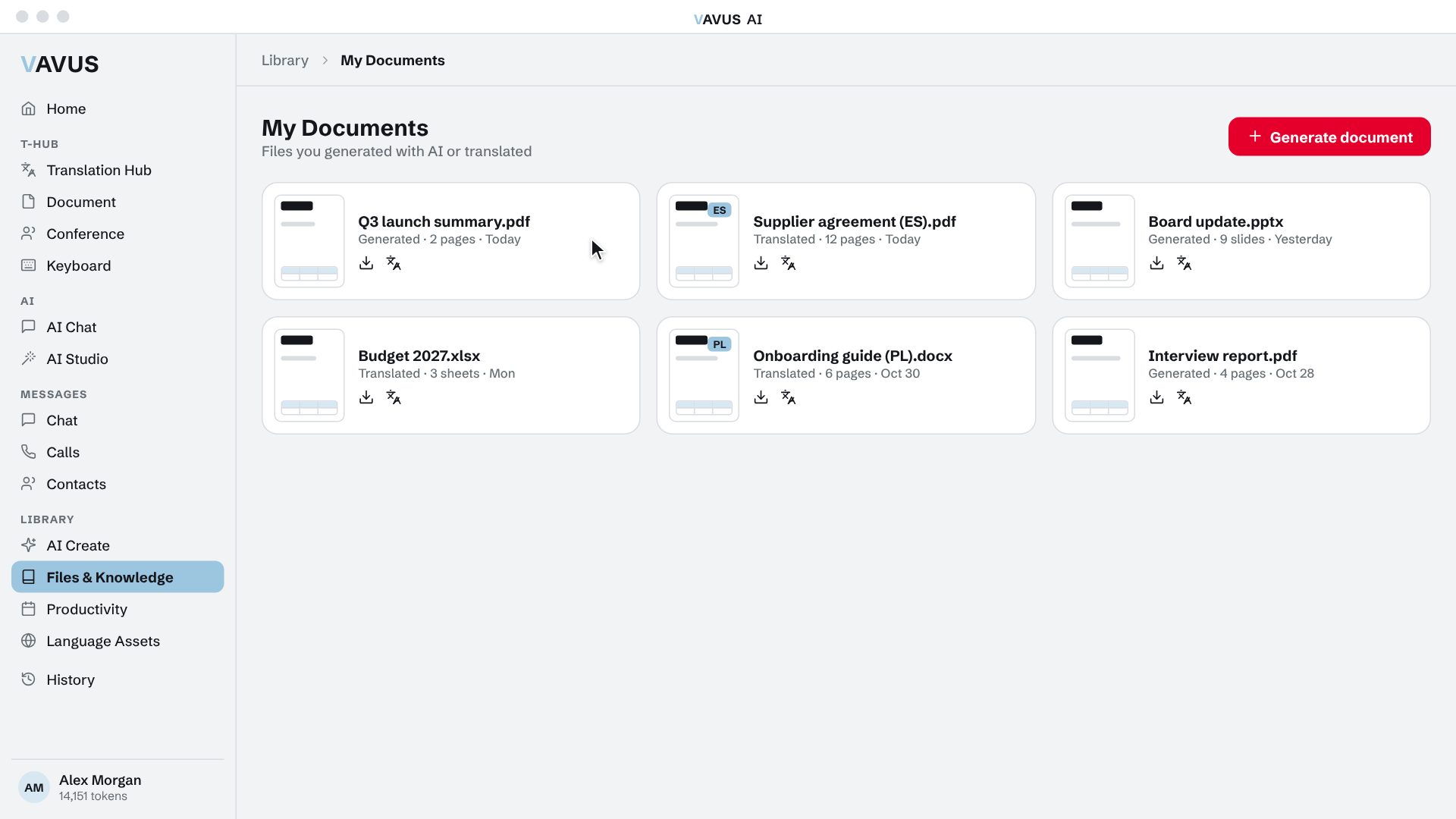
Documents
Documents is the library where your translated files, AI-generated documents, and saved drafts all live in one place — browse them, reopen them, download them, or keep working. It is the home for finished work, separate from raw uploads, so you can always find the translated contract or the report the AI wrote.
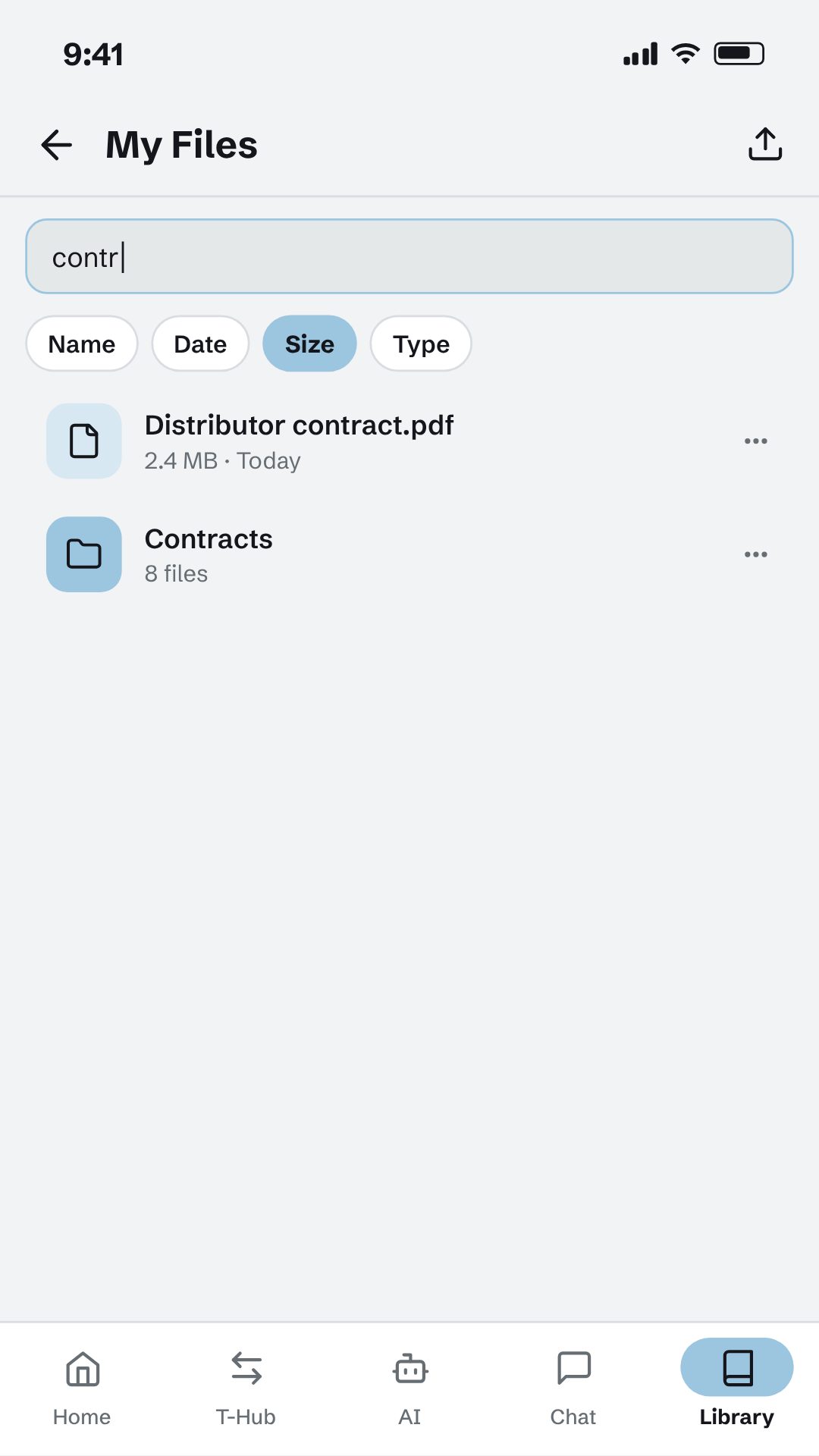
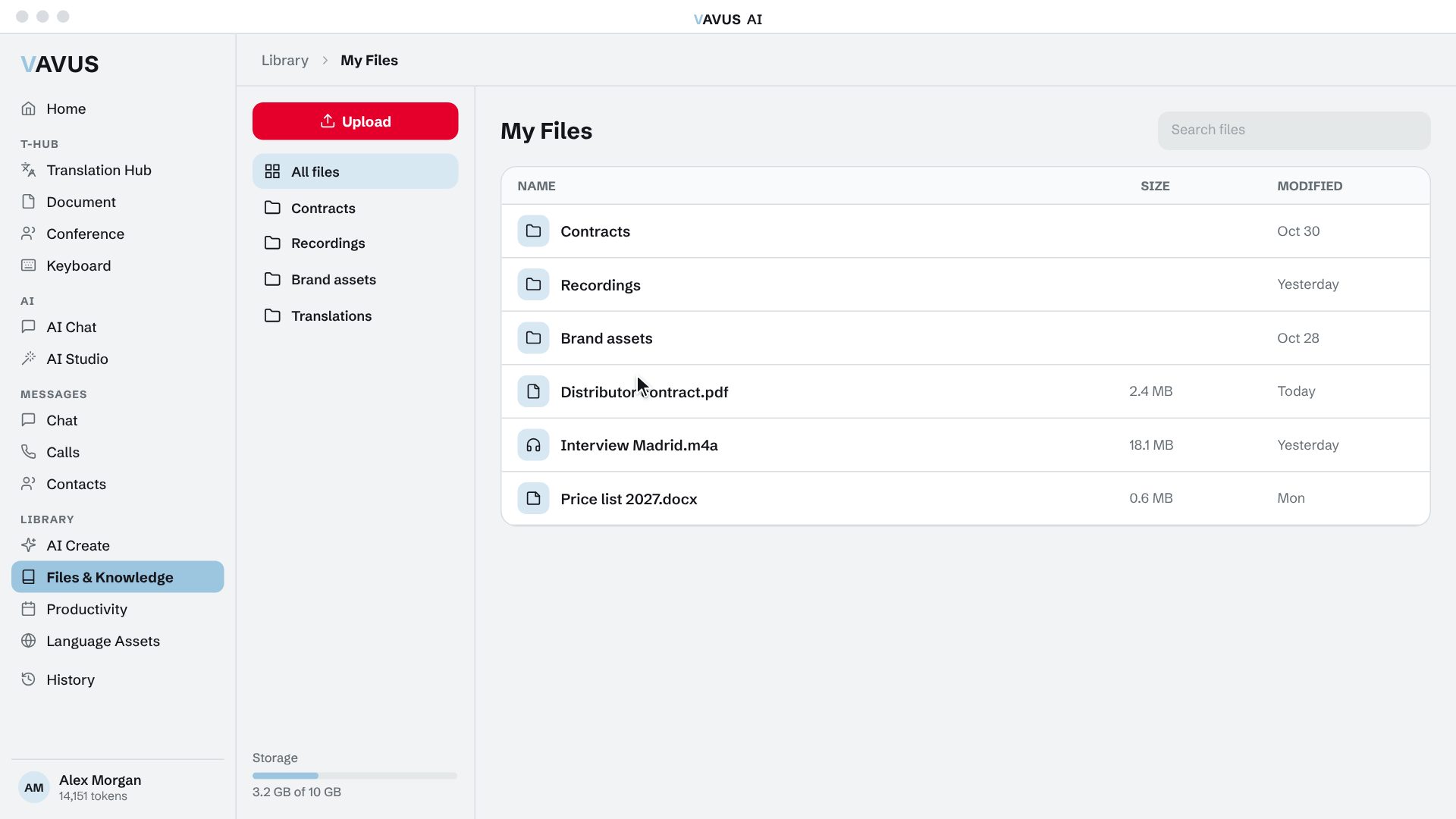
My Files
My Files is your upload area inside Vavus — folders and files you bring in, ready to feed into documents, projects, AI, or translation. It keeps the things you uploaded organized and separate from the documents Vavus generates, so you always know what came from where.
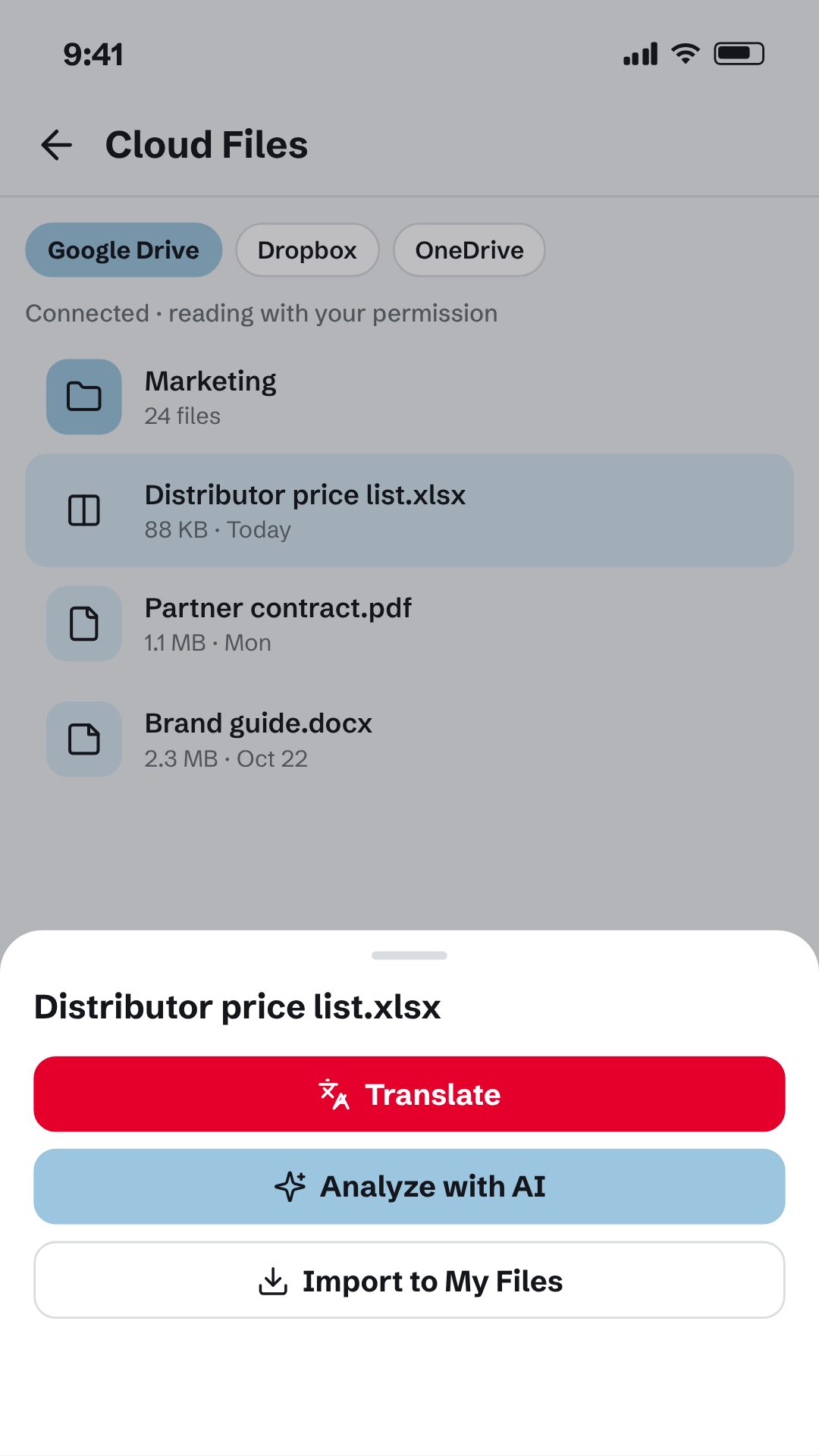
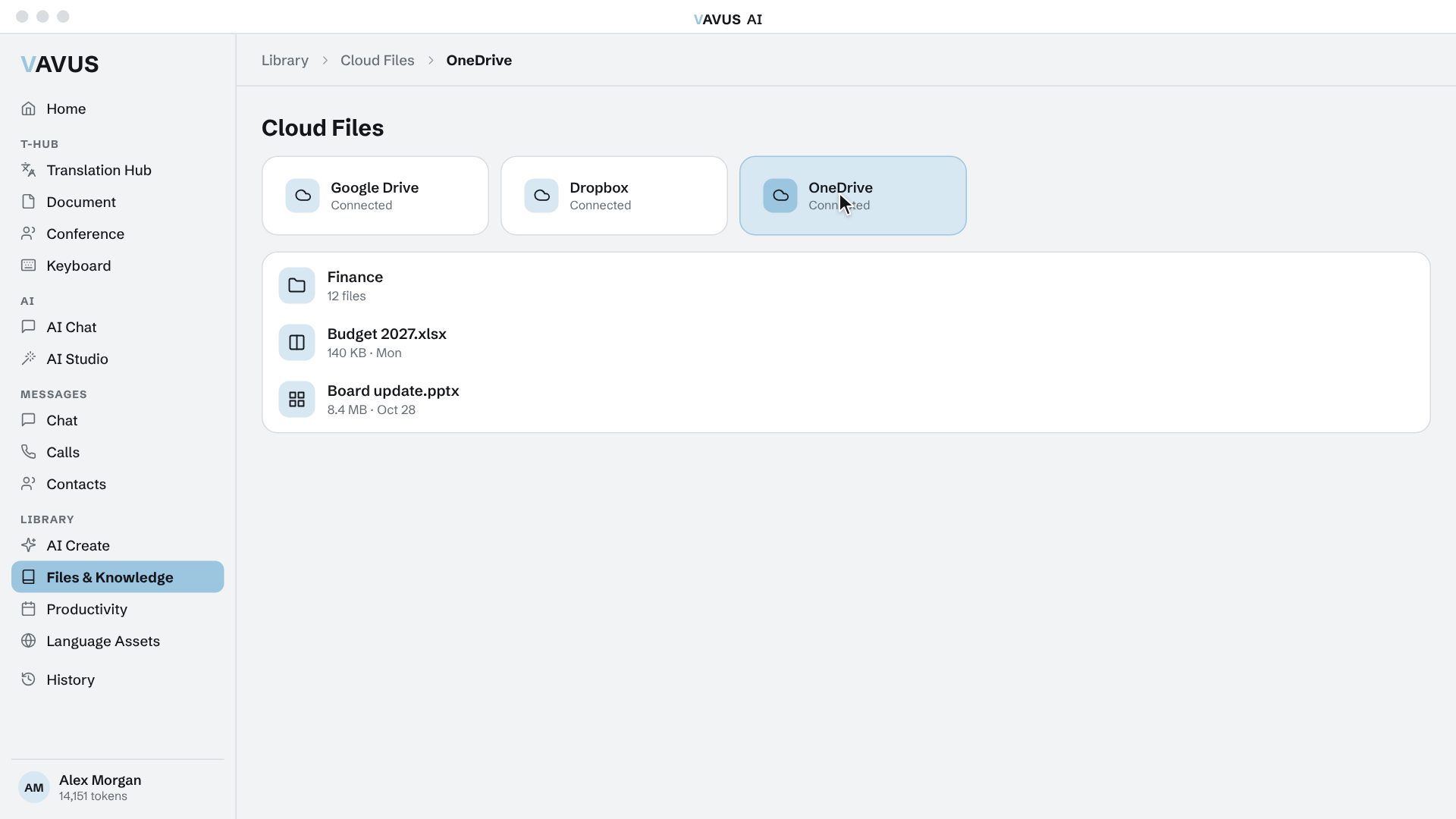
Cloud Files
Cloud Files lets you reach into connected storage — Google Drive, OneDrive, Dropbox — and open or translate a file without downloading and re-uploading it by hand. Connect a provider once and browse, import, and use those files directly in Vavus workflows.
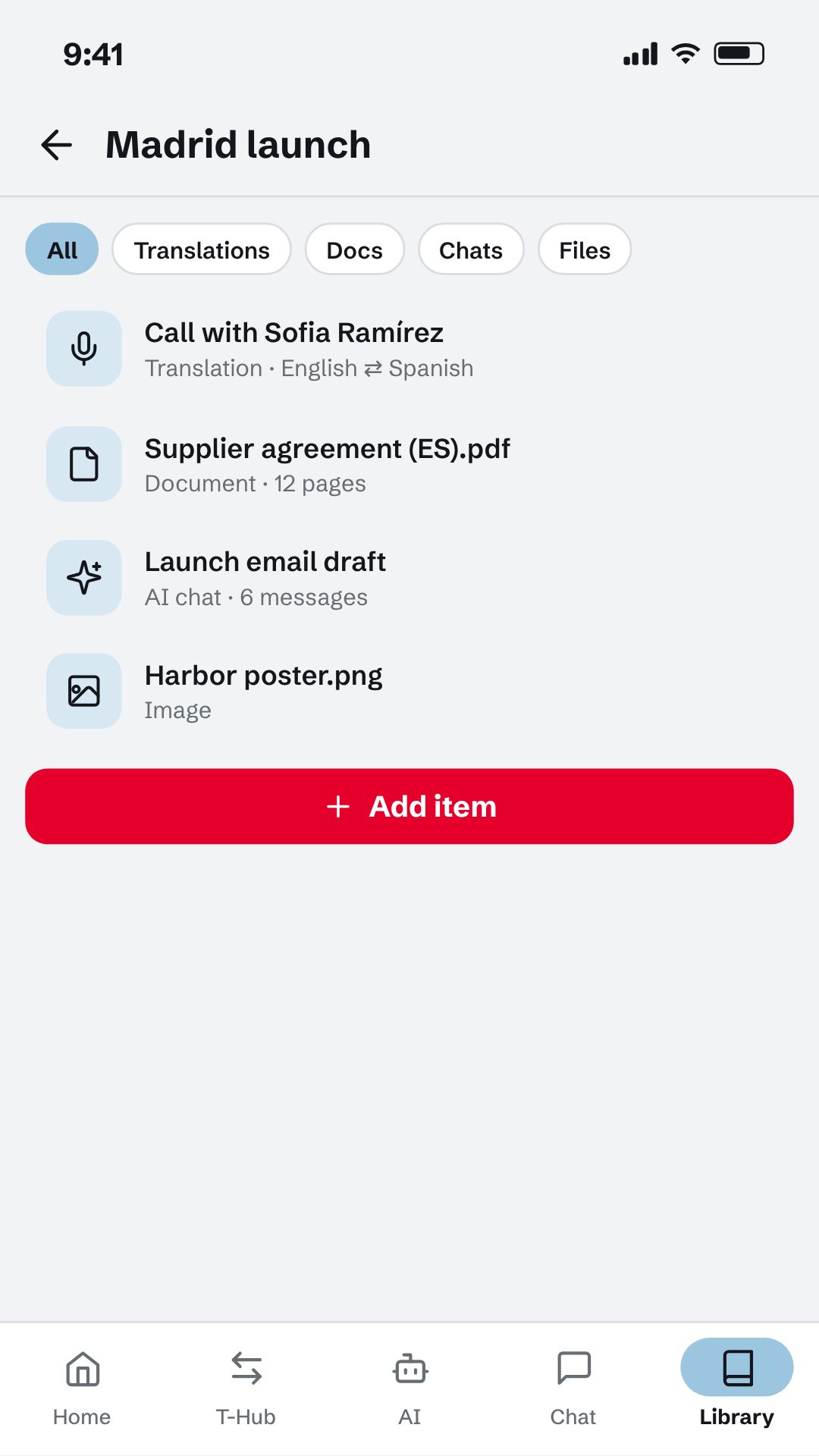
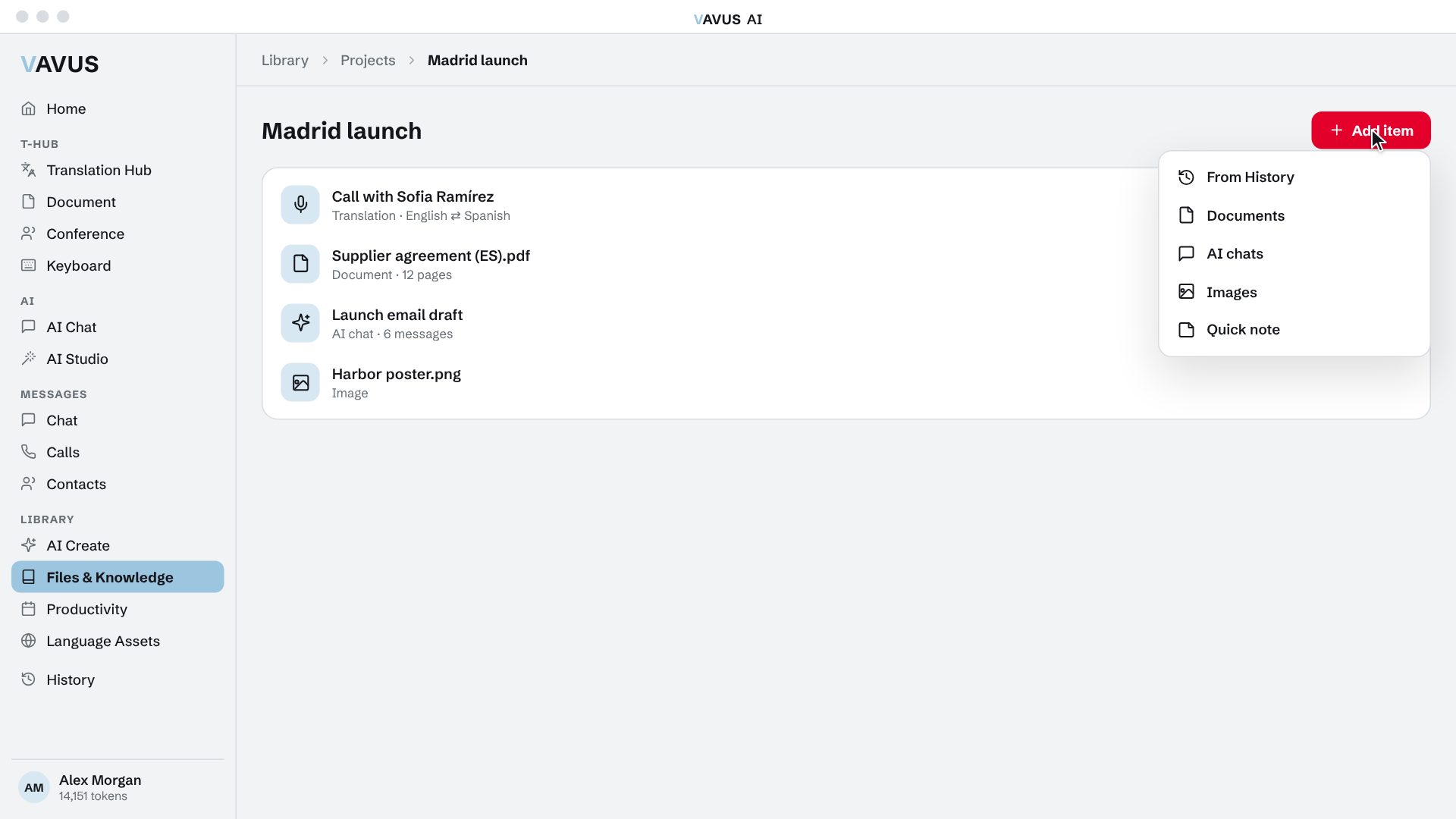
Projects
Projects group everything about one piece of work — translations, documents, AI chats, images, and files — under a single workspace you can return to. It is for client work, a case, or any initiative where you want all the related multilingual material kept together instead of scattered across tools.
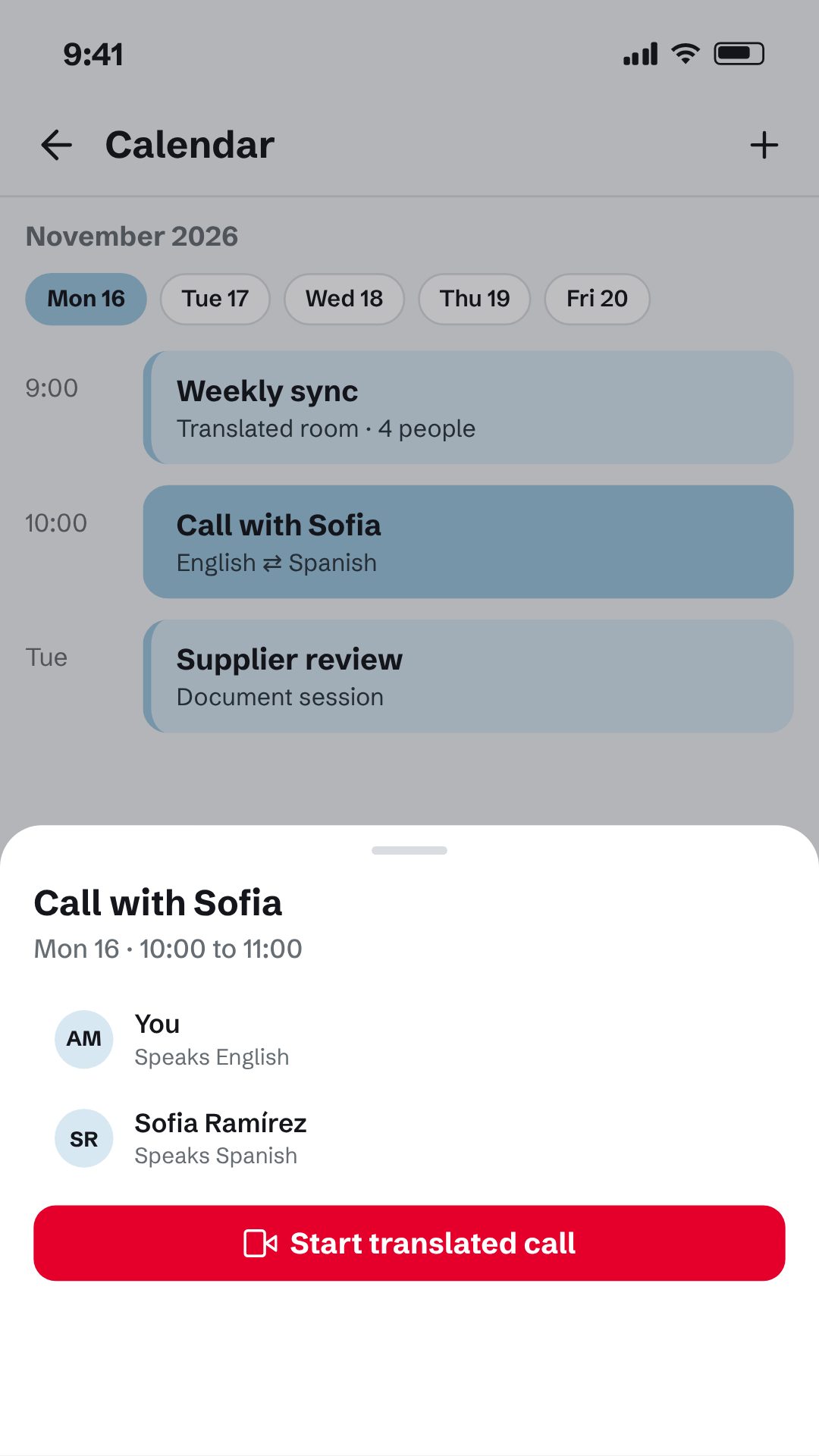
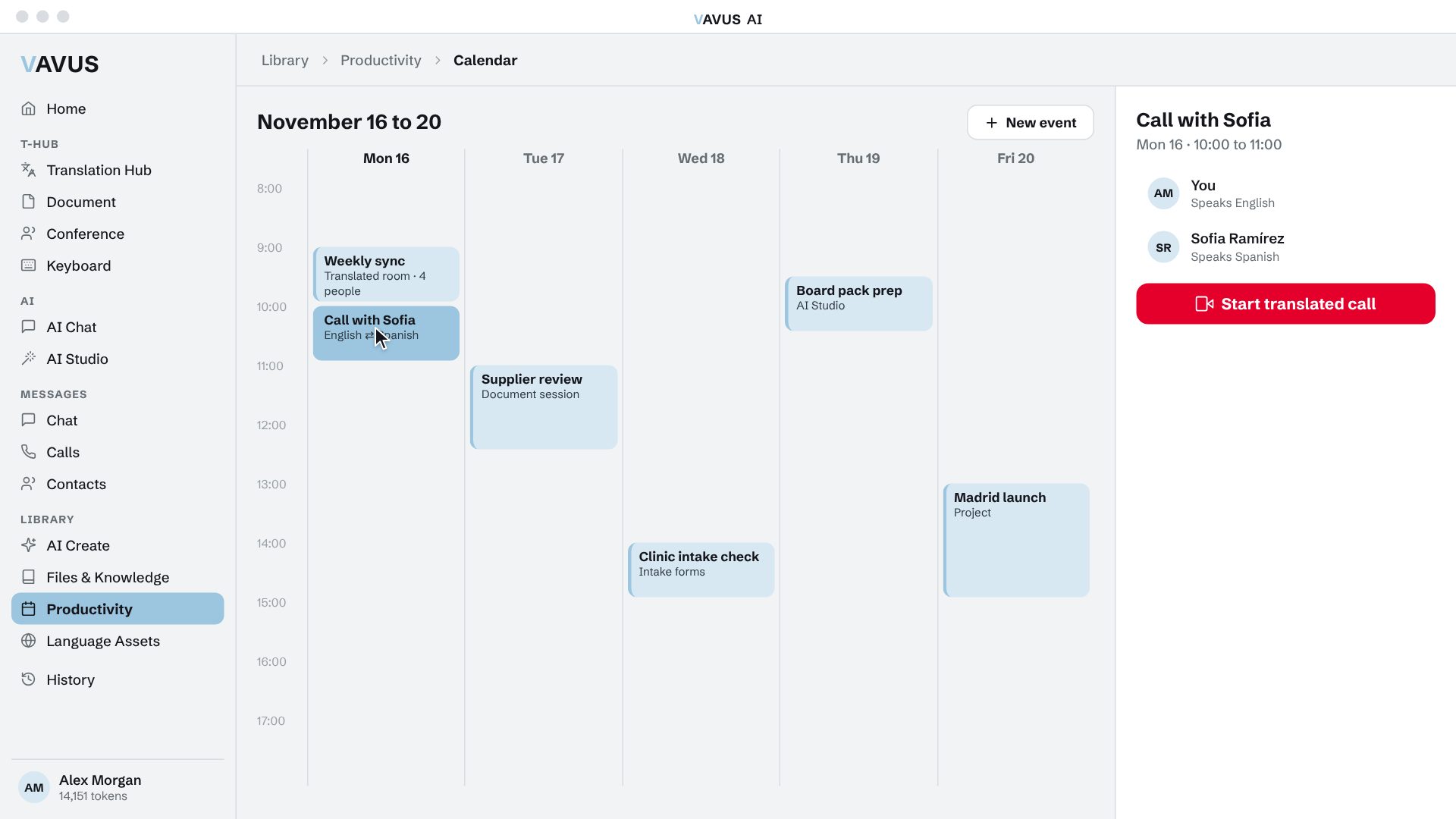
Calendar
Calendar brings scheduling into Vavus — create and manage events, see your day, and tie meetings to the notes, calls, translation, and integrations around them. It is for keeping multilingual work and the time it happens in one place.
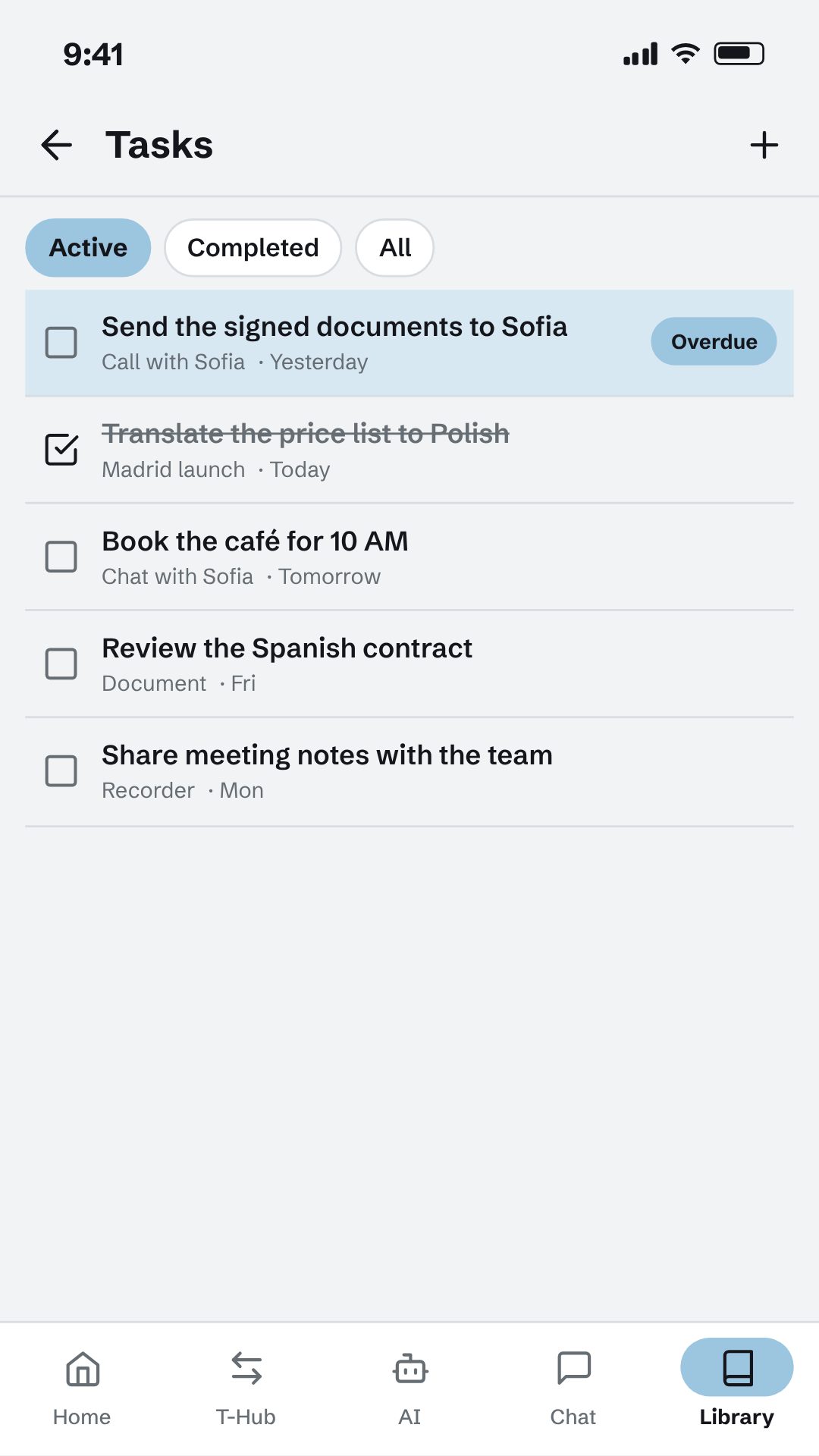
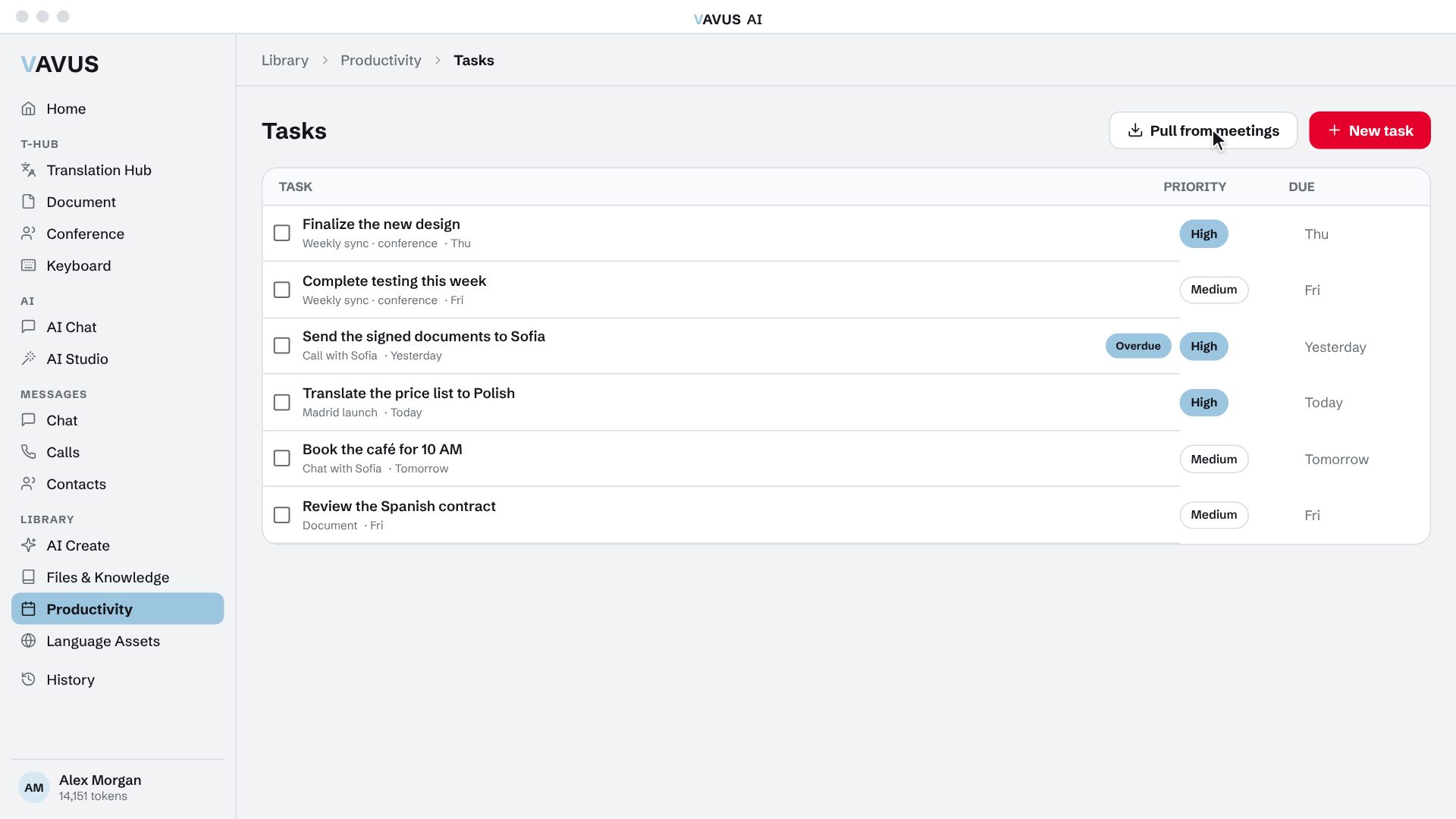
Tasks
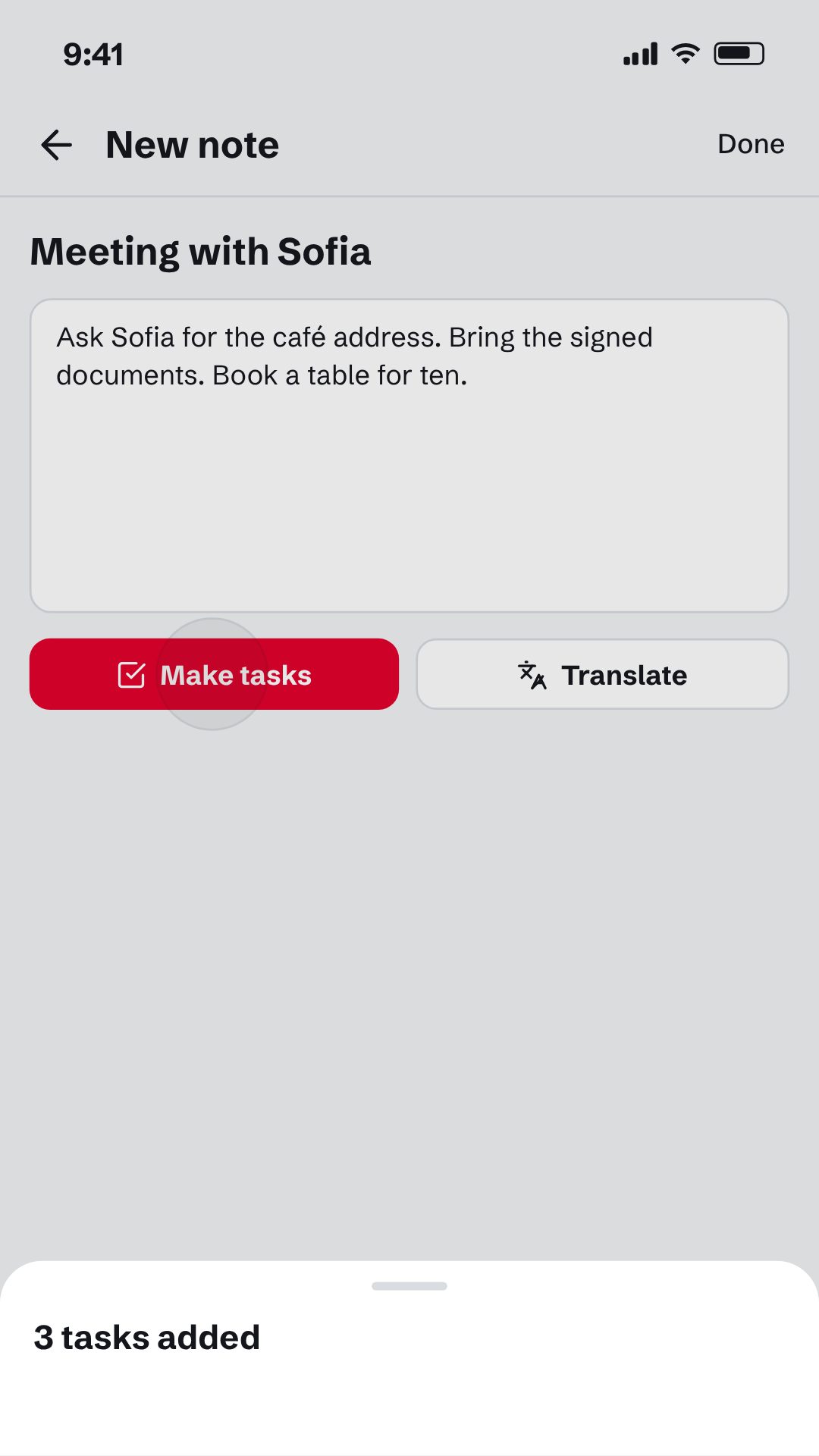
Tasks turns follow-ups into a checklist — capture action items, including ones the AI pulls out of a meeting transcript, then track and complete them alongside your notes and projects. It is where the to-dos from your Vavus work live so nothing slips.
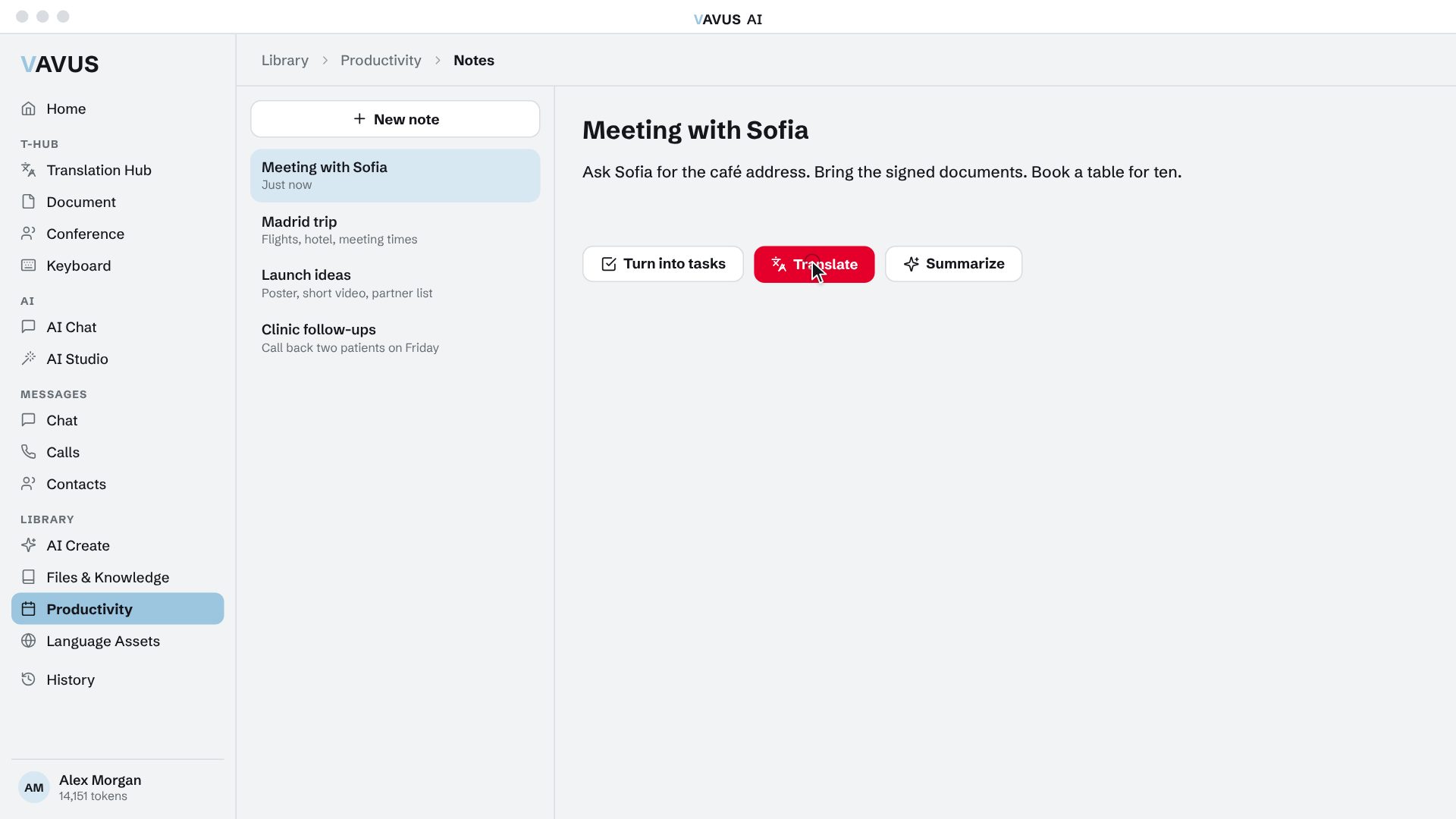
Notes
Notes is a writing space inside Vavus where you can jot something down and then translate it, summarize it, or rewrite it with AI right there. It connects your written content to the translation and AI tools instead of keeping them apart.
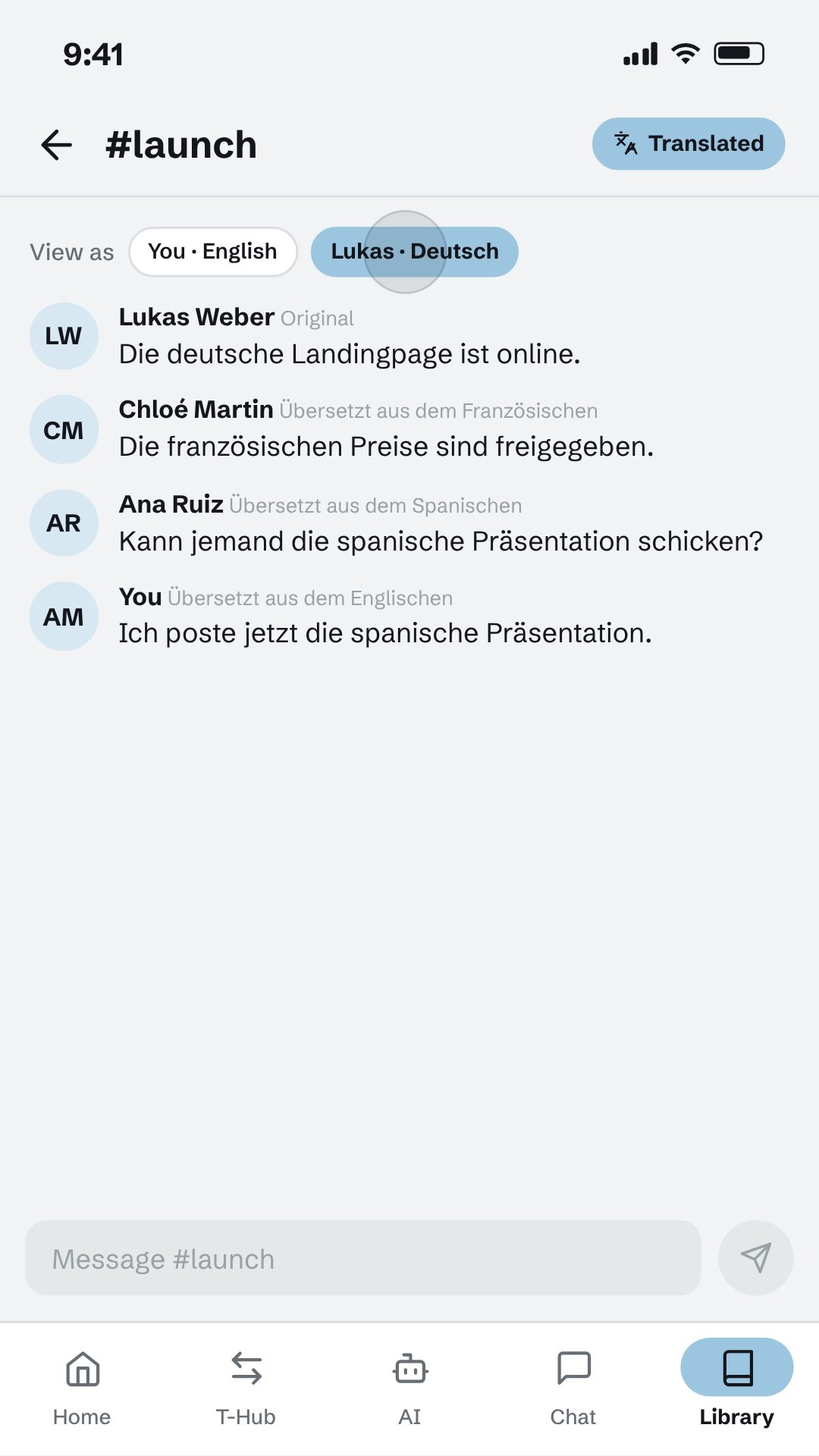
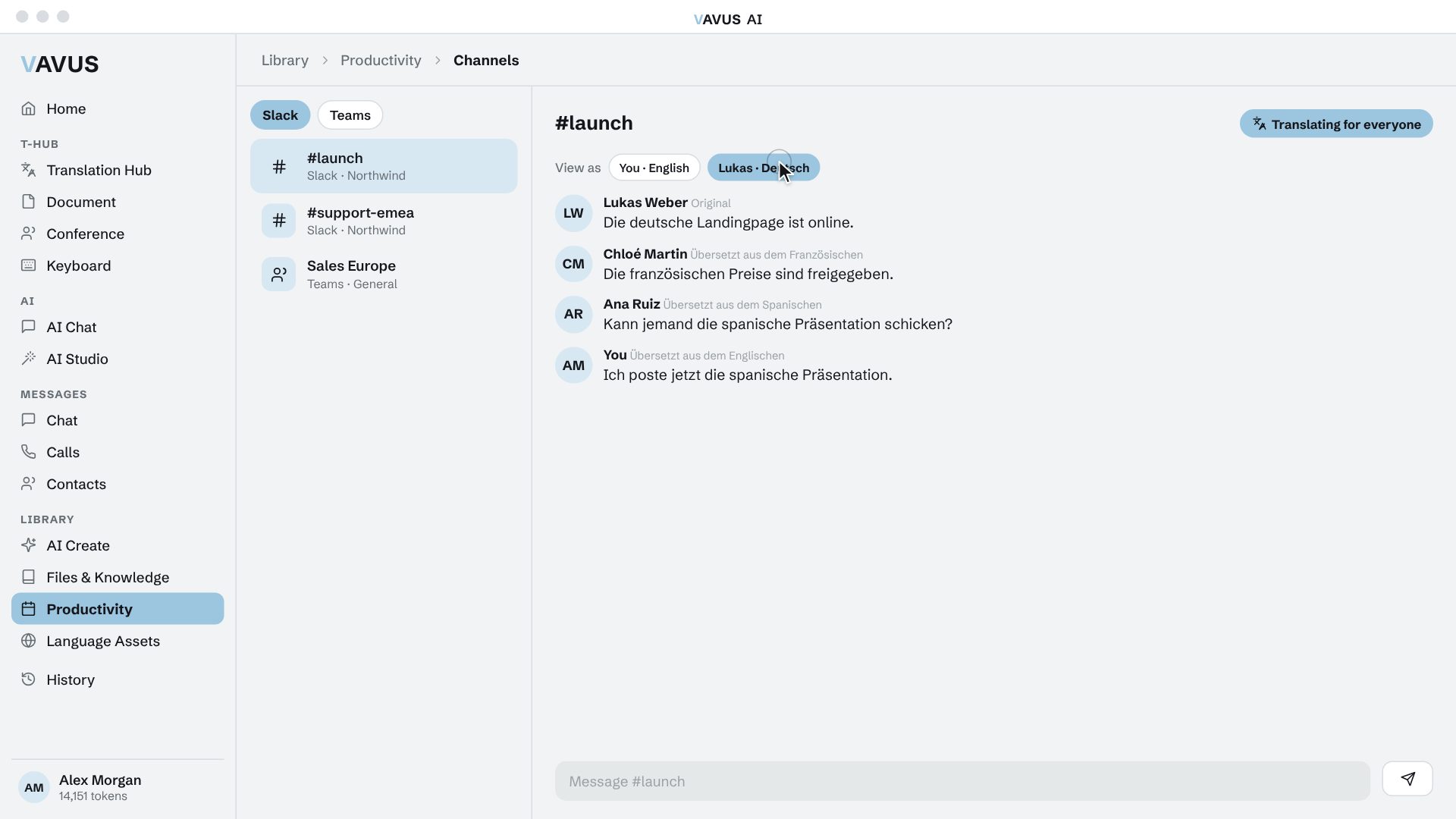
Connected Channels
Connected Channels pulls your Slack or Microsoft Teams channels into Vavus so you can read and post in them beside your translation and AI tools — useful when work conversations and language tools need to sit together. Connect the workspace once and use channel context without app-switching.
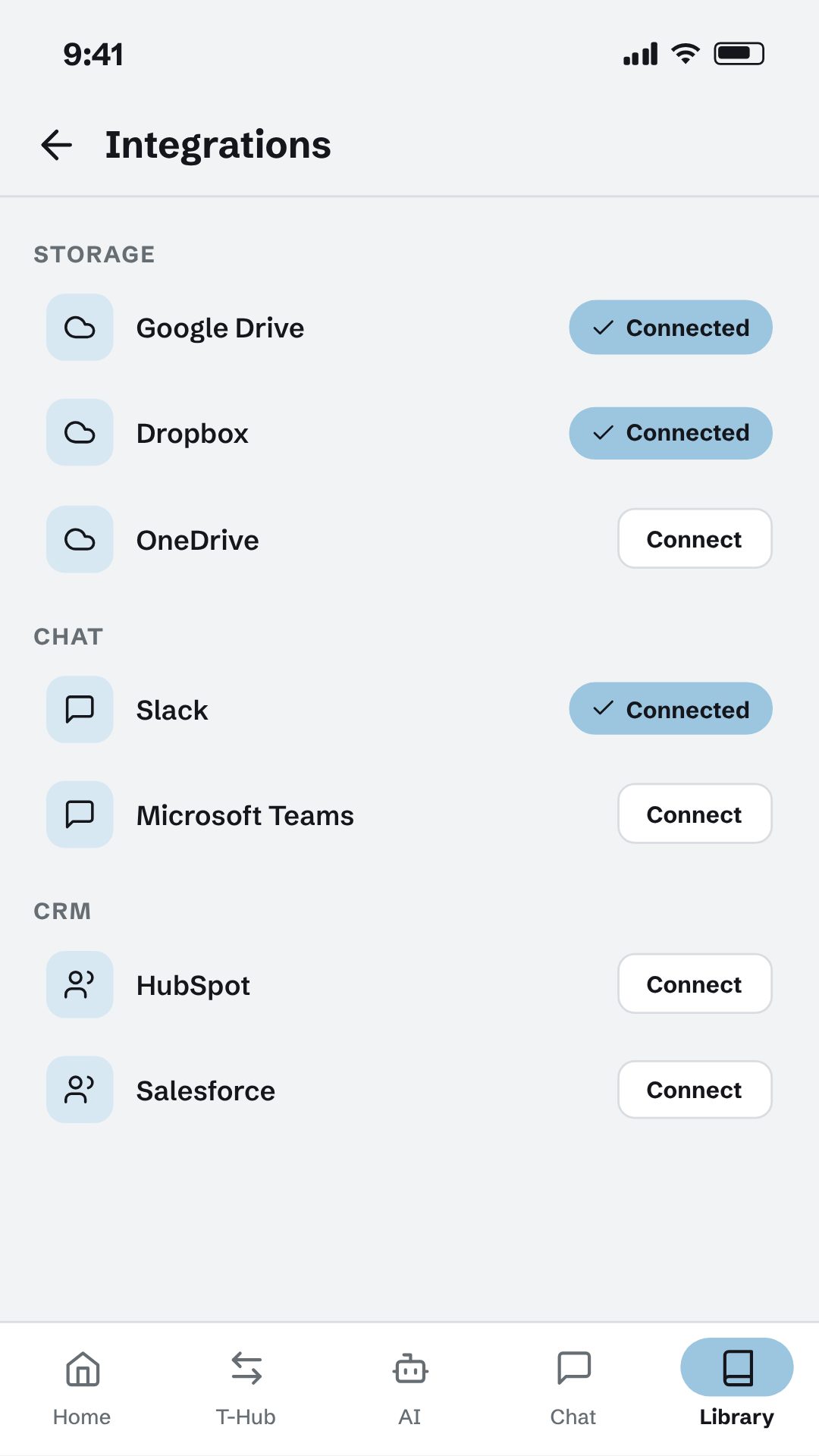
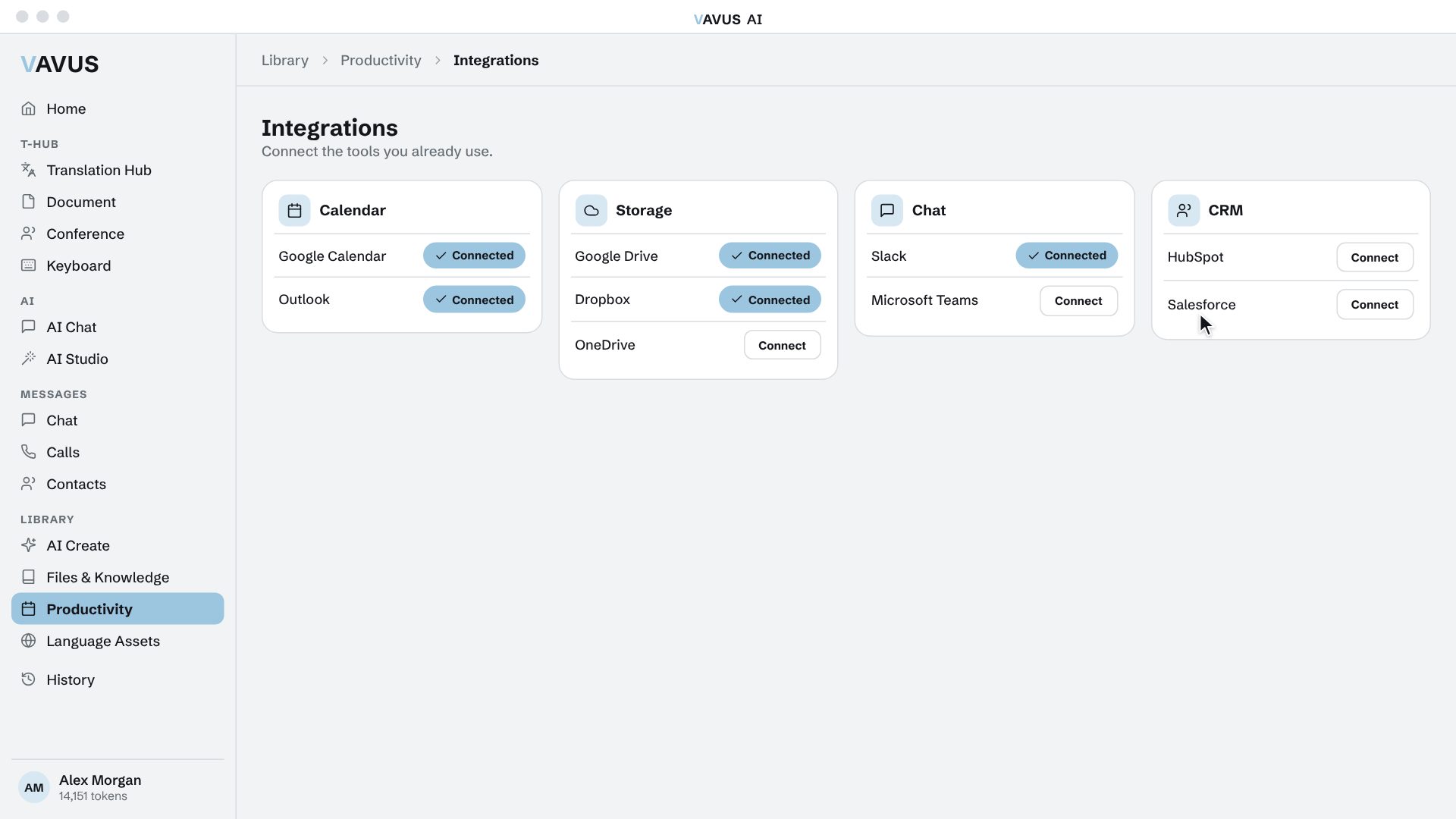
Integrations
Integrations is where you connect outside services — cloud storage, productivity apps, chat platforms, calendars — so their files, notes, channels, and events flow into Vavus. Authorize a provider once and stop copy-pasting between tools.
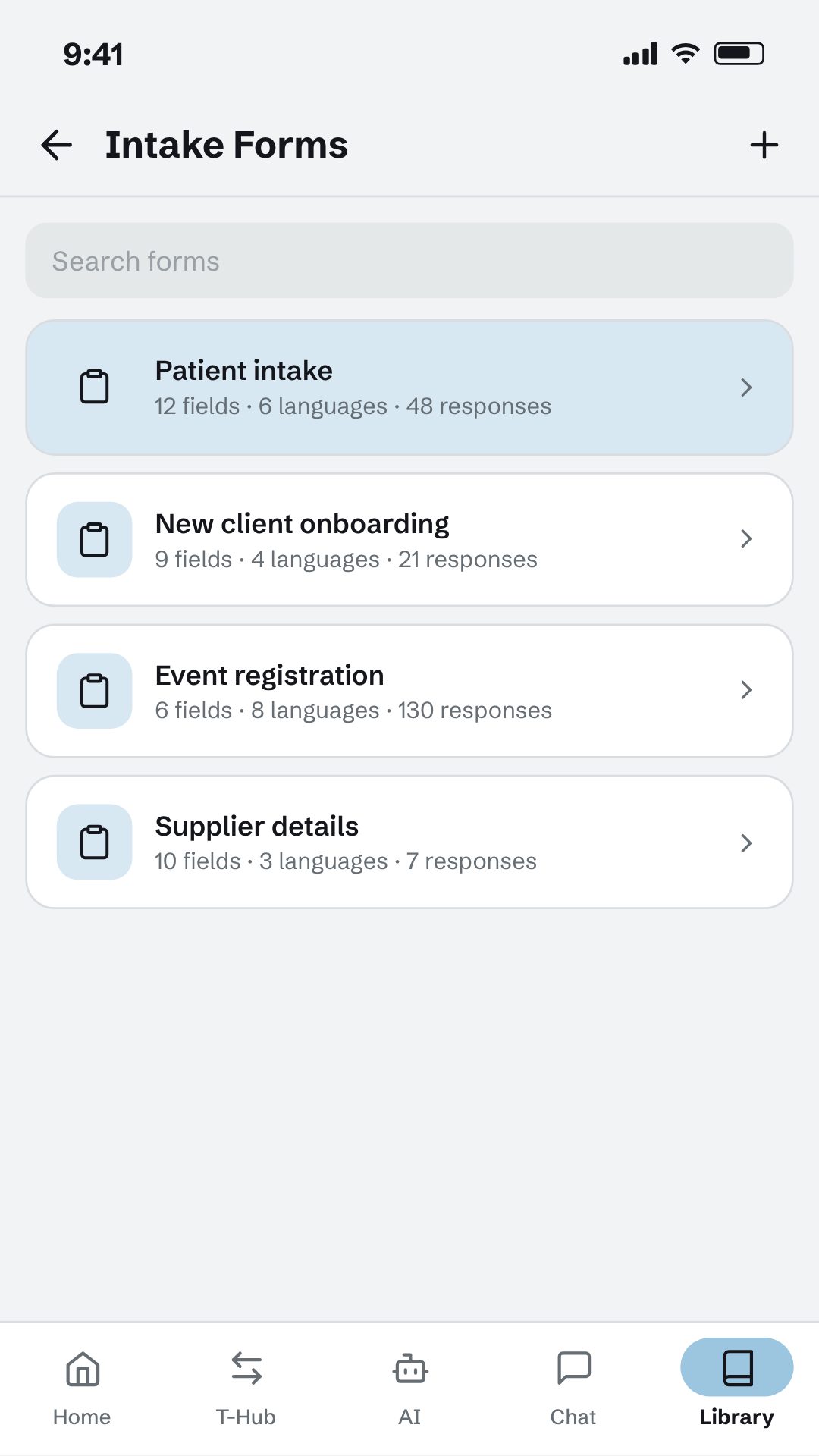
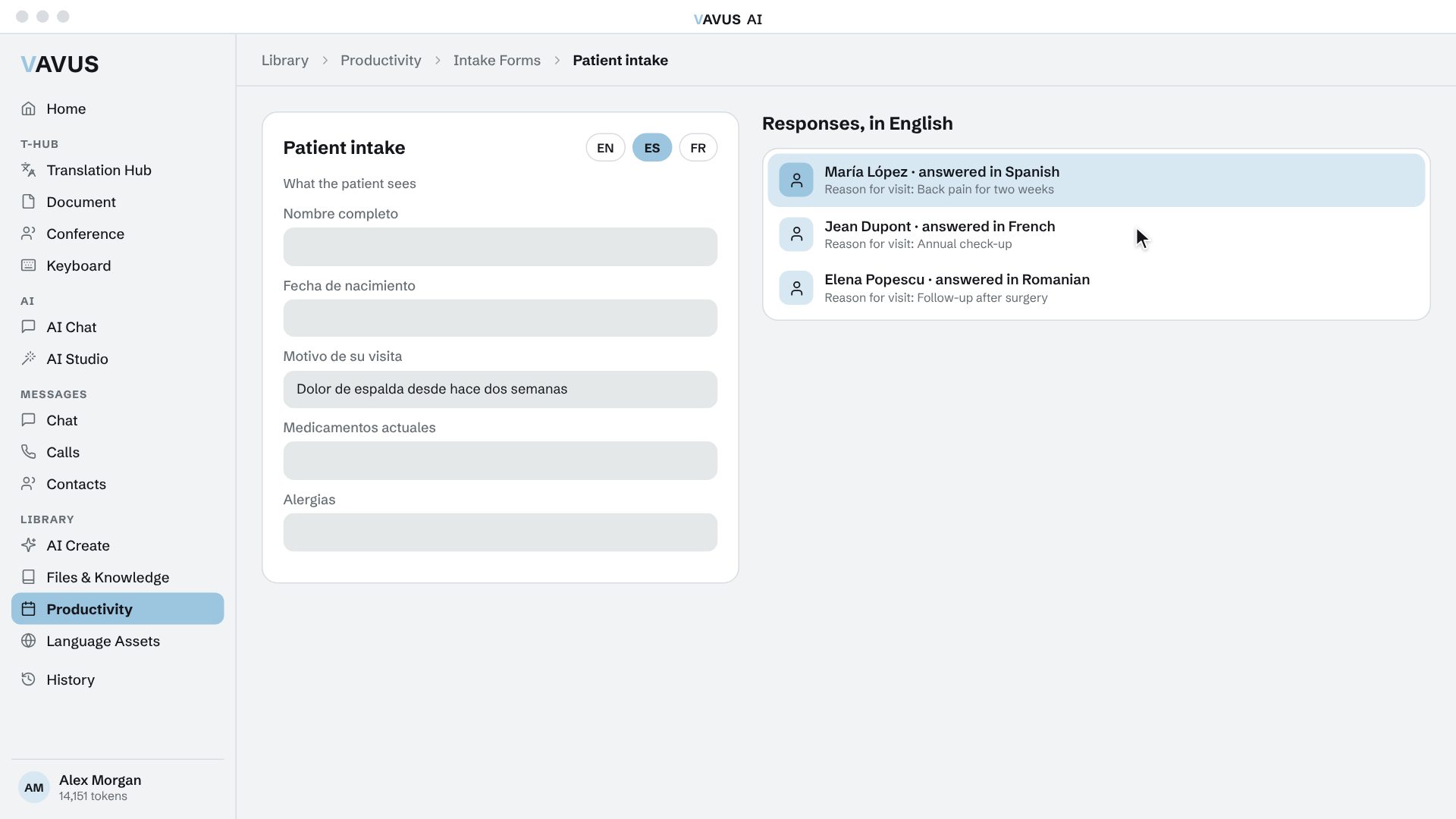
Intake Forms
Intake Forms collect structured answers in the other person’s language — build a form, share a fill link in their language, and get the responses back translated for you. It is for clinics, legal, education, and service teams replacing messy ad-hoc translated forms with clean multilingual intake. Before patient data goes through Vavus, we review your setup and sign a HIPAA agreement with you.
Vavus works in more than 200 languages. See if yours is on the list.


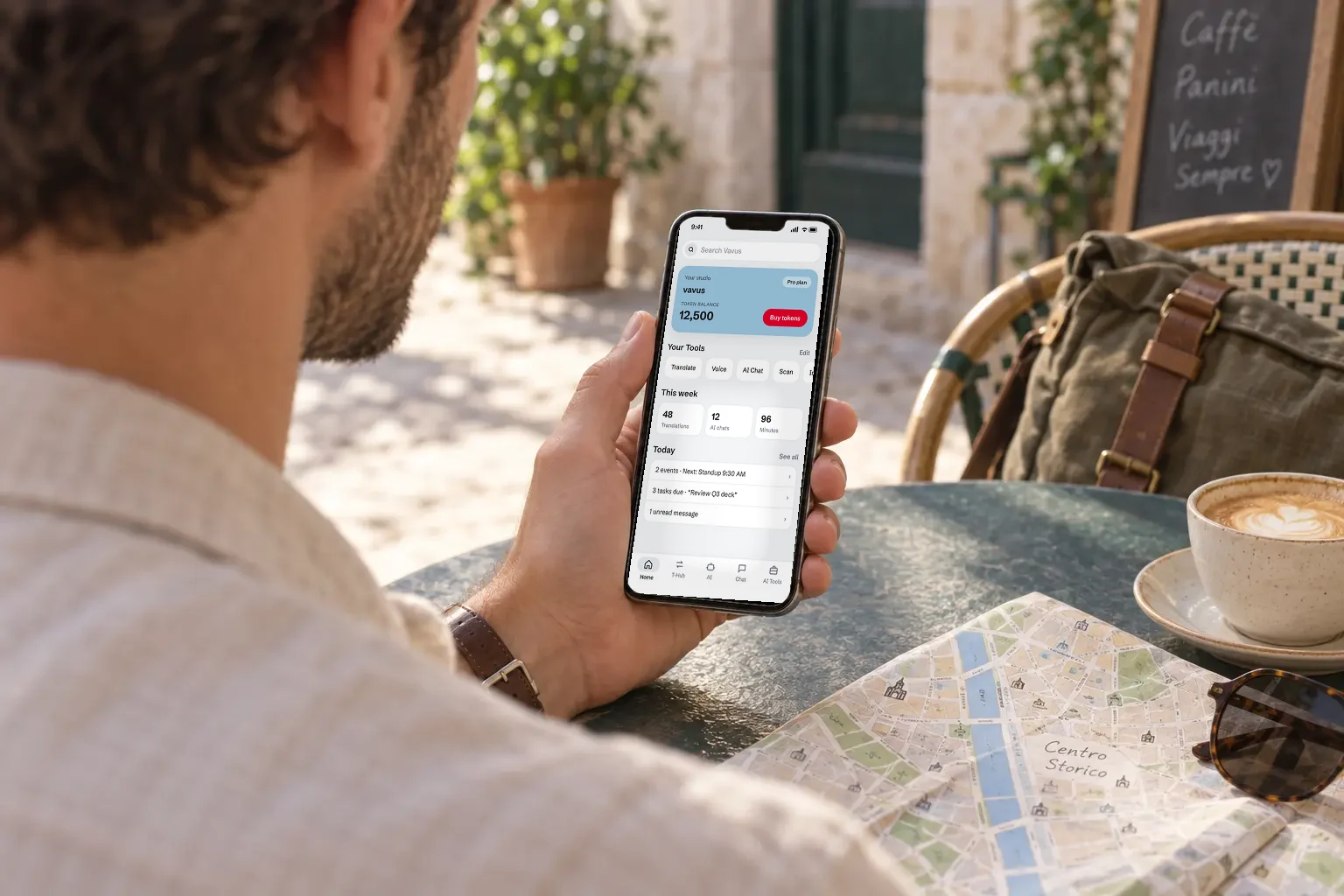 AI-generated illustrative scene.


For teams and healthcare
Your conversations stay private.
End-to-end encrypted messaging, client-side encryption, a signed HIPAA BAA, and SAML 2.0 single sign-on — with self-hosting on your own servers when data can't leave the building.
- End-to-end encryption
- HIPAA BAA
- SAML SSO
- Self-hosted
- GDPR
- AES-256
Questions
Questions people ask us
What is Vavus AI?
Vavus AI is a multilingual platform that turns what you say or type into clear, fluent text across 200+ languages, right inside the apps you already use. It combines AI translation, keyboard dictation, live conversation and call translation, encrypted messaging, document and OCR workflows, and an AI assistant across iOS, web, and desktop.
How much does Vavus AI cost?
Start on Basic at $0 — 1,000 tokens every 30 days plus 1,000 keyboard words every seven days, no card required. Paid plans start at USD 9.97 per month and add more monthly tokens, storage, and higher usage limits, or you can pay once for lifetime access.
What languages does Vavus AI support?
Vavus AI translation covers 200+ languages. Speech to text covers 120+ languages, so a single conversation can move from spoken words to translated text to speech. Some niche pairs do not fully round-trip in voice and fall back to text translation.
What products are included?
Vavus AI is the app for translation, messaging, calls, documents and AI tools. Vavus Keyboard brings dictation and translation to any app on Android, iPhone, Windows, Mac and Linux. Vavus Concierge answers your customers by chat and phone. All three use one Vavus account.
Does Vavus AI work offline?
Typed and spoken translation, and Vavus Keyboard dictation, work offline once you download your languages, so you can keep translating without a connection. Live voice translation, AI chat, and calls need an internet connection. Offline coverage is a limited set of packs, not the full 200+ online languages.
How is Vavus AI different from Google Translate or DeepL?
Vavus AI bundles AI voice translation, a translation keyboard, encrypted messaging, voice and video calls with translation, and document workflows into one subscription. Google Translate and DeepL focus on text translation and do not include a dictation keyboard, encrypted messaging, or translated calls in a single account.
Try Vavus today
Use it on the web, or download it for your phone or computer. You don't need a card.