Vavus AI
Vavus AI multilingual messaging — translated conversations
Message across languages while the conversation stays readable on both sides.
Duration: 23 seconds. Download MP4.
What this demo shows
This 23-second feature reel shows multilingual messaging in Vavus AI. The contact list and active conversation stay visible while translated message bubbles appear in sequence, demonstrating how a cross-language thread can remain inside the same product instead of being copied between a chat app and a separate translation tool.
More Vavus demos
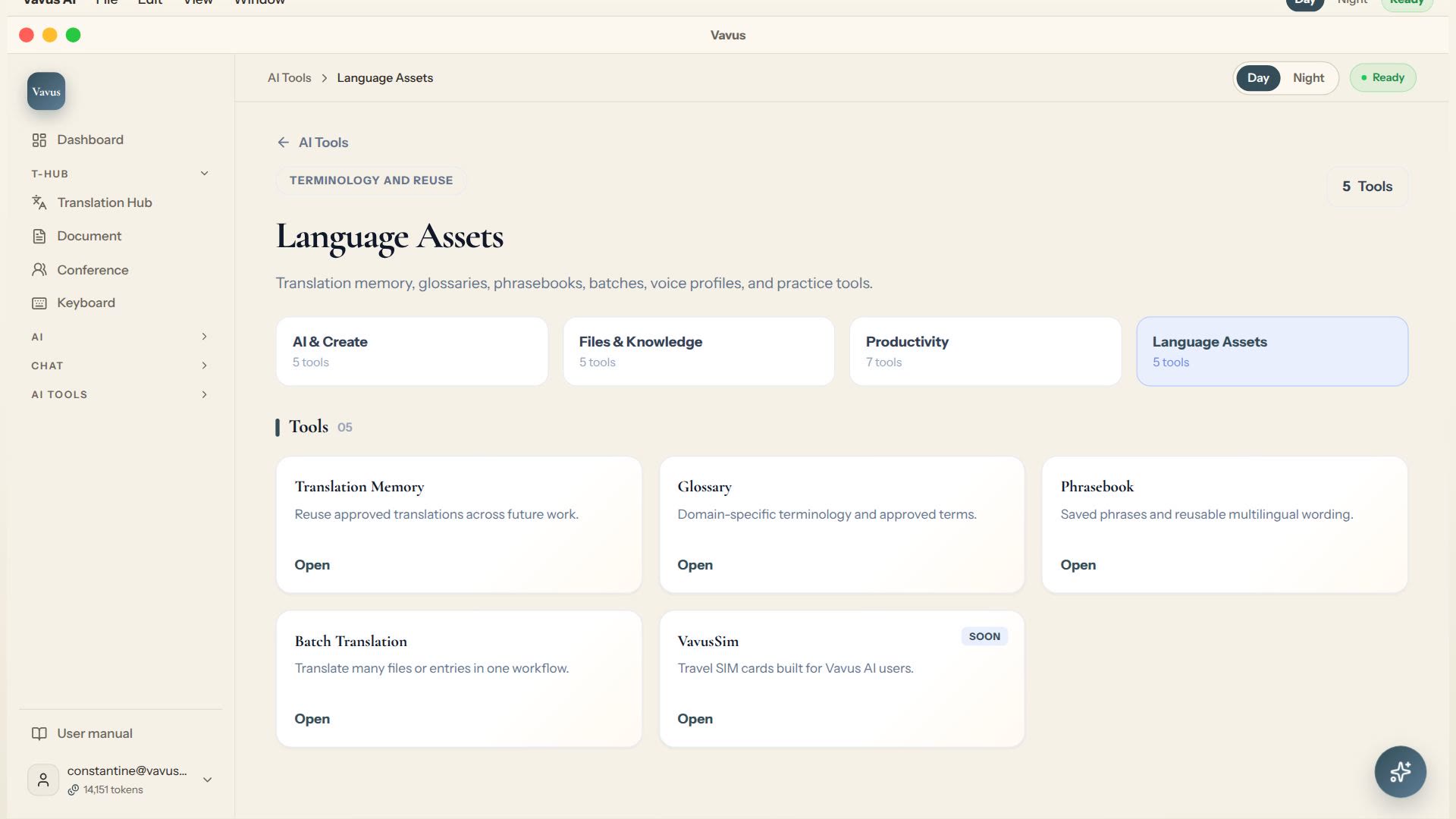
Vavus AI translation tools — glossary, memory, phrasebook, batch translation
Keep translation assets, glossary, memory, phrasebook, and batch work in one place.
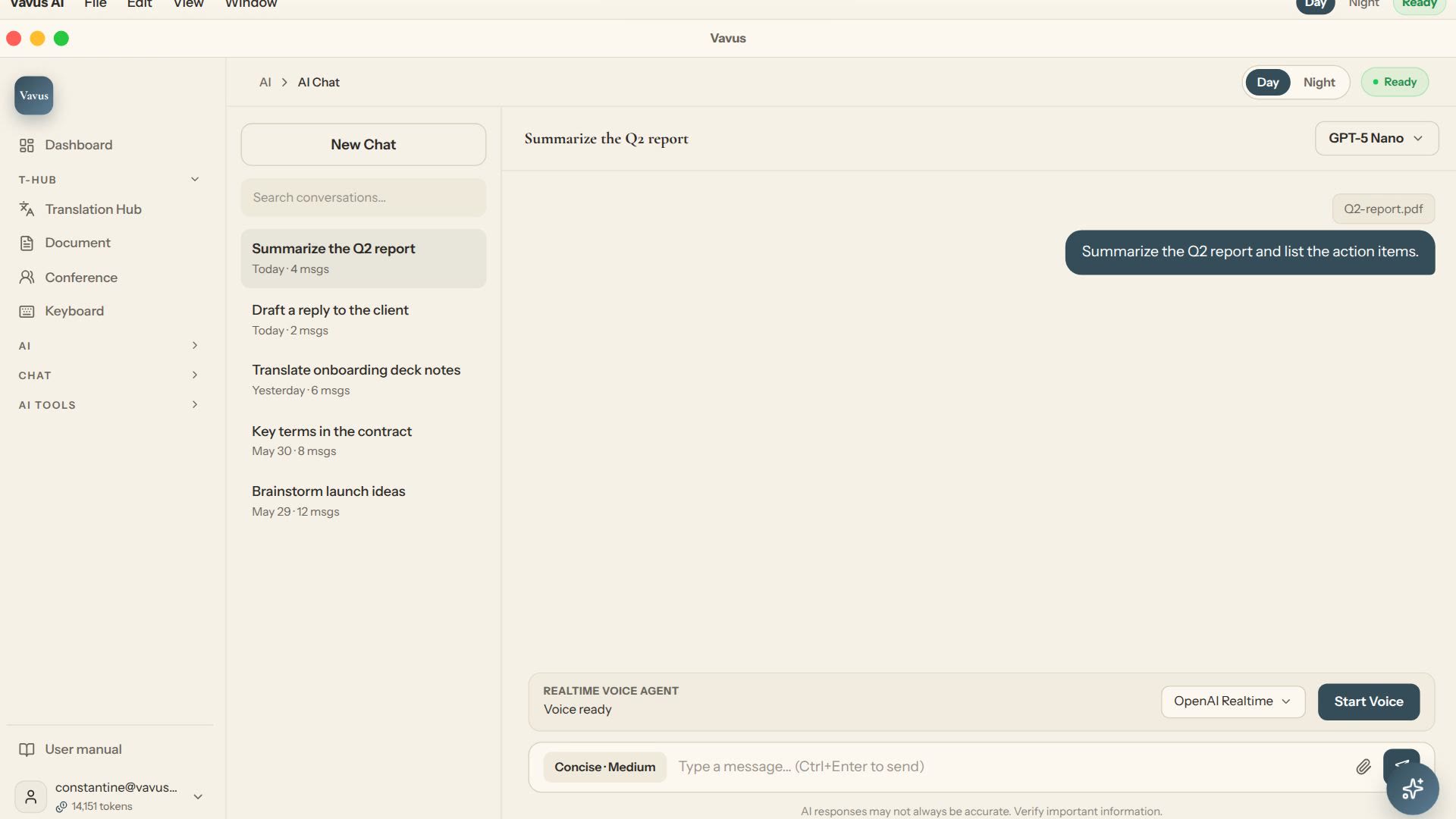
Vavus AI chat — multilingual writing and reasoning
Ask, draft, translate, and refine without leaving the Vavus AI workspace.
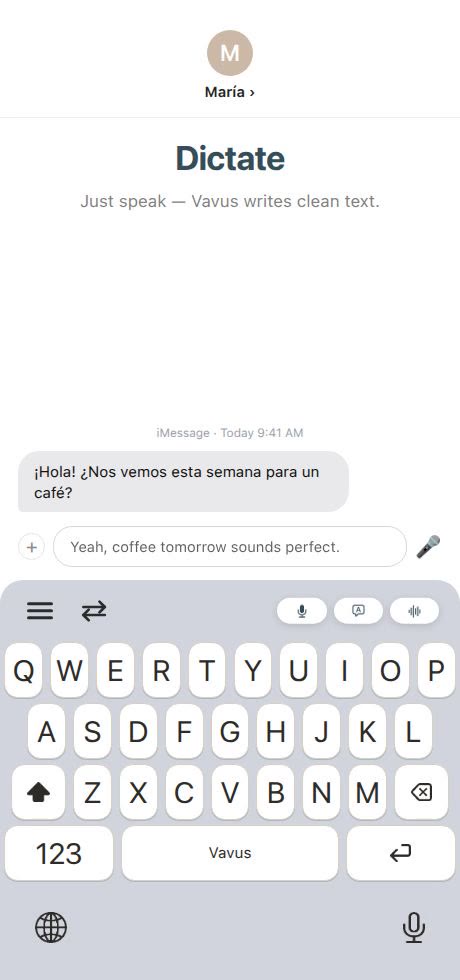
Vavus Keyboard — dictation, translation, and AI in any app
Dictate, translate, reverse-translate, and ask AI without leaving the app where you type.