Vavus Keyboard
Vavus Keyboard — dictation, translation, and AI in any app
Dictate, translate, reverse-translate, and ask AI without leaving the app where you type.
Duration: 15 seconds. Download MP4.
What this demo shows
This 15-second master reel shows the current Vavus Keyboard surface on mobile. The keyboard keeps dictation, translation, reverse translation, and AI close to the active text field so users can speak or write in one language and send the right text in another without copying content into a separate translator.
More Vavus demos
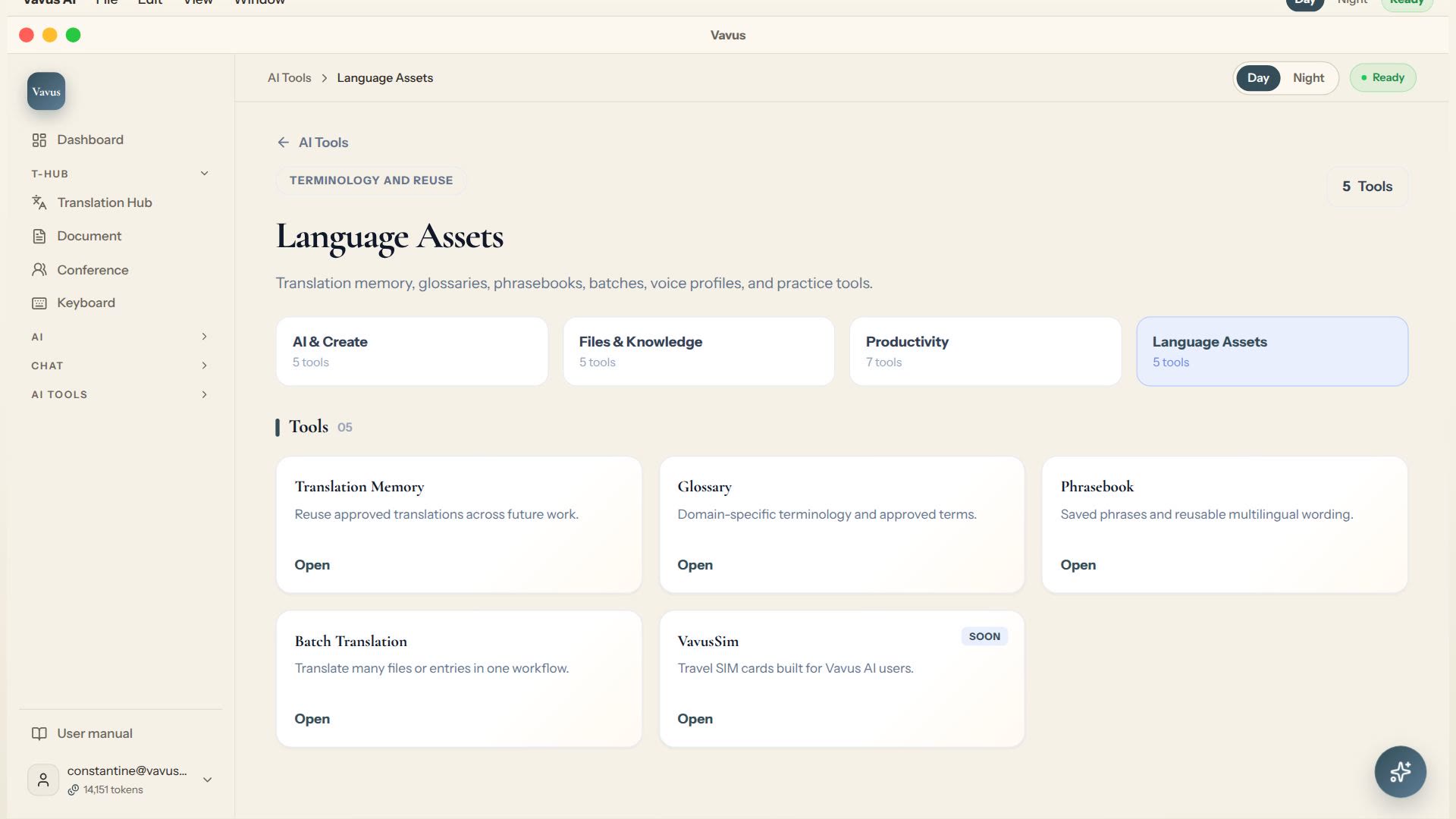
Vavus AI translation tools — glossary, memory, phrasebook, batch translation
Keep translation assets, glossary, memory, phrasebook, and batch work in one place.
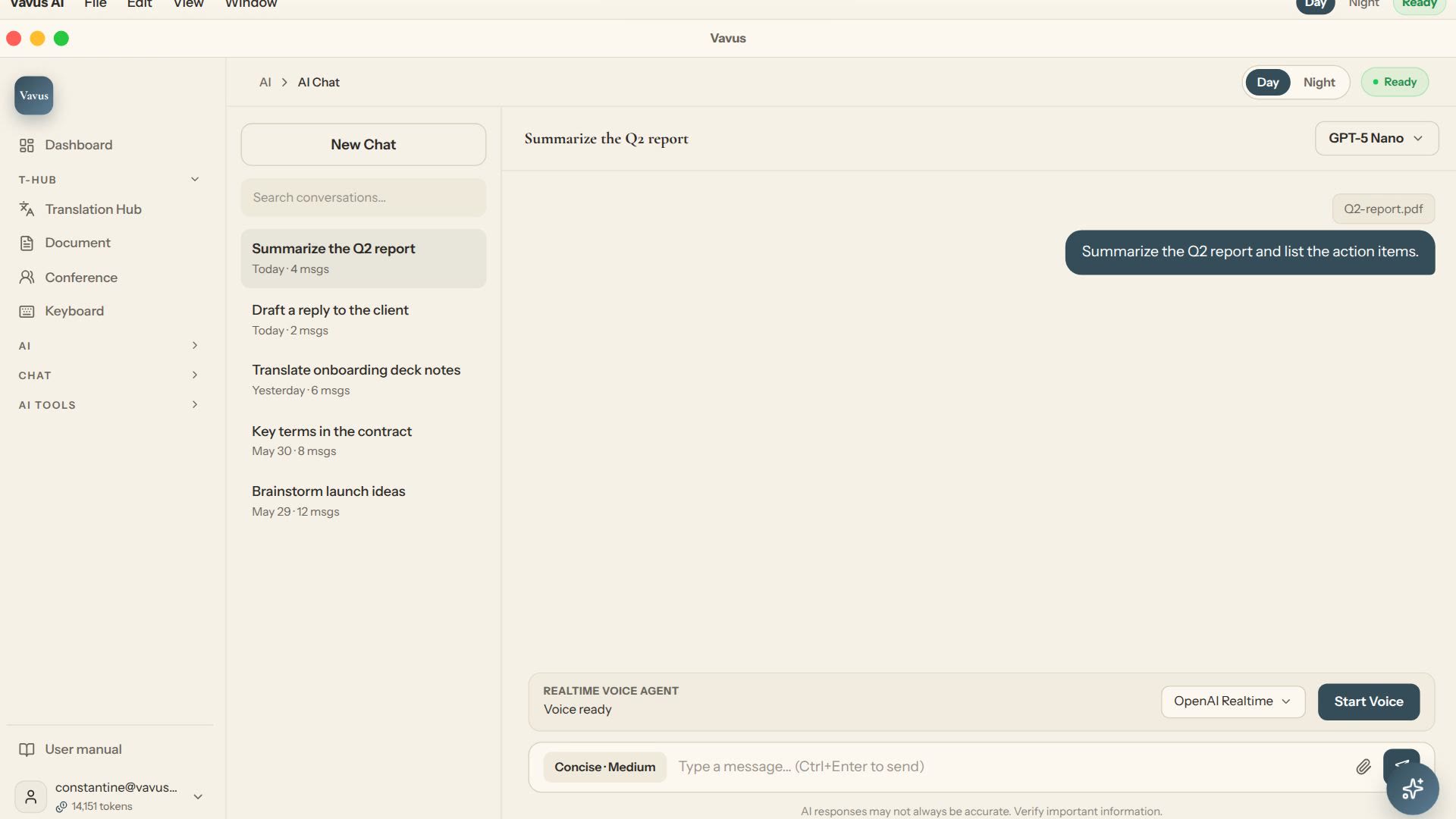
Vavus AI chat — multilingual writing and reasoning
Ask, draft, translate, and refine without leaving the Vavus AI workspace.
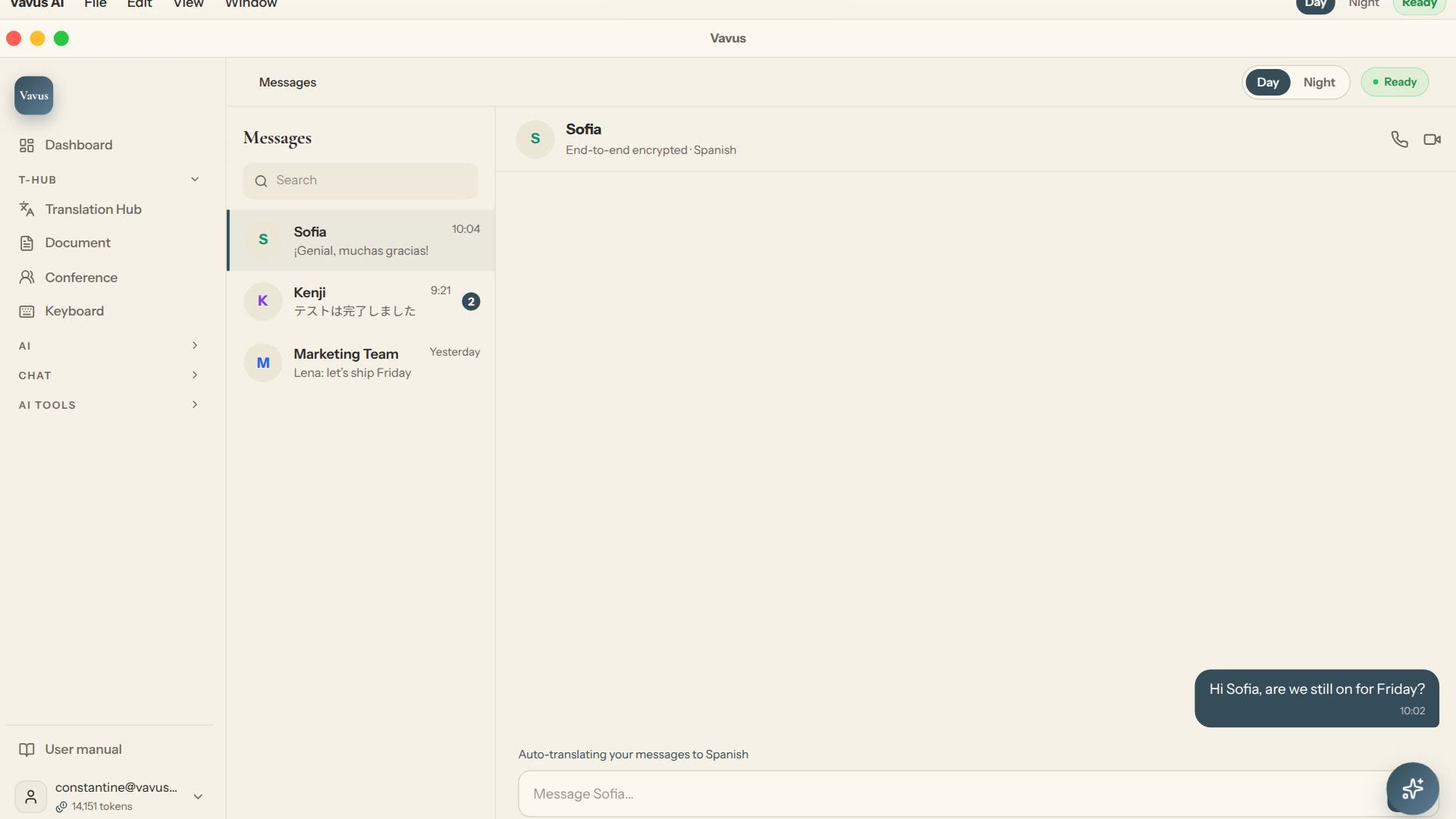
Vavus AI multilingual messaging — translated conversations
Message across languages while the conversation stays readable on both sides.