Vavus AI
Vavus AI dashboard — your translation activity at a glance
Open Vavus AI. See what you translated, what is pending, what is next.
Duration: 15 seconds. Download MP4.
What this demo shows
A 15-second tour of the Vavus AI dashboard. The dashboard is the default landing view after sign-in. It shows recent translation activity, the current token balance, account-type-specific session indicators (8-hour token expiry on healthcare accounts, 30-day on personal), and quick-start buttons for the most common workflows — start a translated voice call, open the Translation Hub, jump back into the last AI chat. Recent translations are clickable and reopen in the mode they were captured in. The dashboard is the same on web, desktop, and mobile.
More Vavus demos
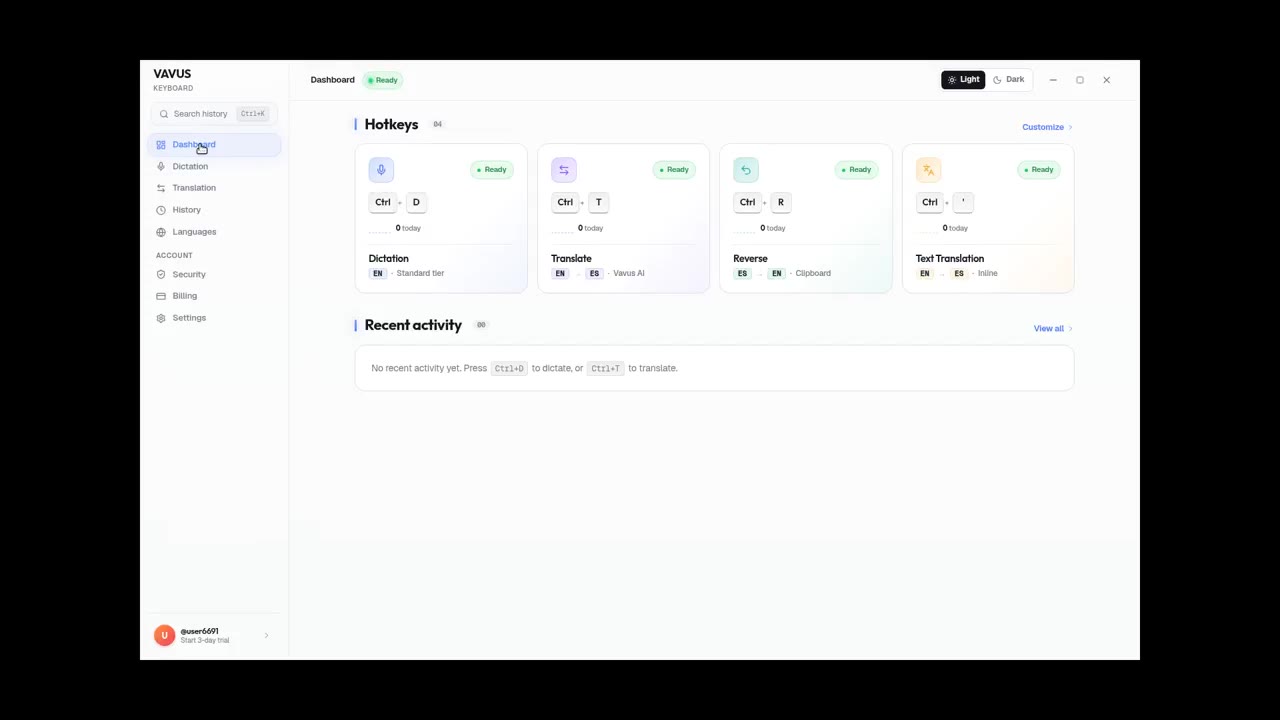
Vavus Keyboard on desktop — dictation + translation demo
Dictate, translate, reverse-translate from any desktop app — no copy-paste.
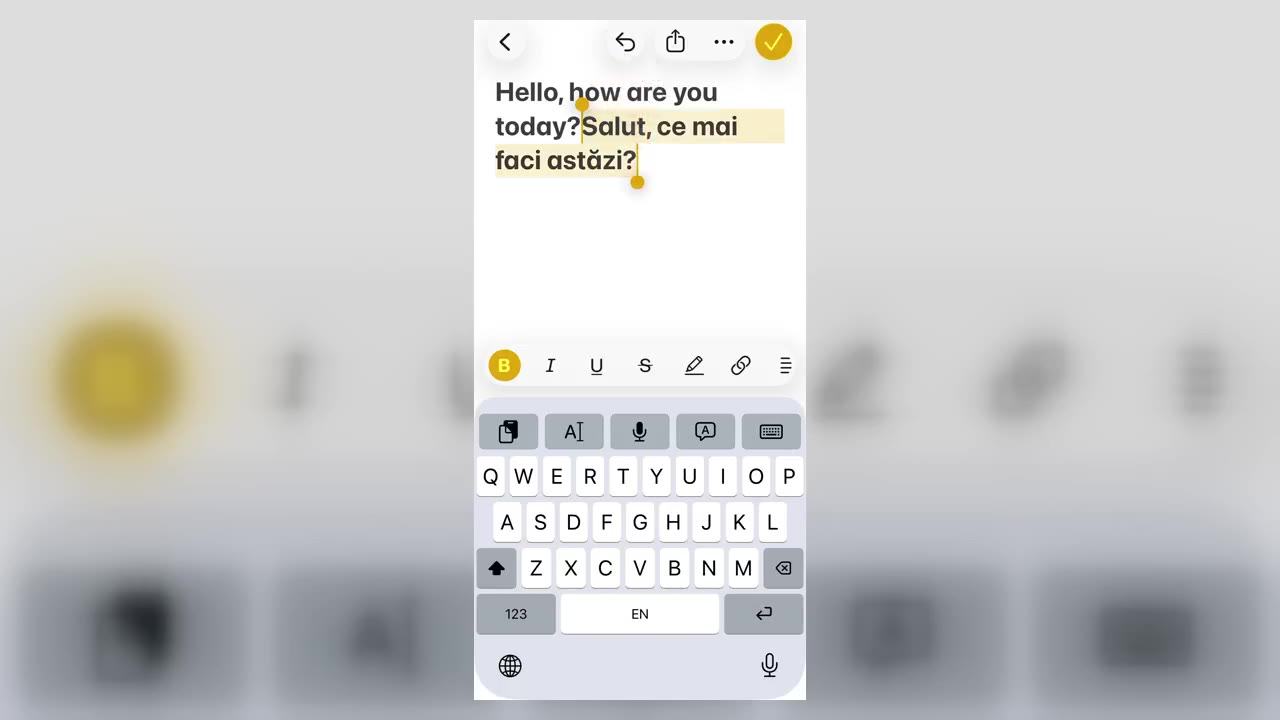
Vavus Keyboard on iPhone — translate inside any app
Translate inside WhatsApp, iMessage, Slack — anywhere you type on iPhone.
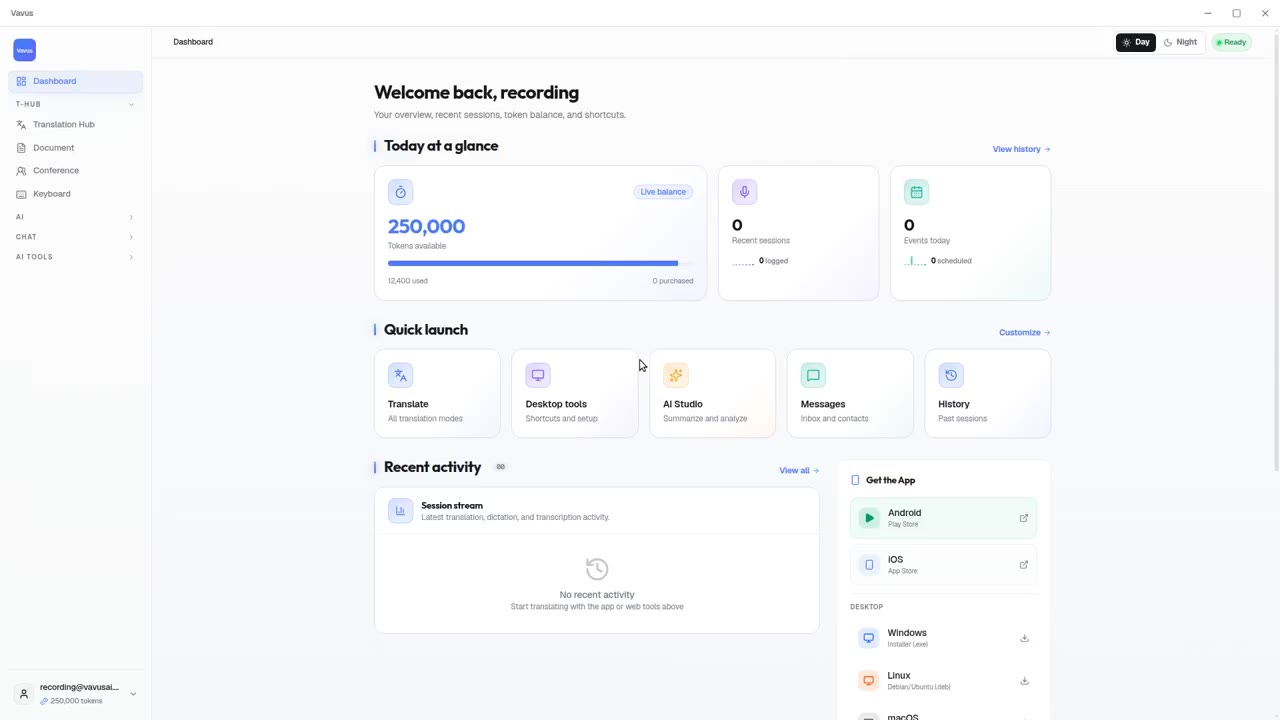
Vavus AI on desktop — live translation workflow
Vavus AI on desktop. Live translation, AI chat, messaging, and history in one workspace.
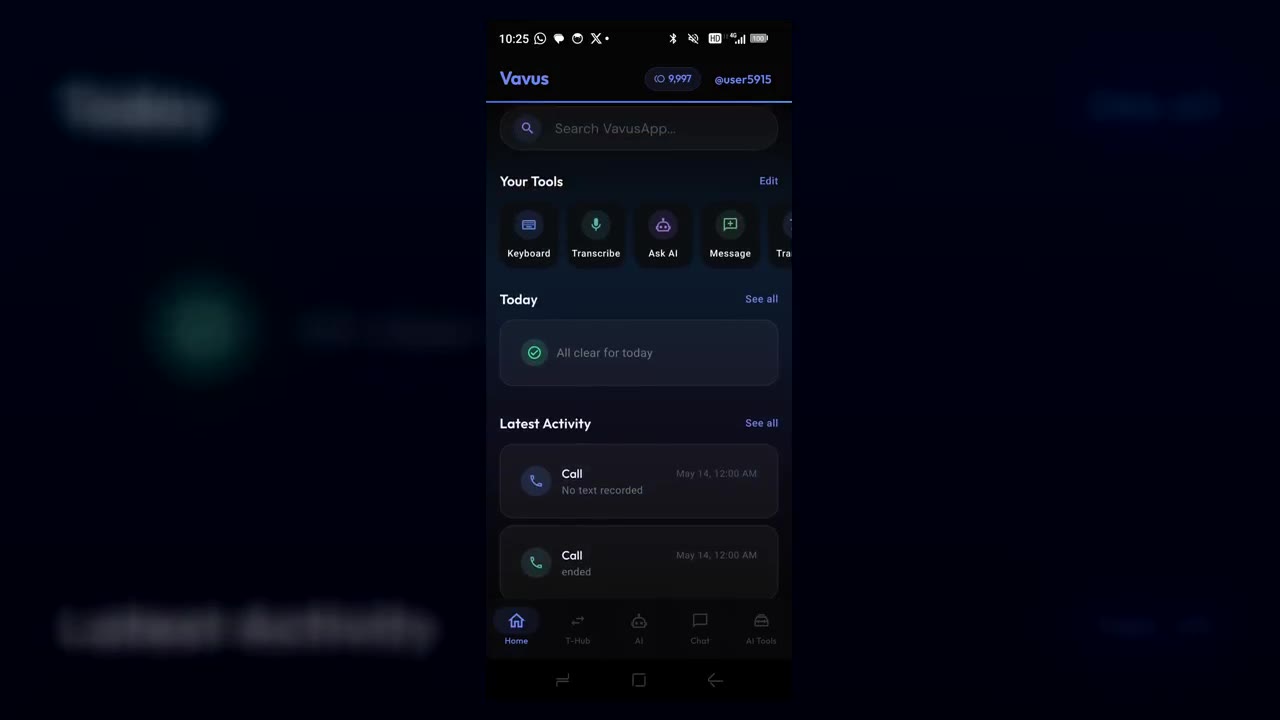
Vavus AI on iPhone — voice translation in your hand
Talk to anyone, in any language. The whole Vavus AI super app in your pocket.
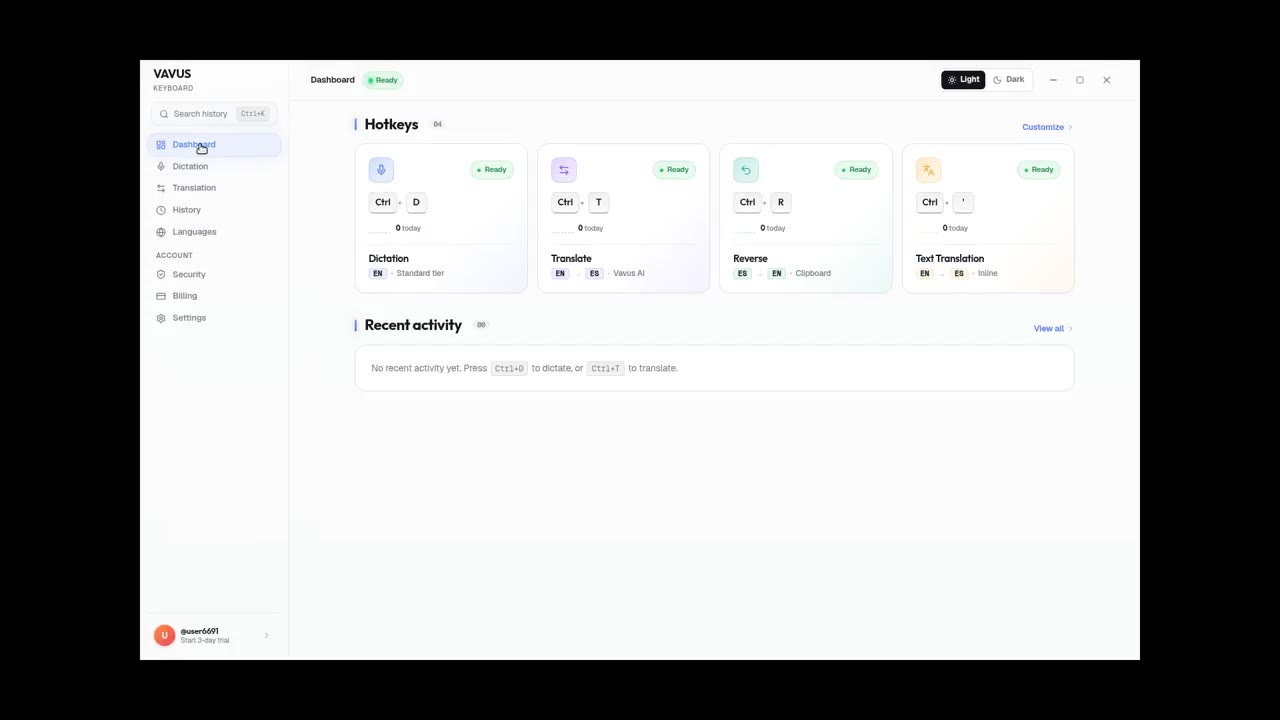
Vavus Keyboard desktop dictation — speak, get text
Press the hotkey. Speak. The transcribed text lands in your text field.
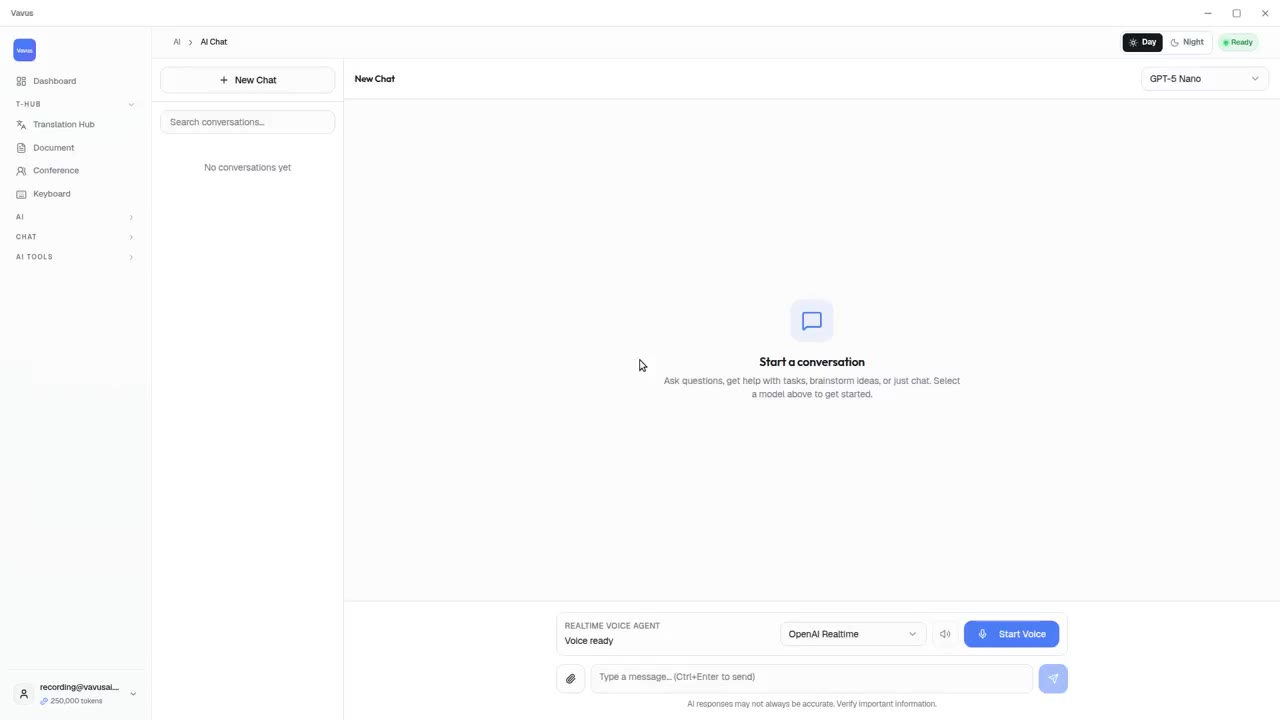
Vavus AI tools — AI Studio, documents, images, projects
Beyond live translation: AI chat, images, documents, and projects in one tab.