Vavus AI
Vavus AI on desktop — live translation workflow
Vavus AI on desktop. Live translation, AI chat, messaging, and history in one workspace.
Duration: 14 seconds. Download MP4.
What this demo shows
A 14-second walkthrough of Vavus AI in a desktop browser. The Translation Hub is the primary workflow area — live two-way voice translation, document translation, and conference rooms accessible from the left rail. The AI chat sidebar runs context-aware translation with user-selectable Fast and Accurate modes (GPT-5 and Gemini 2.5 families under the hood). Messaging and translated calls live in a separate tab; translation history is searchable across every conversation, document, and call. Stored history is encrypted client-side for new content; live speech is processed briefly in memory while STT, translation, and TTS run.
More Vavus demos
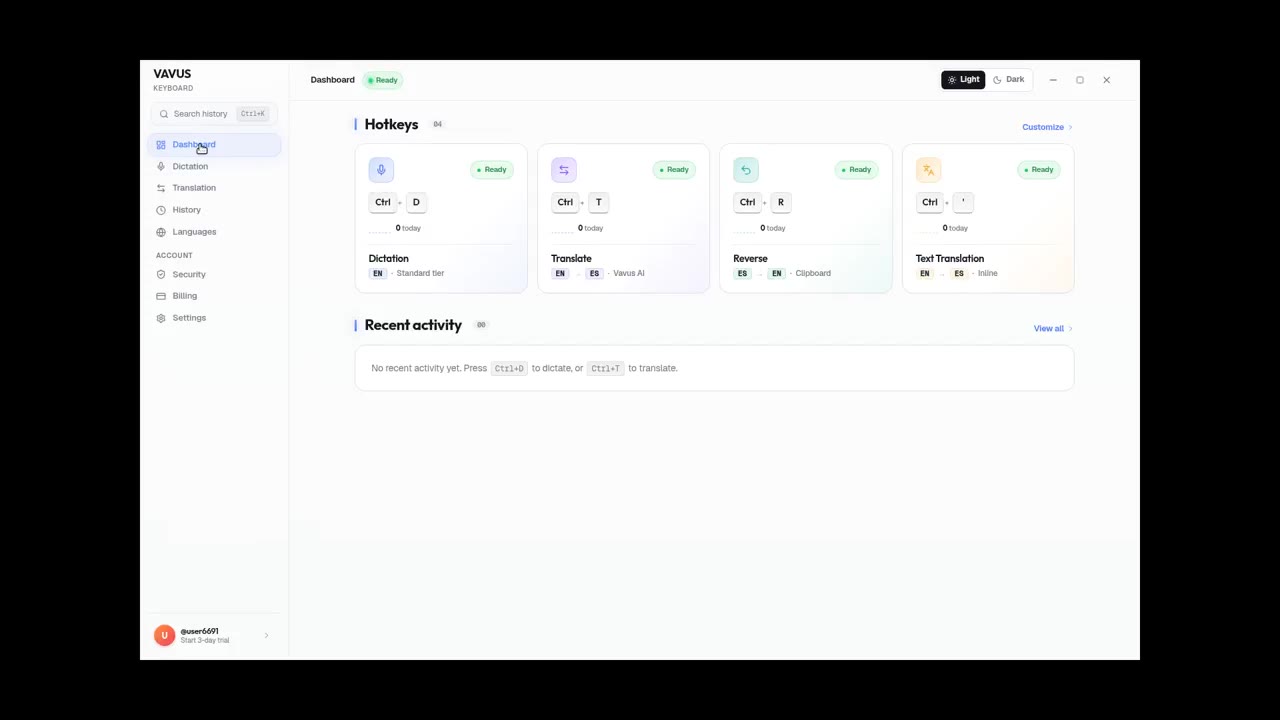
Vavus Keyboard on desktop — dictation + translation demo
Dictate, translate, reverse-translate from any desktop app — no copy-paste.
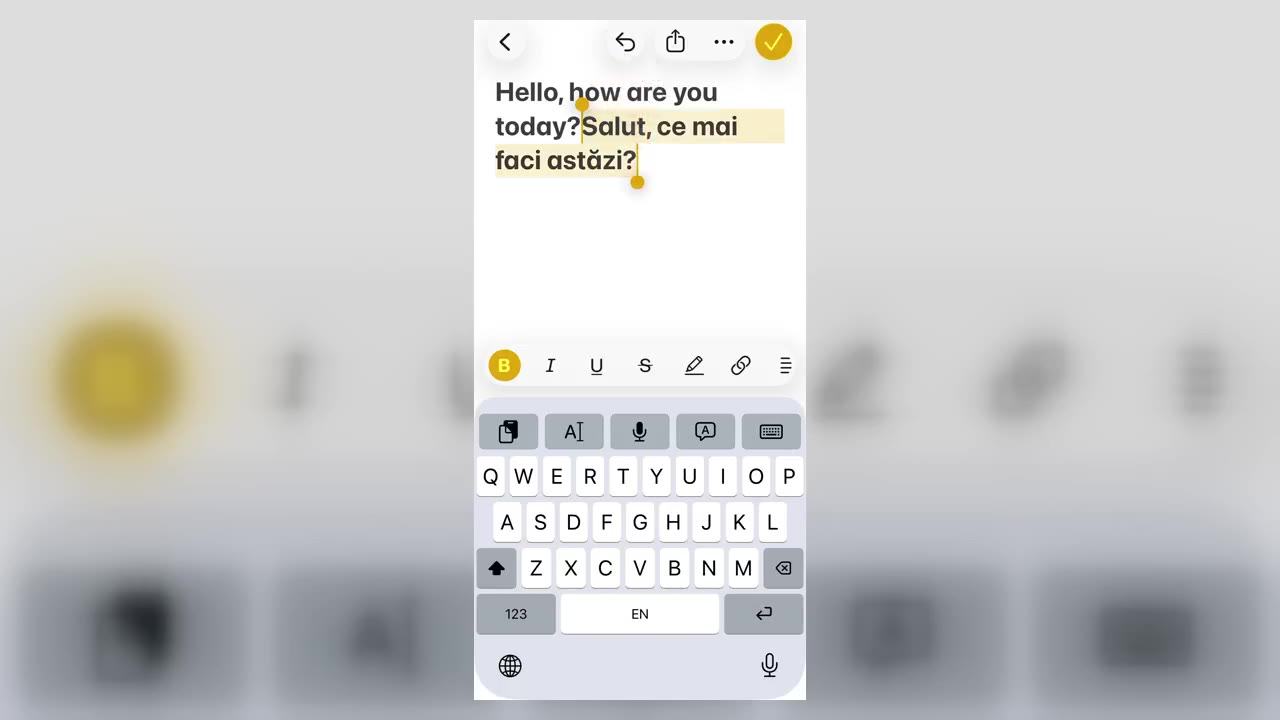
Vavus Keyboard on iPhone — translate inside any app
Translate inside WhatsApp, iMessage, Slack — anywhere you type on iPhone.
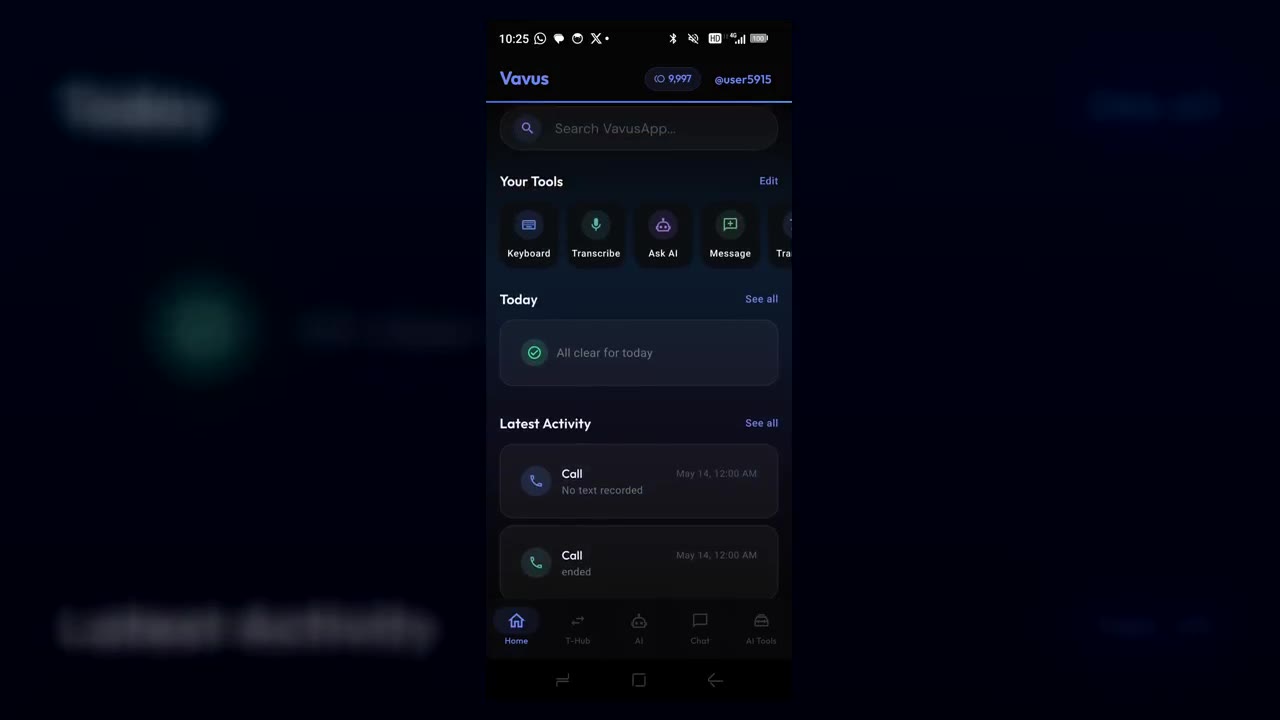
Vavus AI on iPhone — voice translation in your hand
Talk to anyone, in any language. The whole Vavus AI super app in your pocket.
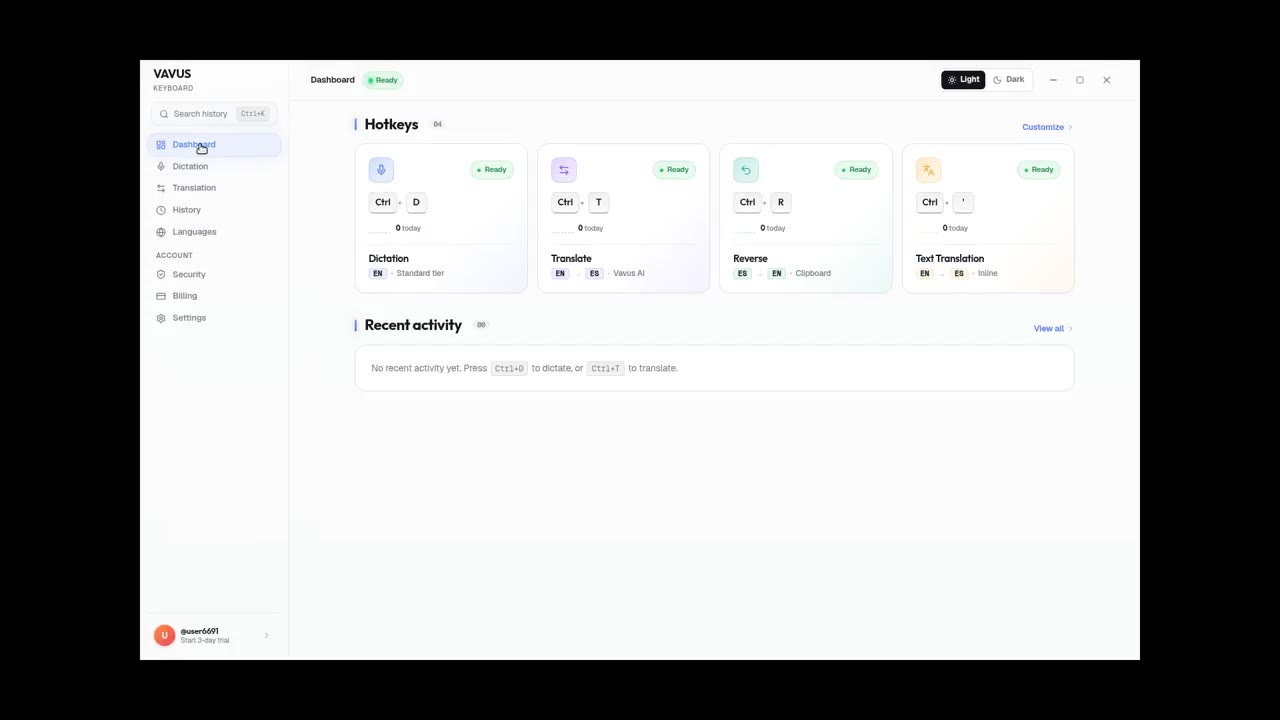
Vavus Keyboard desktop dictation — speak, get text
Press the hotkey. Speak. The transcribed text lands in your text field.
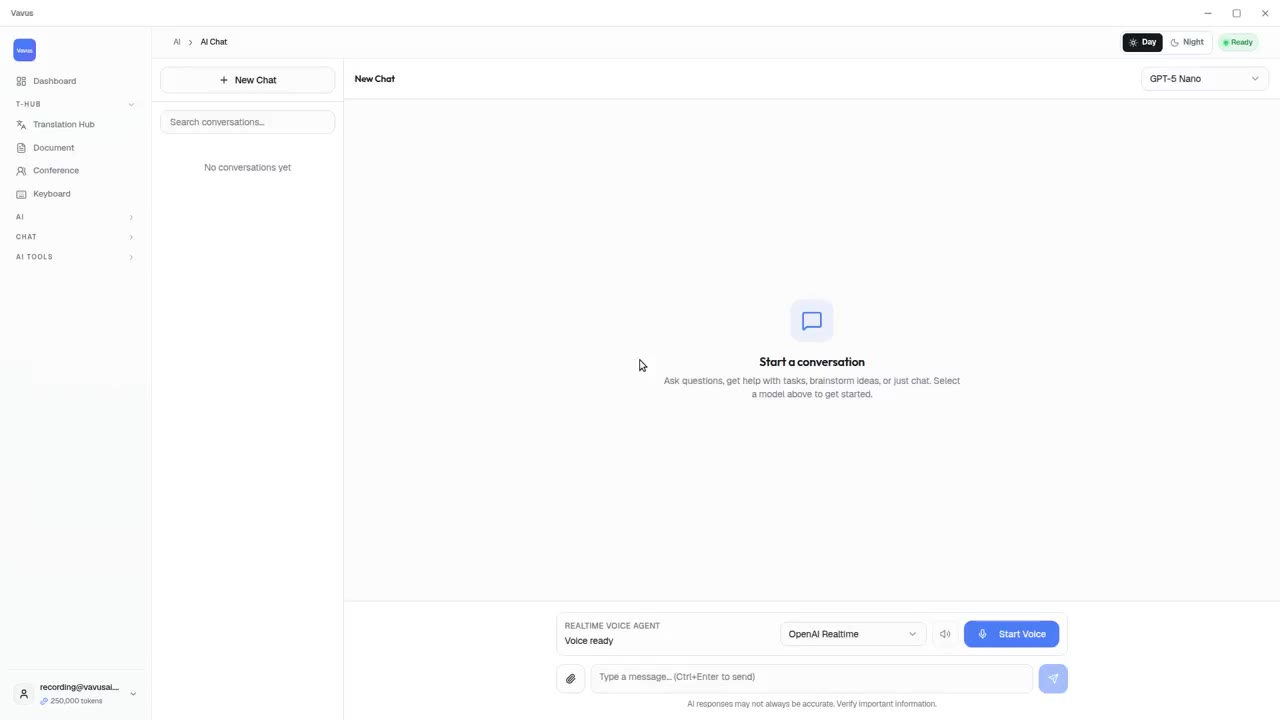
Vavus AI tools — AI Studio, documents, images, projects
Beyond live translation: AI chat, images, documents, and projects in one tab.
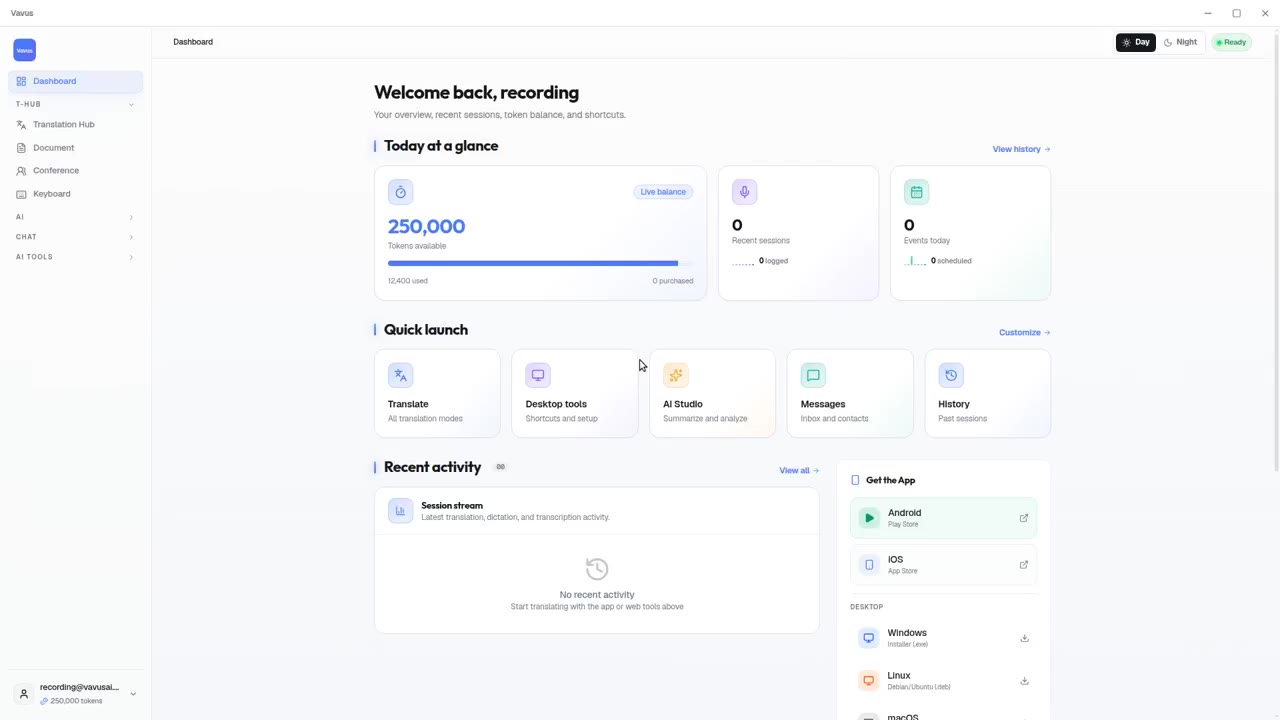
Vavus AI dashboard — your translation activity at a glance
Open Vavus AI. See what you translated, what is pending, what is next.