Vavus Keyboard
Vavus Keyboard on desktop — dictation + translation demo
Dictate, translate, reverse-translate from any desktop app — no copy-paste.
Duration: 12 seconds. Download MP4.
What this demo shows
This 12-second loop shows the Vavus Keyboard for Windows, macOS, and Linux. The desktop app installs as a small system-tray utility that adds three OS-level hotkeys: dictation, translation, and reverse translation. Press the hotkey from any text field — a browser tab, a CRM, an email draft, a document, a messaging app — and the dictation overlay appears. Speak, and the transcript replaces what you would have typed. The translation hotkey runs the same flow but emits the target-language text instead. The reverse-translation hotkey takes selected text in any language and replaces it with the translation in your default language. Everything happens in place; no copy-paste, no switching to a separate translator app.
More Vavus demos
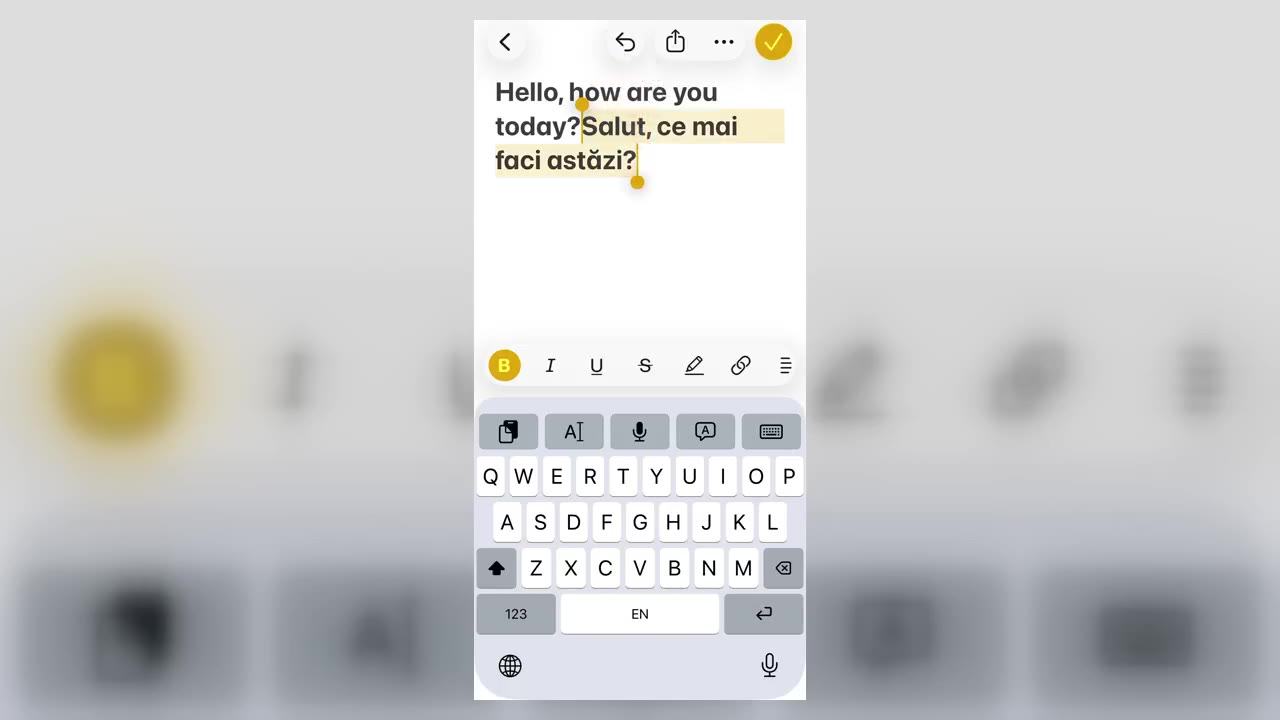
Vavus Keyboard on iPhone — translate inside any app
Translate inside WhatsApp, iMessage, Slack — anywhere you type on iPhone.
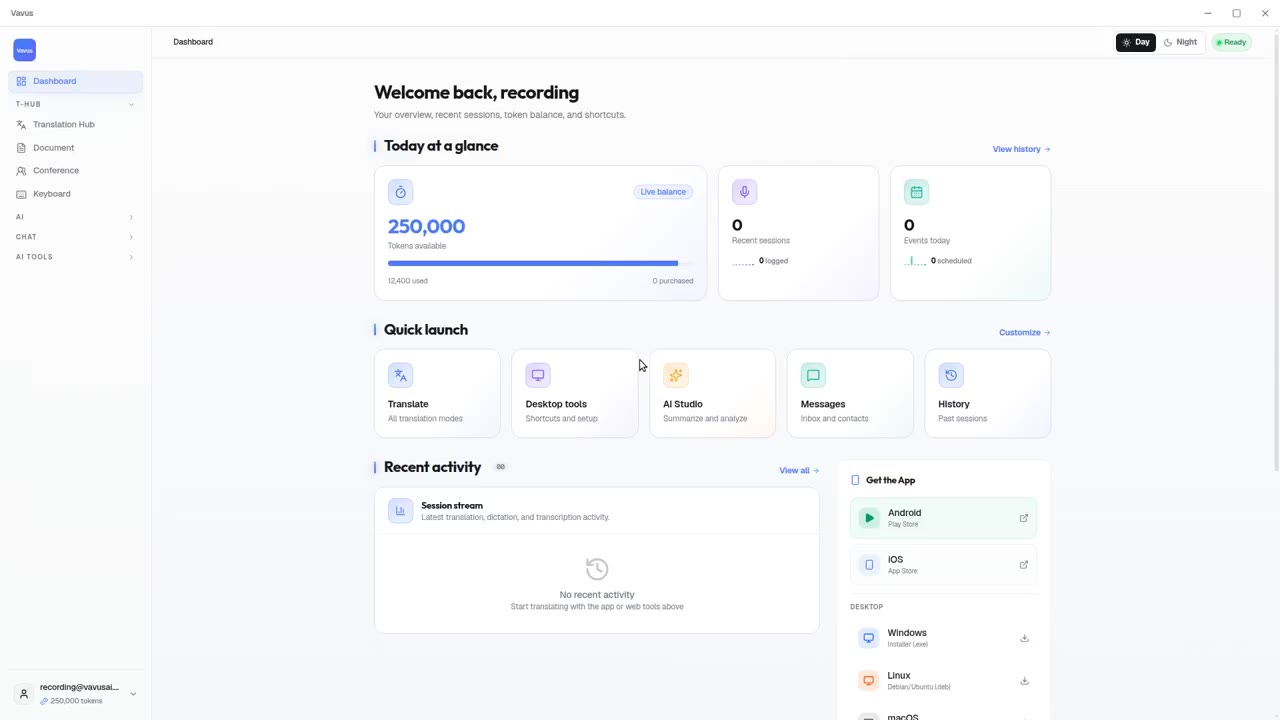
Vavus AI on desktop — live translation workflow
Vavus AI on desktop. Live translation, AI chat, messaging, and history in one workspace.
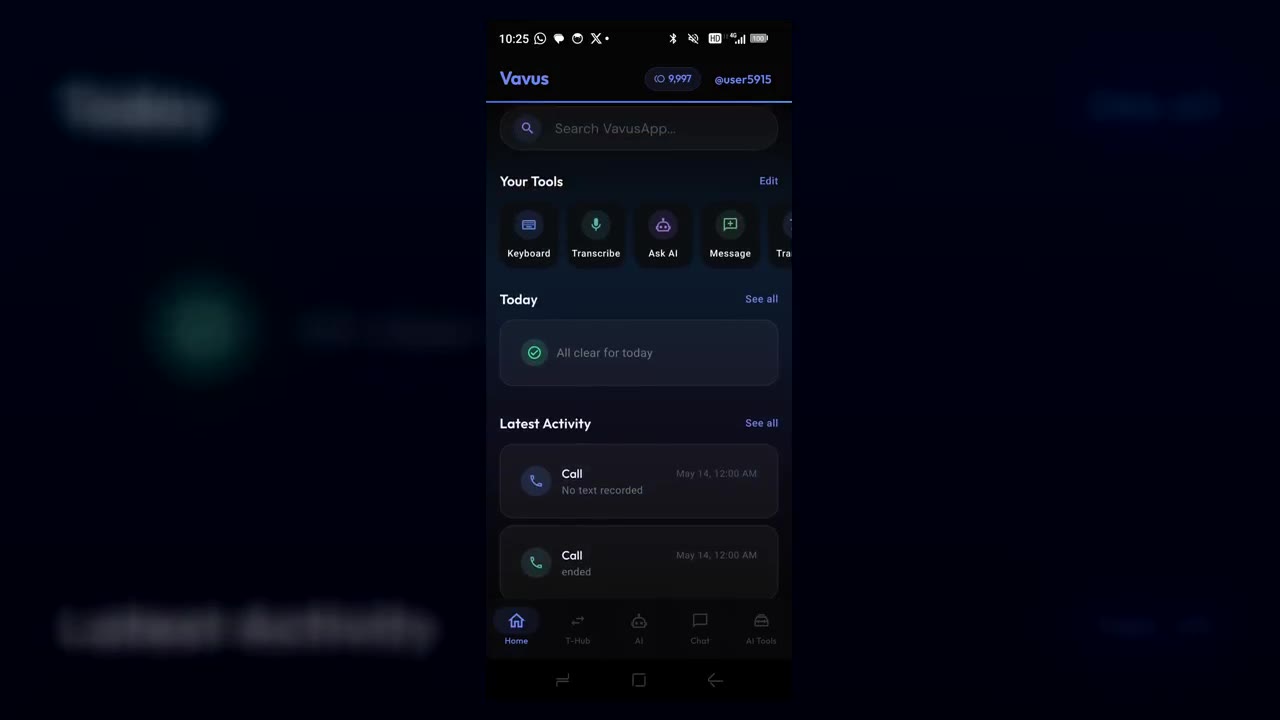
Vavus AI on iPhone — voice translation in your hand
Talk to anyone, in any language. The whole Vavus AI super app in your pocket.
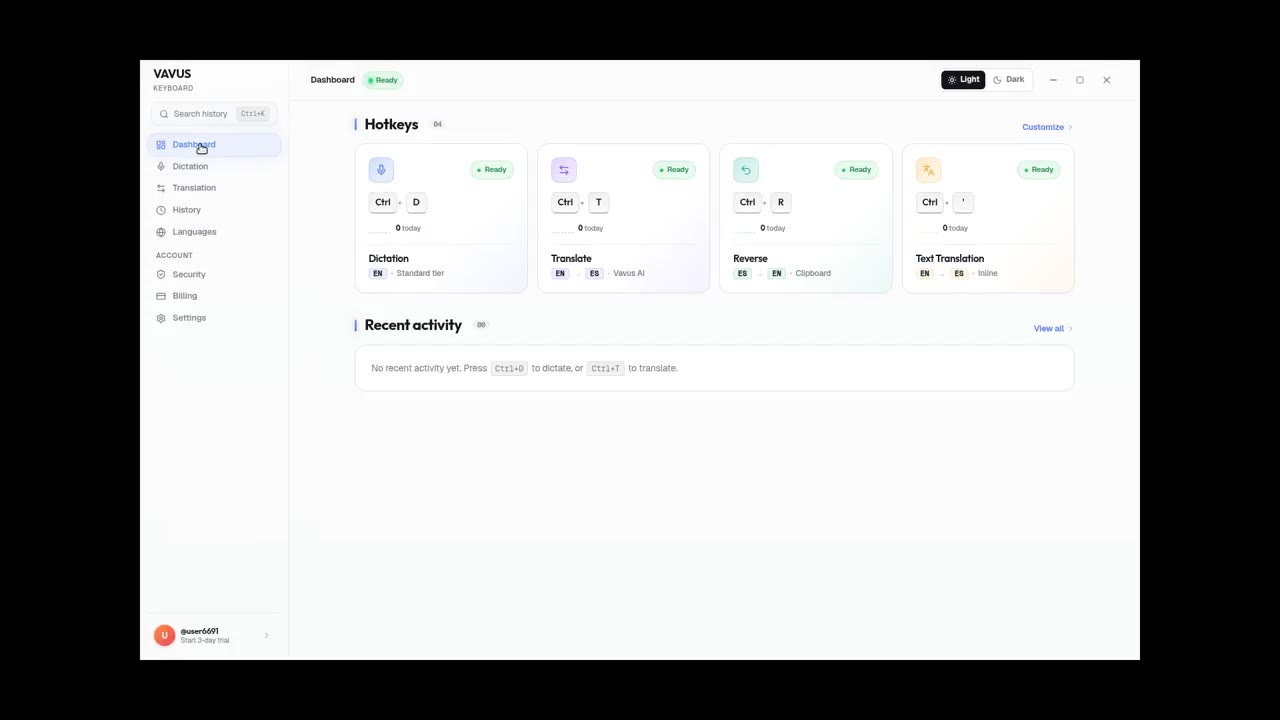
Vavus Keyboard desktop dictation — speak, get text
Press the hotkey. Speak. The transcribed text lands in your text field.
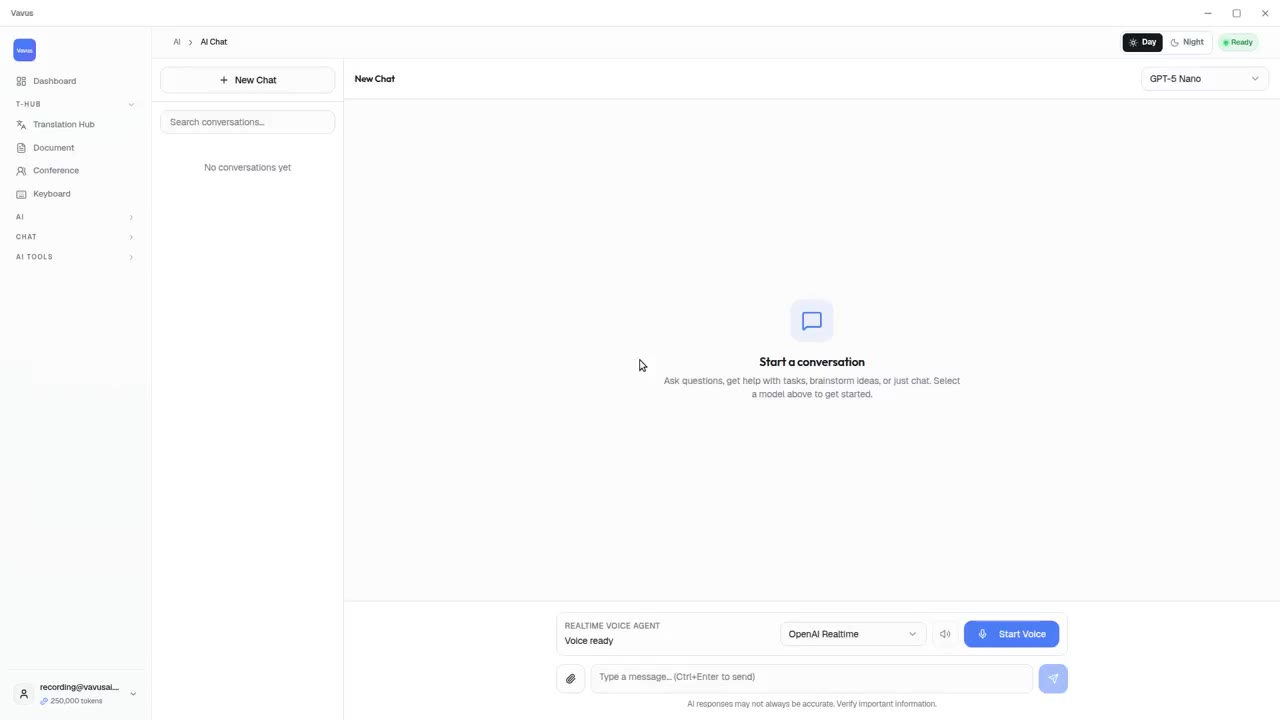
Vavus AI tools — AI Studio, documents, images, projects
Beyond live translation: AI chat, images, documents, and projects in one tab.
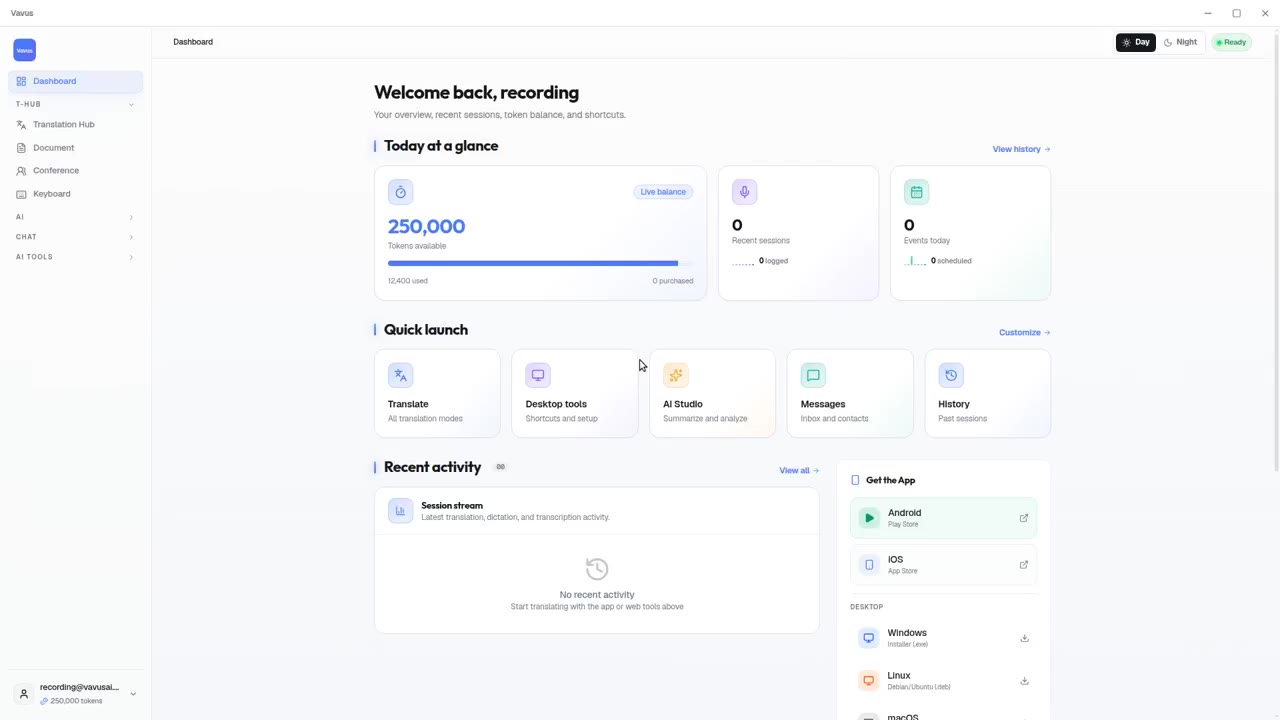
Vavus AI dashboard — your translation activity at a glance
Open Vavus AI. See what you translated, what is pending, what is next.