Vavus Keyboard
Vavus Keyboard desktop dictation — speak, get text
Press the hotkey. Speak. The transcribed text lands in your text field.
Duration: 14 seconds. Download MP4.
What this demo shows
A 14-second close-up of the Vavus Keyboard desktop dictation hotkey. The default shortcut is configurable per OS. Pressing it from any application — a Slack message, a code comment, an email draft, a CRM note — pops a small dictation overlay near the cursor. The microphone activates, the user speaks, and the transcribed text streams in real time. Releasing the hotkey commits the text to the underlying text field. Works in 100+ languages with automatic source-language detection on the standard speech path; medical and legal speech modes are available for clinical and regulated workflows.
More Vavus demos
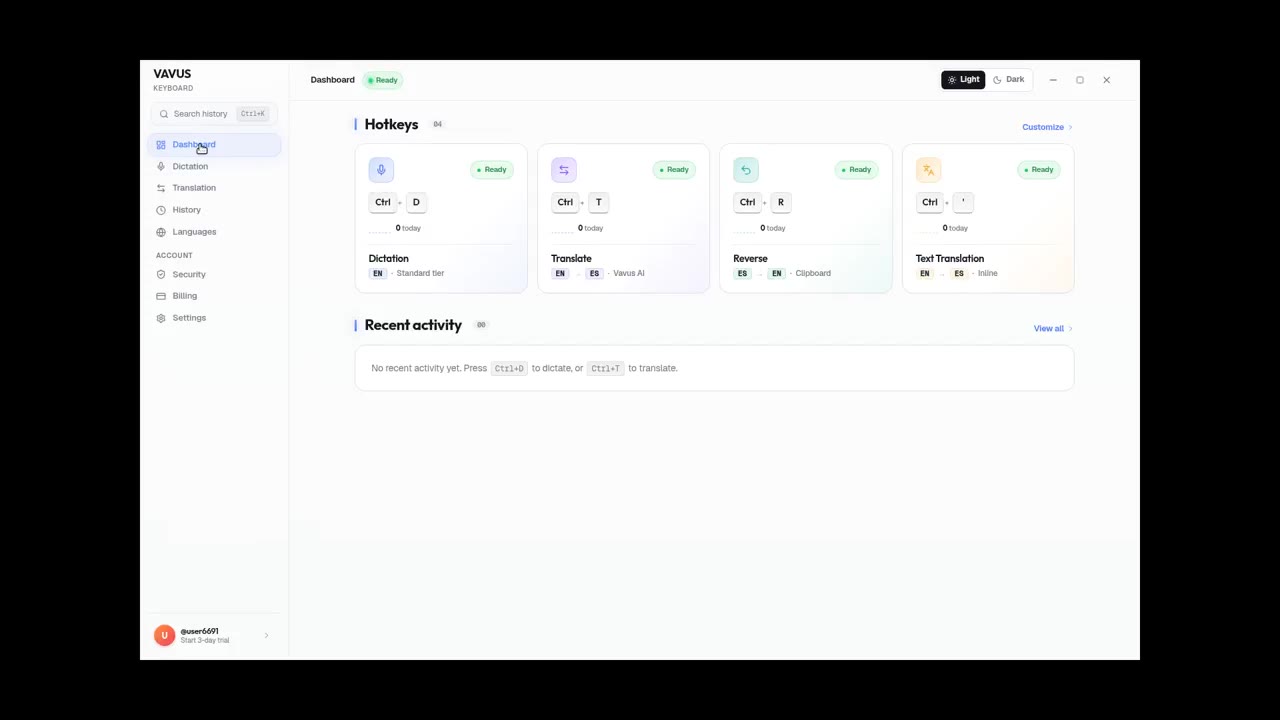
Vavus Keyboard on desktop — dictation + translation demo
Dictate, translate, reverse-translate from any desktop app — no copy-paste.
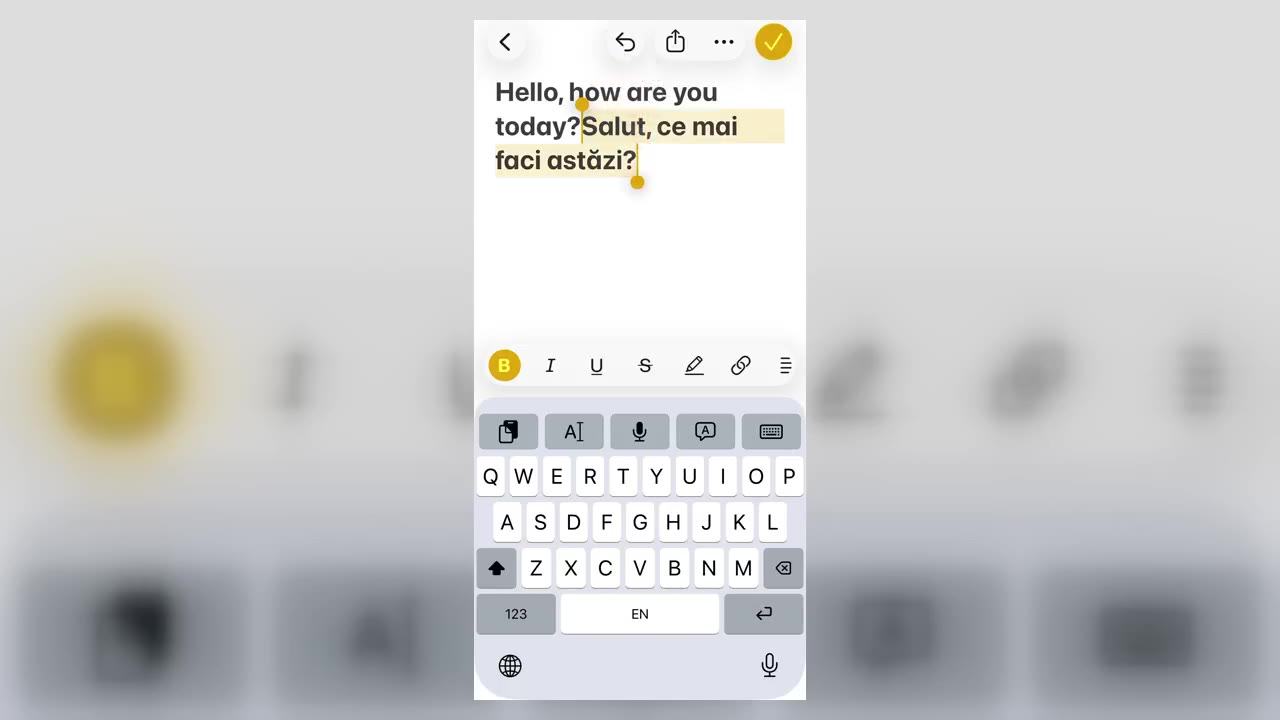
Vavus Keyboard on iPhone — translate inside any app
Translate inside WhatsApp, iMessage, Slack — anywhere you type on iPhone.
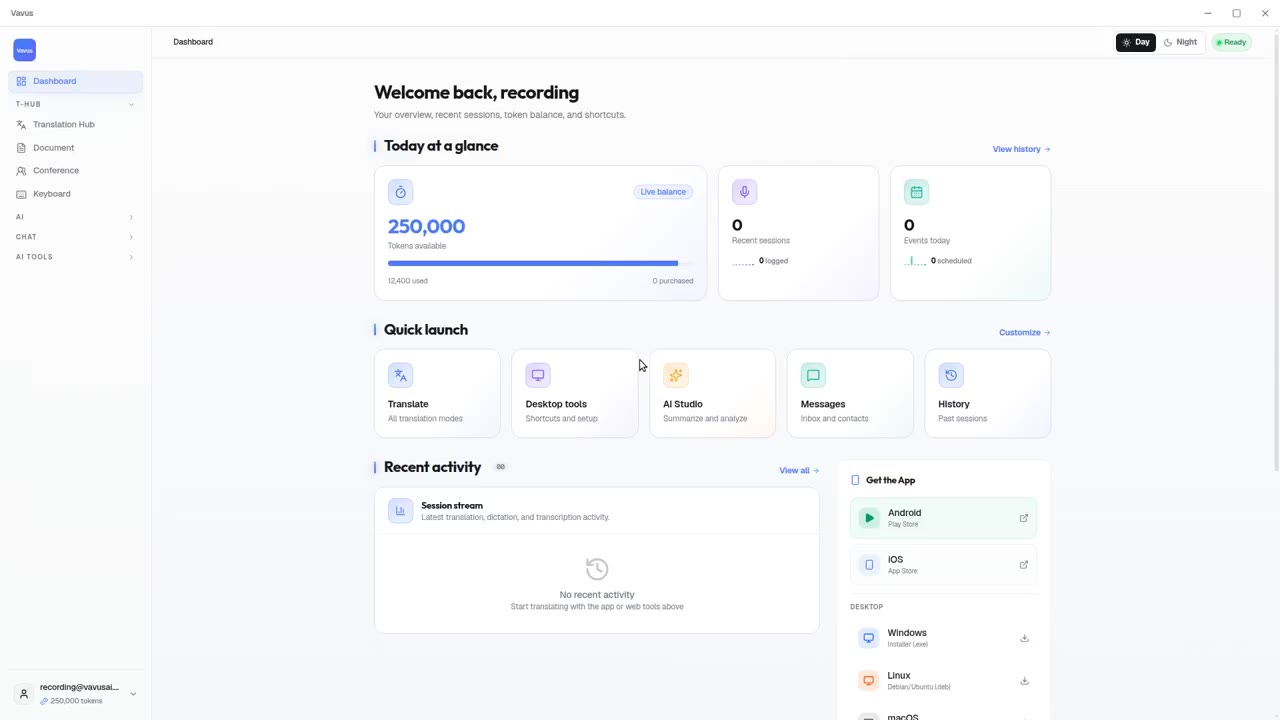
Vavus AI on desktop — live translation workflow
Vavus AI on desktop. Live translation, AI chat, messaging, and history in one workspace.
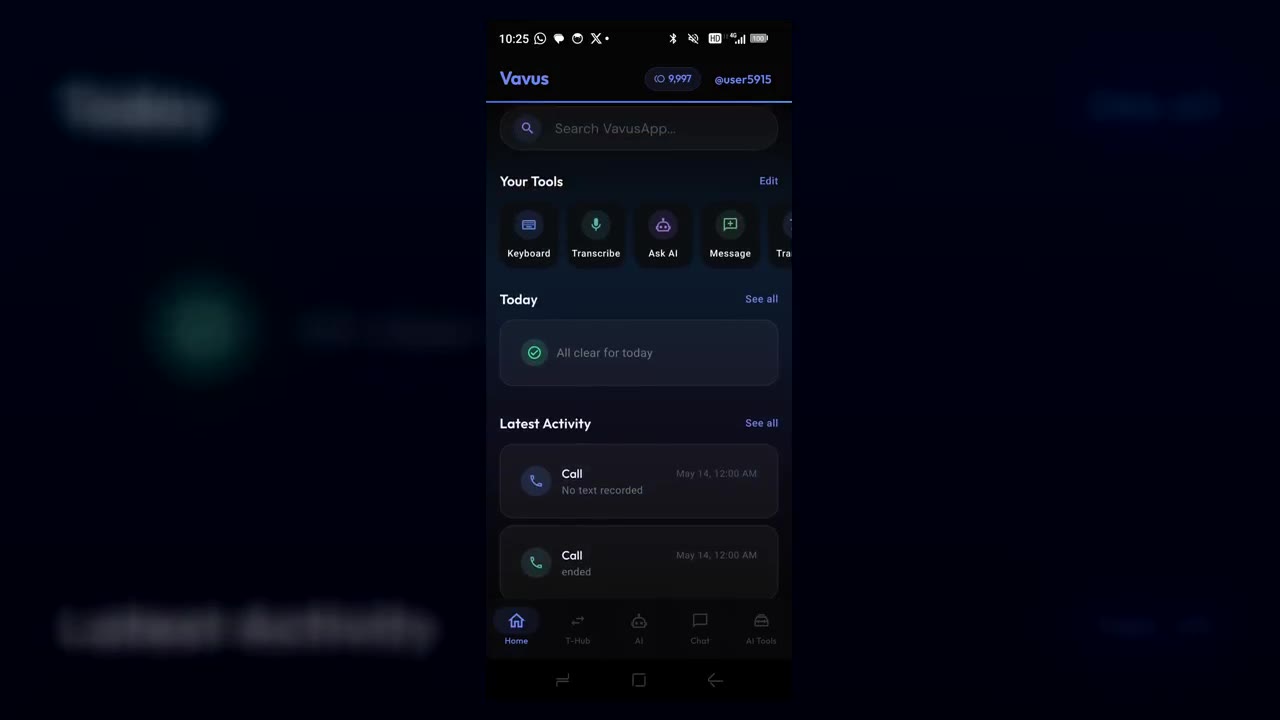
Vavus AI on iPhone — voice translation in your hand
Talk to anyone, in any language. The whole Vavus AI super app in your pocket.
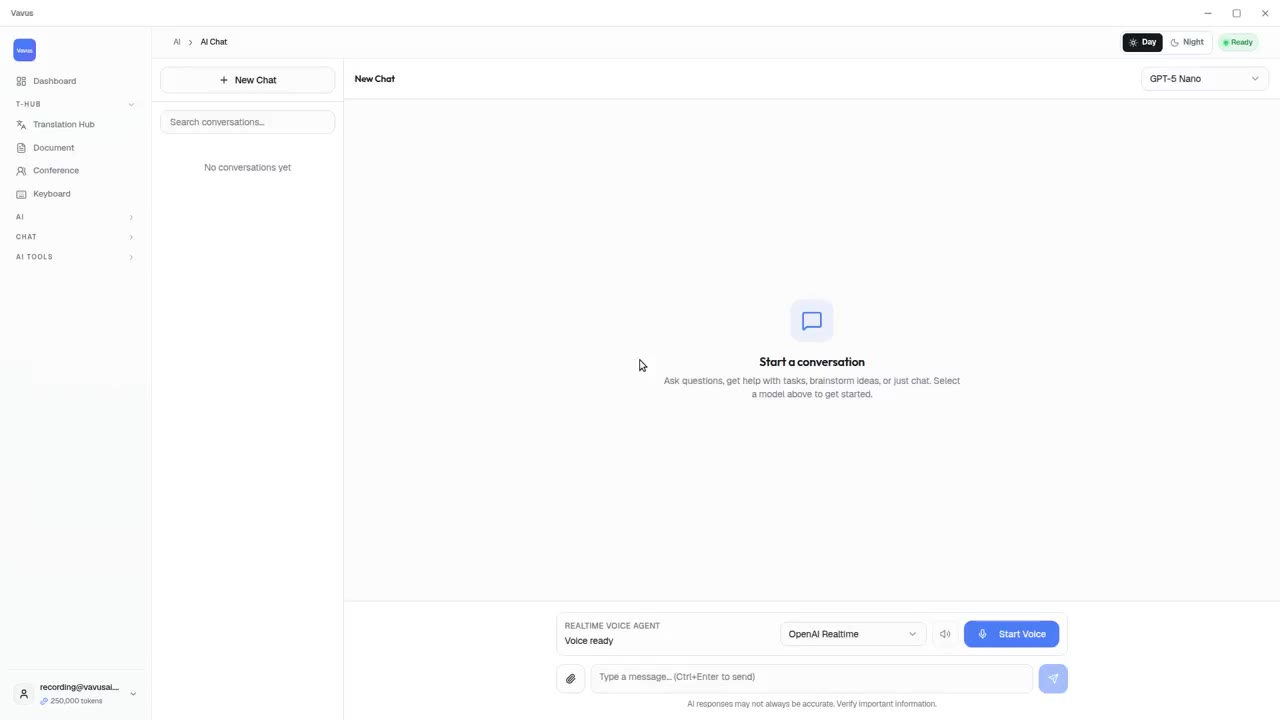
Vavus AI tools — AI Studio, documents, images, projects
Beyond live translation: AI chat, images, documents, and projects in one tab.
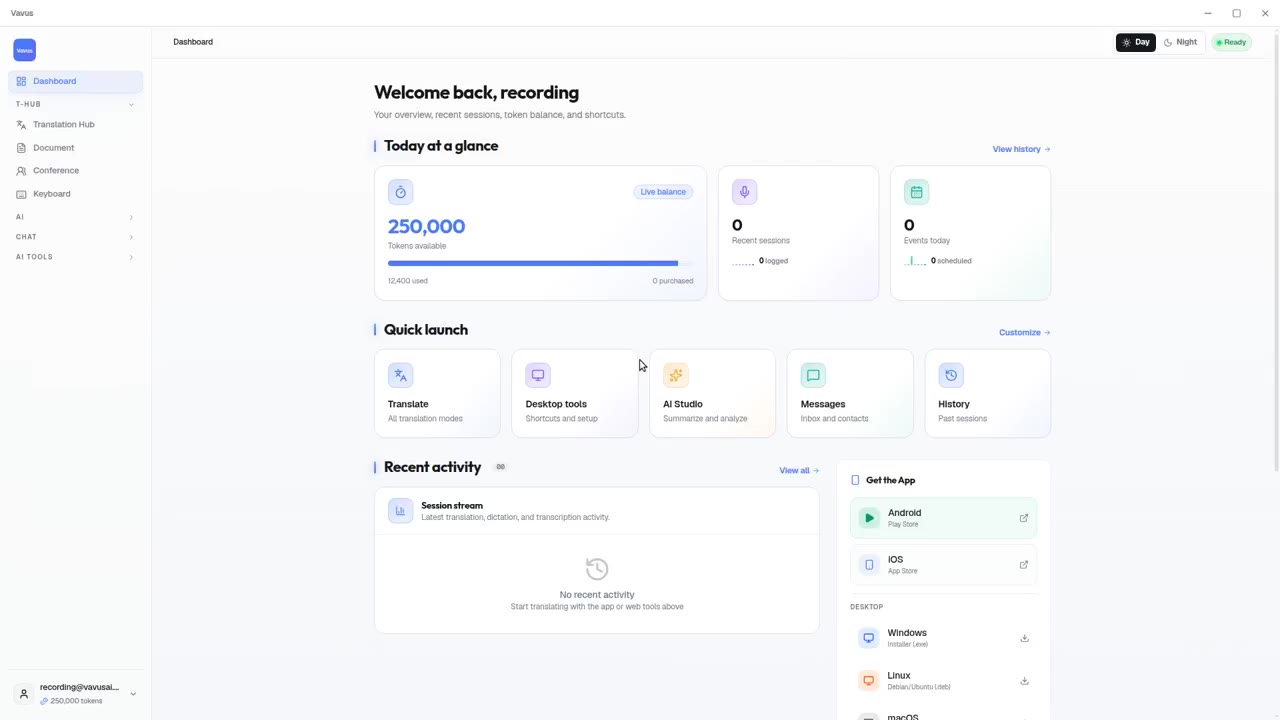
Vavus AI dashboard — your translation activity at a glance
Open Vavus AI. See what you translated, what is pending, what is next.