Vavus AI
Vavus AI on iPhone — voice translation in your hand
Talk to anyone, in any language. The whole Vavus AI super app in your pocket.
Duration: 12 seconds. Download MP4.
What this demo shows
A 12-second tour of the Vavus AI iPhone app. The bottom tab bar opens the five primary modes: Translation Hub, AI Chat, Messages, Tools, and Account. Live voice translation is the default — tap the microphone, speak, and the translated text + speech come back in the other speaker's language within 1-3 seconds. The translation keyboard extension is built into the same app; once enabled in iOS Settings, it adds translation to every text field on the phone, system-wide. Messaging uses Signal Protocol end-to-end encryption with per-message translation.
More Vavus demos
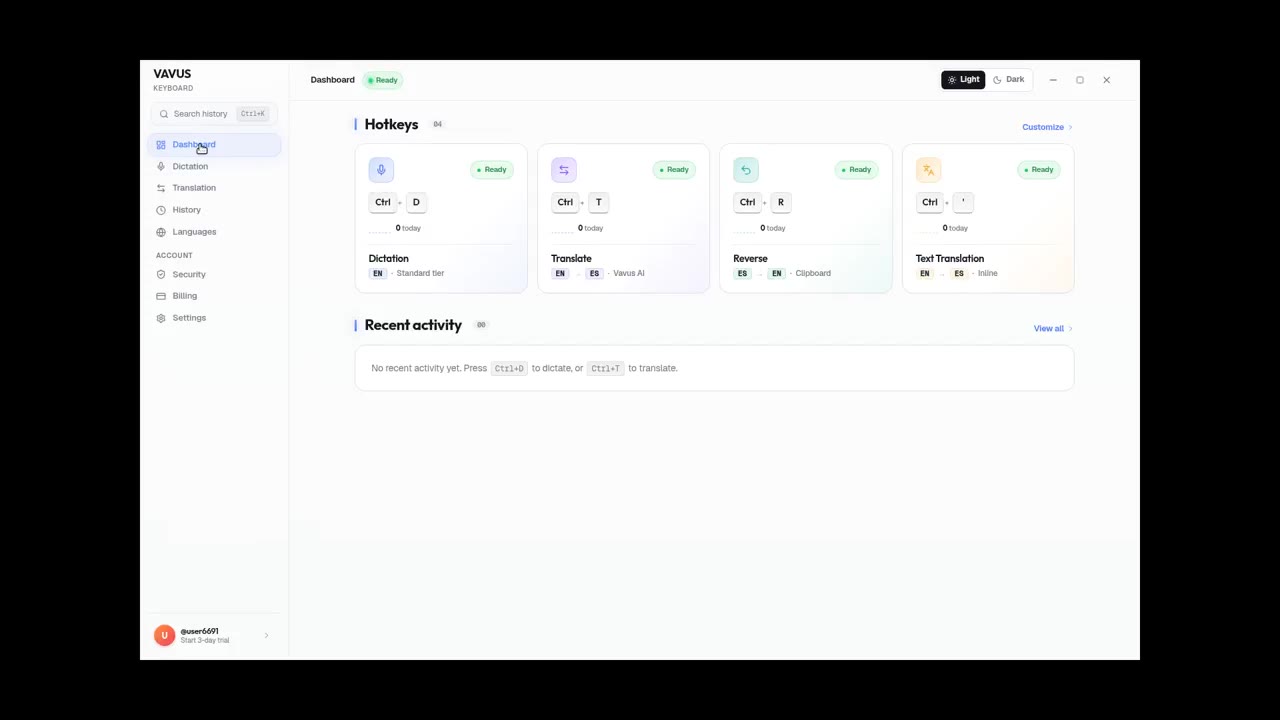
Vavus Keyboard on desktop — dictation + translation demo
Dictate, translate, reverse-translate from any desktop app — no copy-paste.
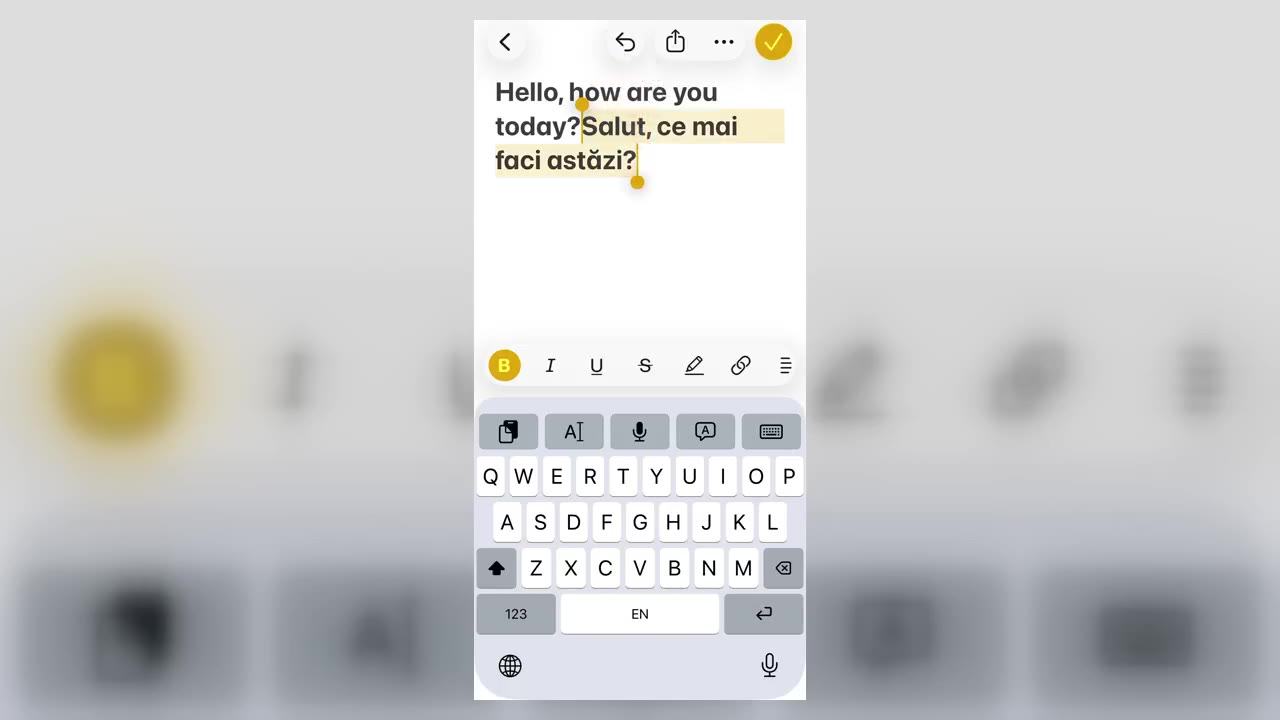
Vavus Keyboard on iPhone — translate inside any app
Translate inside WhatsApp, iMessage, Slack — anywhere you type on iPhone.
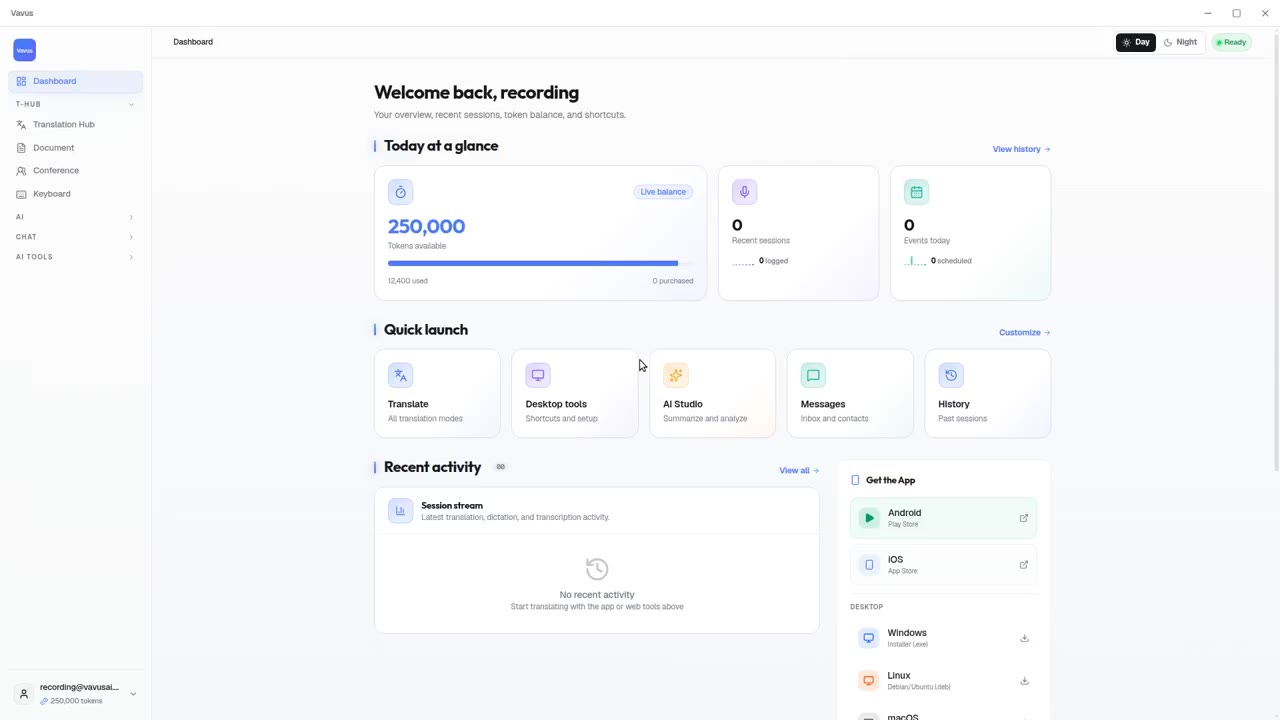
Vavus AI on desktop — live translation workflow
Vavus AI on desktop. Live translation, AI chat, messaging, and history in one workspace.
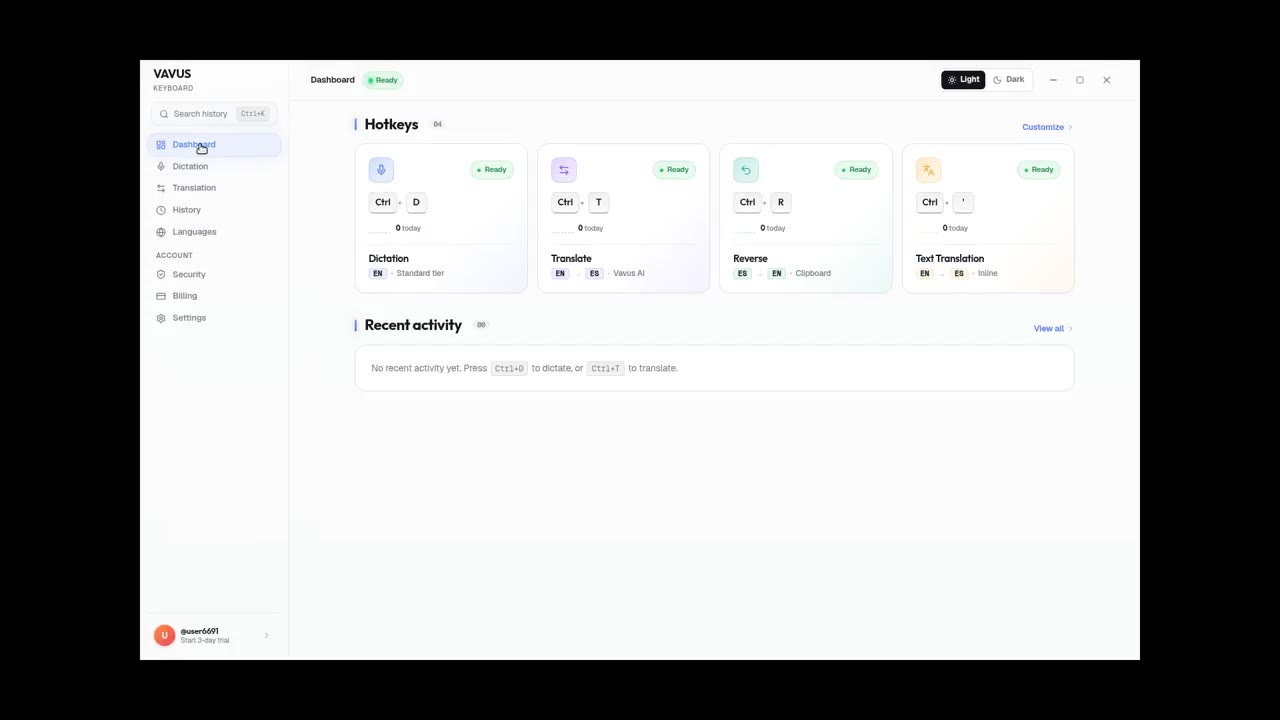
Vavus Keyboard desktop dictation — speak, get text
Press the hotkey. Speak. The transcribed text lands in your text field.
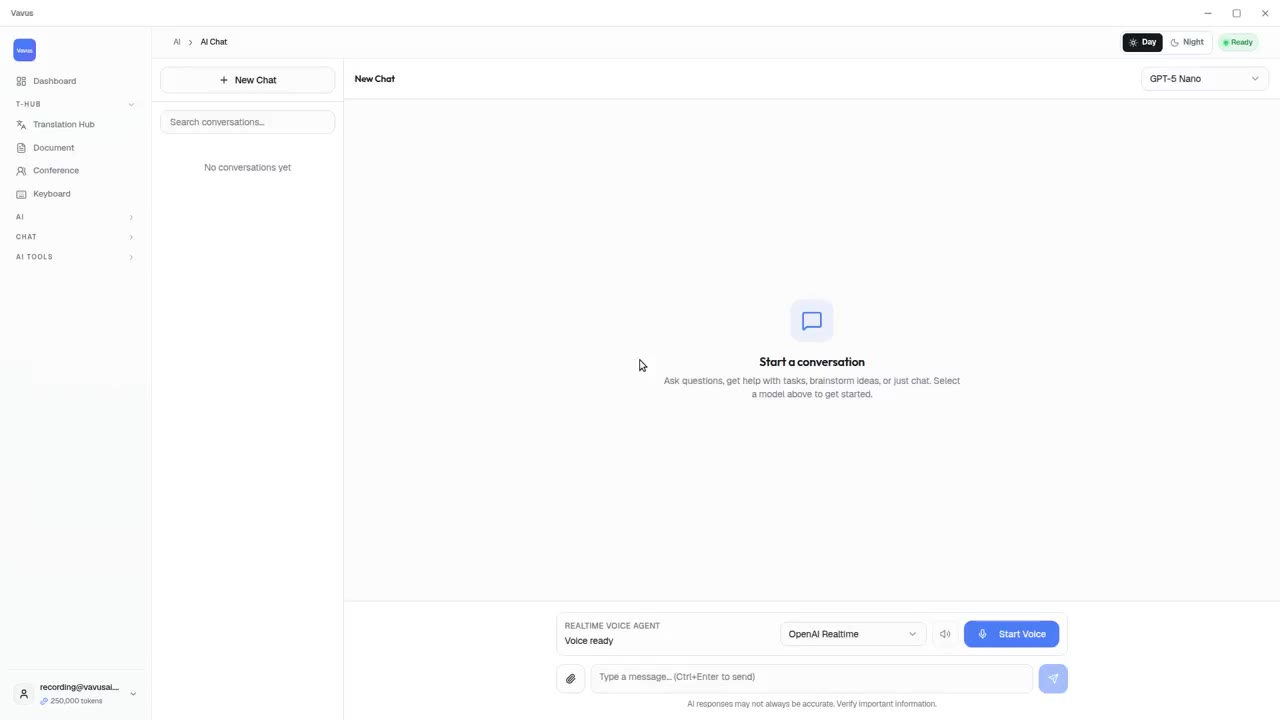
Vavus AI tools — AI Studio, documents, images, projects
Beyond live translation: AI chat, images, documents, and projects in one tab.
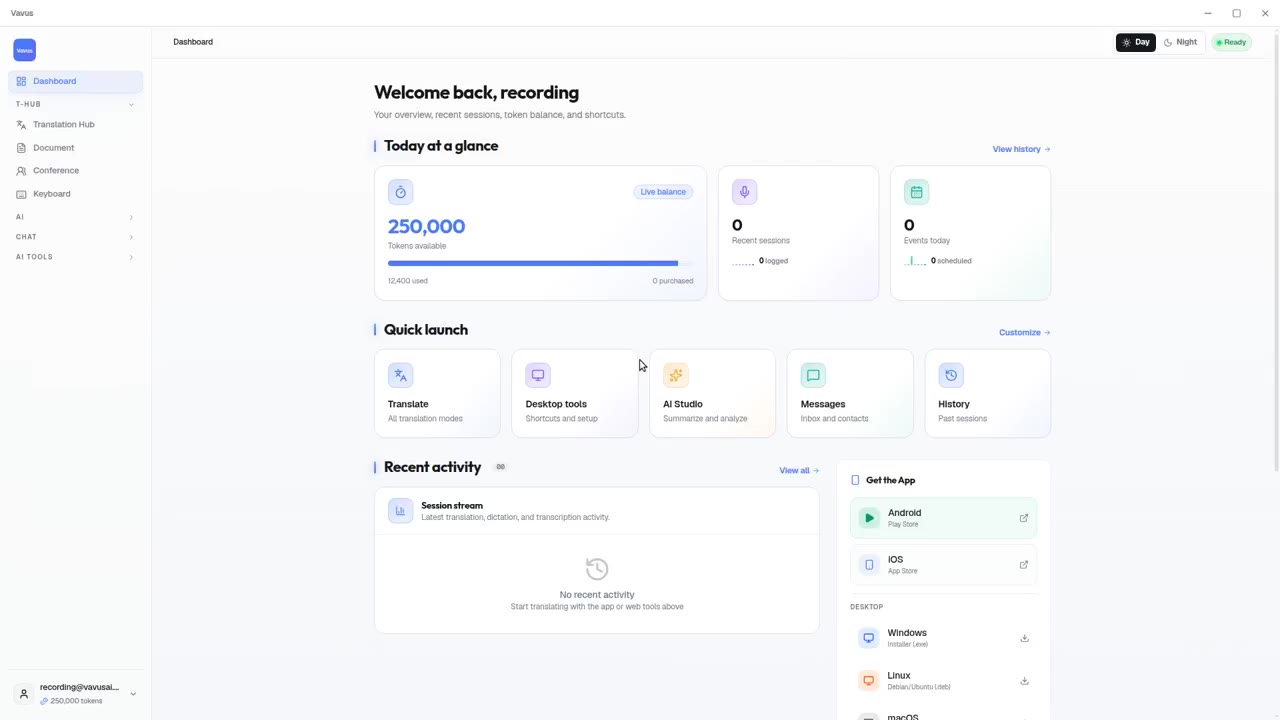
Vavus AI dashboard — your translation activity at a glance
Open Vavus AI. See what you translated, what is pending, what is next.