VAVUS
How people use Vavus
Vavus AI + Vavus Keyboard

Vavus for multilingual messaging

Vavus for multilingual messaging, built for families, communities, customer teams, creators, and operators: write, translate, reverse-translate, and keep message history clear across languages.
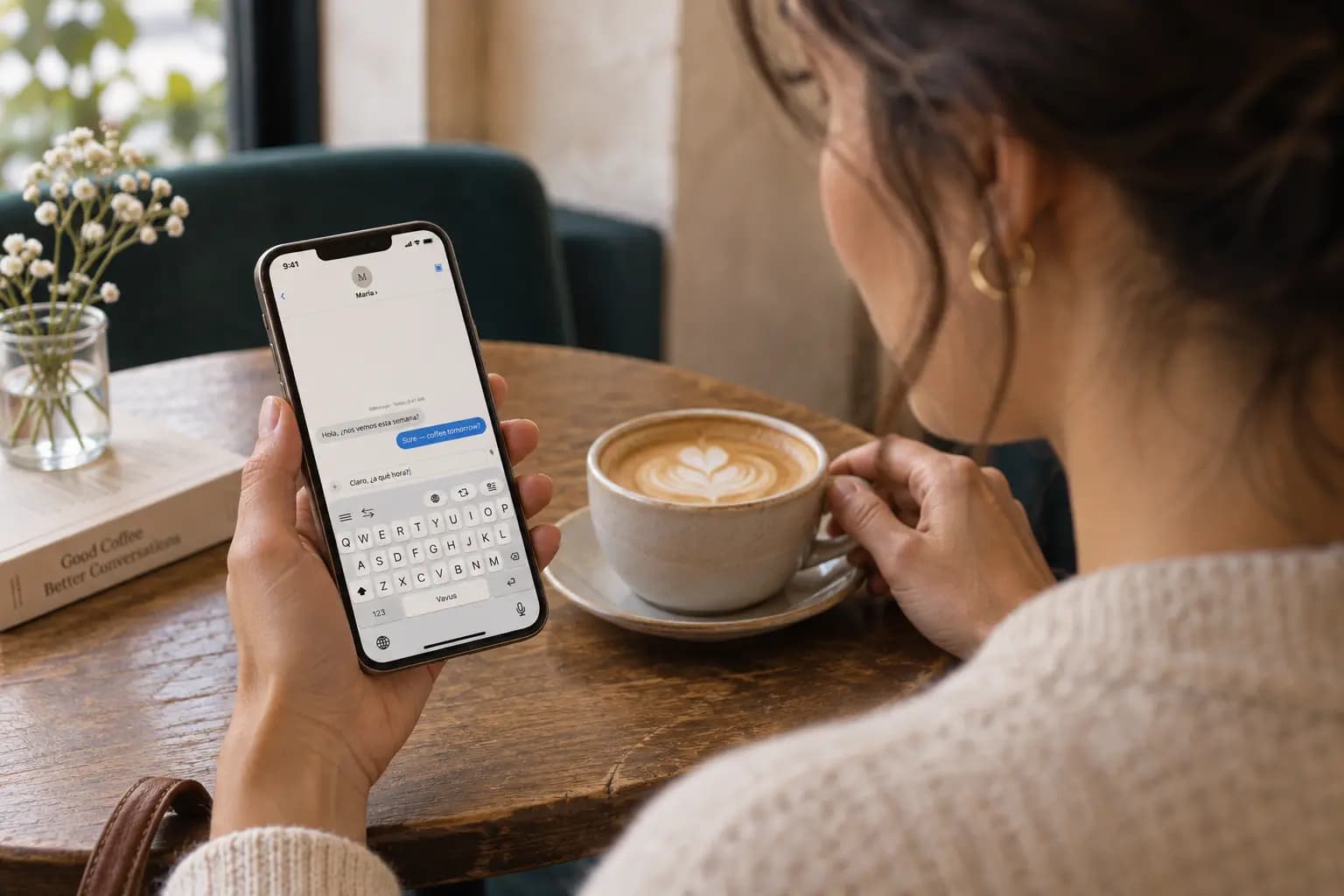
A woman using the Vavus keyboard on a phone held naturally at a cafe table
AI-generated illustrative scene.

What this is for

write, translate, reverse-translate, and keep message history clear across languages.

Vavus AI + Vavus Keyboard
Speak freelyHabla librementeParlez librementتحدث بحريةस्वतंत्र रूप से बोलें自由に話す자유롭게 말하세요Говорите свободноSpeak freelyHabla librementeParlez librementتحدث بحريةस्वतंत्र रूप से बोलें自由に話す자유롭게 말하세요Говорите свободно

What this is for

Most families, communities, customer teams, creators, and operators hit multilingual messaging the same way: an idea in one language, the recipient in another, and a tool gap in between.

The translation has to happen where the work already is — the message field, the call, the document, the keyboard you were already typing in.

Vavus puts that step inside the app you have open, so there is no copy-paste detour.

How it works

1. Start where multilingual messaging begins: speech, typed text, call audio, a document, a draft, or a meeting note.

2. Use Vavus AI + Vavus Keyboard where the task already lives — available tools depend on the product and device. Summarize, rewrite, and document workflows live inside Vavus AI.

3. Send the result back into the workflow. History stays attached to your account when follow-up matters.

4. Bring in a human review when the message touches care, safety, contracts, compliance, brand, or money.

How Vavus fits

Vavus AI + Vavus Keyboard does the work where multilingual messaging happens — the keyboard inside any text field, the app for full conversations, the desktop or web for files and saved history.

Use the same Vavus account across its products. Available features and saved information depend on the app you use.

Choose the product and plan for your needs. The standalone unlimited Keyboard plan and Concierge subscription are separate from Vavus AI plans.

When a human still matters

Fast translation works for everyday communication, drafts, and low-risk steps.

Human review still matters for clinical, legal, safety, financial, brand-sensitive, or high-value communication.

The product is built to let you mix both: fast paths for routine exchanges, an explicit review step before anything you cannot take back.

Common questions

Can Vavus help with multilingual messaging?

Yes. Vavus AI + Vavus Keyboard handles multilingual multilingual messaging on one Vavus account. Features depend on the product and device. Vavus AI provides messaging, calls, documents, and AI tools. Vavus Keyboard provides dictation, text translation, and writing tools through its mobile keyboard and desktop shortcuts.

Is multilingual messaging fully automatic?

Start the tool you need and review its output before using it. For sensitive or high-value work, include an appropriate professional review.

How do I get started?

Choose the product for your task. Open Vavus AI on the web or install its app. For Keyboard, download the app and set up your account inside it. Basic allowances and eligible trials vary by product; check its pricing page before subscribing.