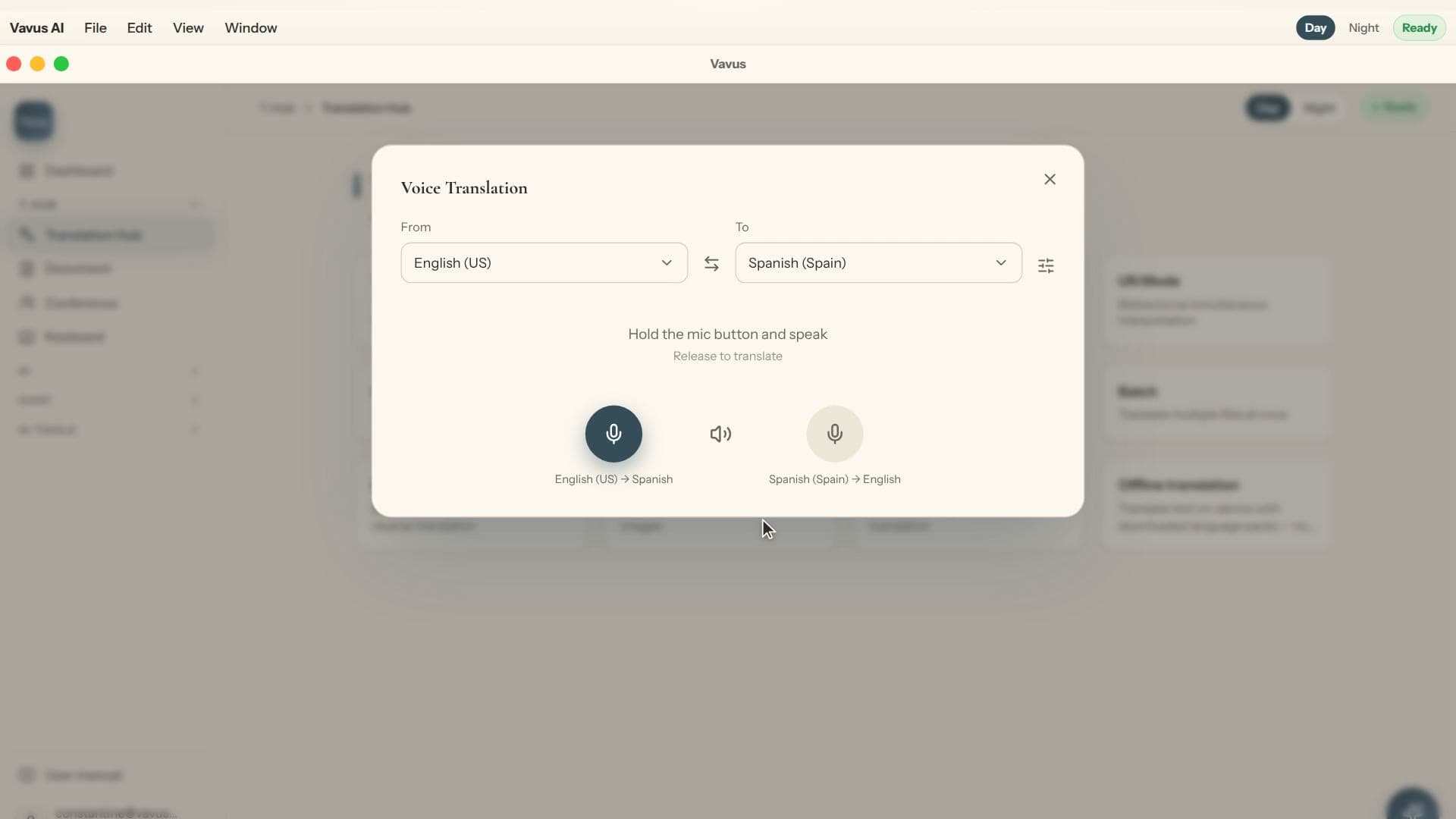
A good AI voice translation app is not just a recorder with a translate button. It has to hear many languages, choose the right transcription path, translate with context when context matters, and make the result usable in the place where the user is already working.
Vavus is built around that platform view. Vavus AI covers live translation, documents, messaging, calls, files, and history. Vavus Keyboard brings dictation and translation into text fields across desktop and mobile.
The short checklist
-Speech coverage: Broad speech-input coverage matters first. Vavus uses a broad streaming speech route for multilingual transcription, with specialized speech paths available when language, account posture, or mode calls for them.
-Translation depth: Fast standard translation is useful for simple phrases. AI translation is better when tone, intent, terminology, or longer context matters.
-Keyboard access: Translation should not be trapped inside one app. A keyboard and desktop hotkeys make it available in messages, documents, forms, CRMs, and support tools.
-Workflow memory: History, saved languages, phrase patterns, and document context turn translation from a one-off action into a repeatable work surface.
-Controls: Healthcare and enterprise buyers need audit trails, account roles, data handling review, and clear boundaries for approved PHI or business data use.
Why 200+ languages is only the beginning
Language count is a coverage promise, not a quality guarantee for every accent, acoustic environment, domain, and script. A practical platform should make the broad path available while still offering specialized routes when a task needs accuracy, speed, cost control, or compliance review.
For everyday use, that means a traveler can dictate a message, a support agent can translate a reply, and a clinic team can review a controlled workflow before patient-facing use. For organizations, it means language tools need the same operational thinking as the rest of the stack.
How Vavus fits
Vavus brings the full app and keyboard under one account. The goal is simple: speech, text, documents, messages, and calls should move through the same language layer instead of being scattered across disconnected tools.
FAQ
Is 200+ language support the same as perfect translation?
No. It means the platform has broad language coverage. Real-world quality still depends on audio quality, dialect, domain terms, language support, and the selected workflow.
When should I use AI translation instead of standard translation?
Use AI translation when tone, terminology, summarization, or longer context matters. Use standard translation when speed and simple literal translation are enough.
Why does keyboard access matter?
Most language friction happens inside other apps. Keyboard dictation and translation make the tool available where the text is being written.